This is an automated email from the ASF dual-hosted git repository.

jorisvandenbossche pushed a commit to branch master
in repository https://gitbox.apache.org/repos/asf/arrow.git
The following commit(s) were added to refs/heads/master by this push:
new 7b44e6140b ARROW-17753: [Python][Docs] Document cleaning for fixing
build environment issues (#14260)
7b44e6140b is described below
commit 7b44e6140bb35f3fb45fb32d439f0fff360509d6
Author: Anja Kefala <[email protected]>
AuthorDate: Fri Sep 30 06:28:31 2022 -0700
ARROW-17753: [Python][Docs] Document cleaning for fixing build environment
issues (#14260)
Authored-by: anjakefala <[email protected]>
Signed-off-by: Joris Van den Bossche <[email protected]>
---
docs/source/developers/python.rst | 40 +++++++++++++++++++++++++++++++++++++++
1 file changed, 40 insertions(+)
diff --git a/docs/source/developers/python.rst
b/docs/source/developers/python.rst
index c30efd2358..a3a987f640 100644
--- a/docs/source/developers/python.rst
+++ b/docs/source/developers/python.rst
@@ -636,6 +636,46 @@ Caveats
The Plasma component is not supported on Windows.
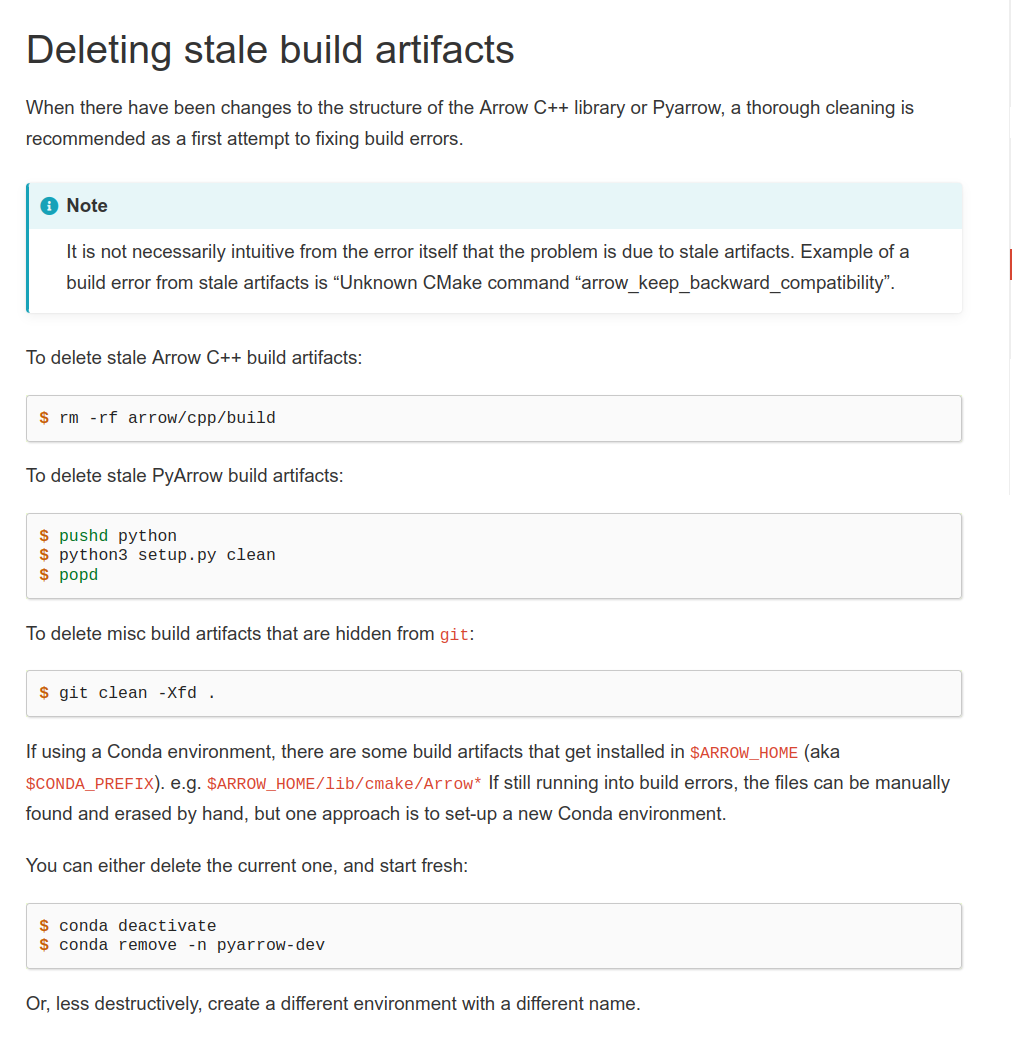
+Deleting stale build artifacts
+==============================
+
+When there have been changes to the structure of the Arrow C++ library or
PyArrow,
+a thorough cleaning is recommended as a first attempt to fixing build errors.
+
+.. note::
+
+ It is not necessarily intuitive from the error itself that the problem is
due to stale artifacts.
+ Example of a build error from stale artifacts is "Unknown CMake command
"arrow_keep_backward_compatibility"".
+
+To delete stale Arrow C++ build artifacts:
+
+.. code-block::
+
+ $ rm -rf arrow/cpp/build
+
+To delete stale PyArrow build artifacts:
+
+.. code-block::
+
+ $ git clean -Xfd python
+
+If using a Conda environment, there are some build artifacts that get
installed in
+``$ARROW_HOME`` (aka ``$CONDA_PREFIX``). For example,
``$ARROW_HOME/lib/cmake/Arrow*``,
+``$ARROW_HOME/include/arrow``, ``$ARROW_HOME/lib/libarrow*``, etc.
+
+These files can be manually deleted. If unsure which files to erase, one
approach
+is to recreate the Conda environment.
+
+Either delete the current one, and start fresh:
+
+.. code-block::
+
+ $ conda deactivate
+ $ conda remove -n pyarrow-dev
+
+Or, less destructively, create a different environment with a different name.
+
+
Installing Nightly Packages
===========================

