pavanaravapalli opened a new pull request #3638: UEFI Support on CloudStack URL: https://github.com/apache/cloudstack/pull/3638 ## Description To Enable UEFI Support for Guest VM's deployed on Hypervisors[ KVM, VMware] in Cloud Stack. <!-- For new features, provide link to FS, dev ML discussion etc. --> Refer below doc for more information. https://cwiki.apache.org/confluence/display/CLOUDSTACK/Enable+UEFI+booting+for+Instance <!-- In case of bug fix, the expected and actual behaviours, steps to reproduce. --> <!-- When "Fixes: #<id>" is specified, the issue/PR will automatically be closed when this PR gets merged --> <!-- For addressing multiple issues/PRs, use multiple "Fixes: #<id>" --> <!-- Fixes: # --> ## Types of changes <!--- What types of changes does your code introduce? Put an `x` in all the boxes that apply: --> - [ ] Breaking change (fix or feature that would cause existing functionality to change) - [x] New feature (non-breaking change which adds functionality) - [ ] Bug fix (non-breaking change which fixes an issue) - [ ] Enhancement (improves an existing feature and functionality) - [ ] Cleanup (Code refactoring and cleanup, that may add test cases) ## Screenshots (if appropriate): **KVM Host configuration** - Install OVMF package by following instruction from the link [here](https://access.redhat.com/documentation/en-us/red_hat_enterprise_linux/8/html-single/configuring_and_managing_virtualization/index) - Create uefi.properties file at location /etc/cloudstack/agent/uefi.properties - insert loader details with respective to the ovmf package would like to integrate. for example 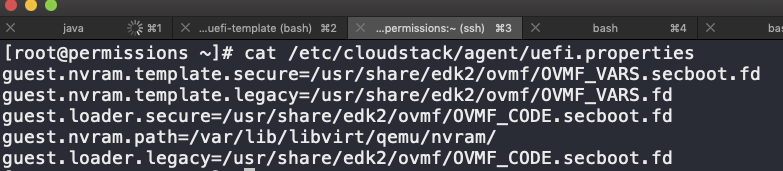 ## How Has This Been Tested? <!-- Please describe in detail how you tested your changes. --> **KVM** 1. Prepared KVM [ RHEL 8 ] host UEFI enabled by installing OVMF package and configuring libvirt with nvram params 2. Installed cloud stack agent rpm on KVM host. 3. Created & updated uefi.properties configuration file with UEFI params as describe above in "KVM Host Configuration". 4. Added KVM Host to a Cluster in Cloud Stack. 5. Prepared & registered 'Windows Server 2016' & 'Cent OS 7.x' [KVM] templates on to CloudStack. i.e UEFI enabled. 6. Deployed a VM [ boot options as UEFI -> Secure , UEFI -> Legacy ]with Windows Server 2016 template and verified the UEFI boot information. 7. Deployed a VM [ boot options as UEFI -> Secure , UEFI -> Legacy ]with Cent OS 7.x template and verified the UEFI boot information. Note: brctl-utils package is deprecated in RHEL 8. We have force installed epel7 rpm in RHEL 8 and configured KVM agent. VM Booting with UEFI firmware 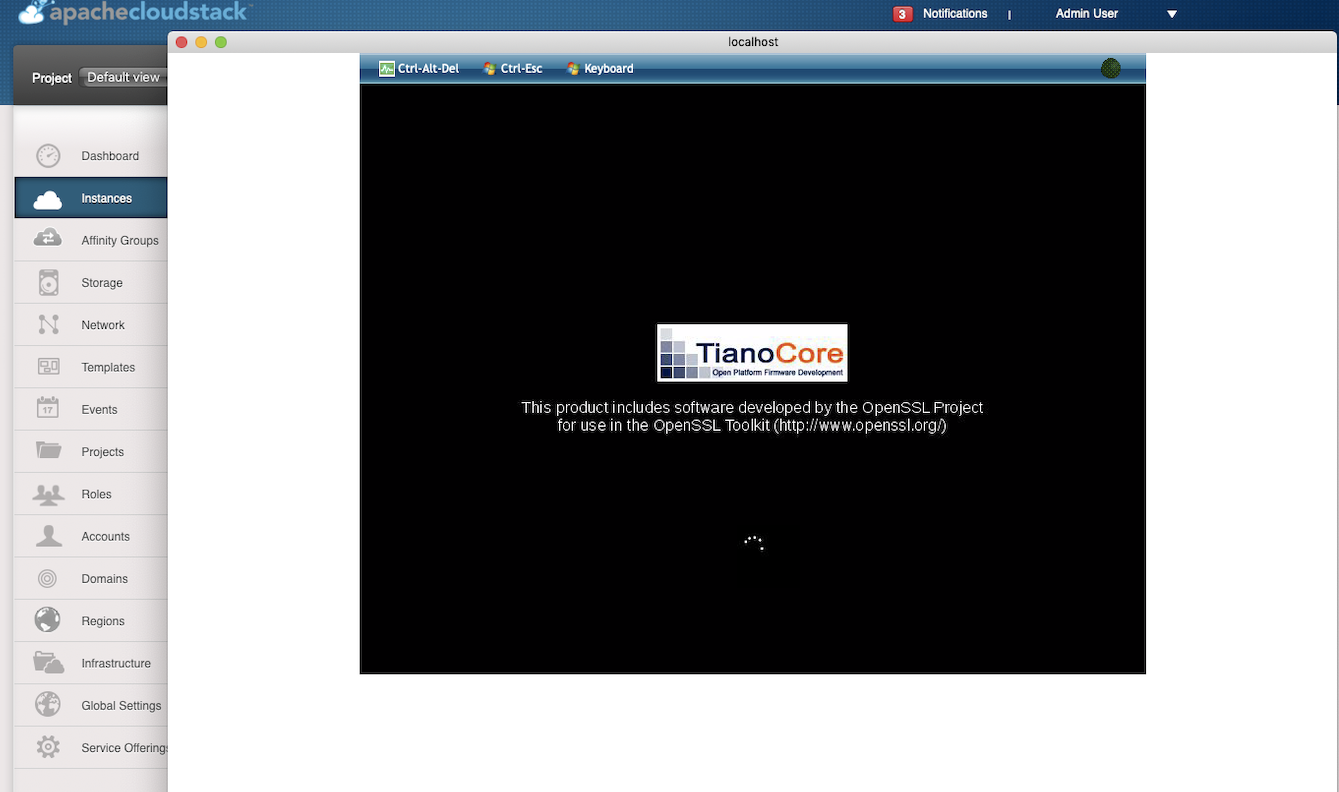 Windows Server 2016 VM Secure boot enabled 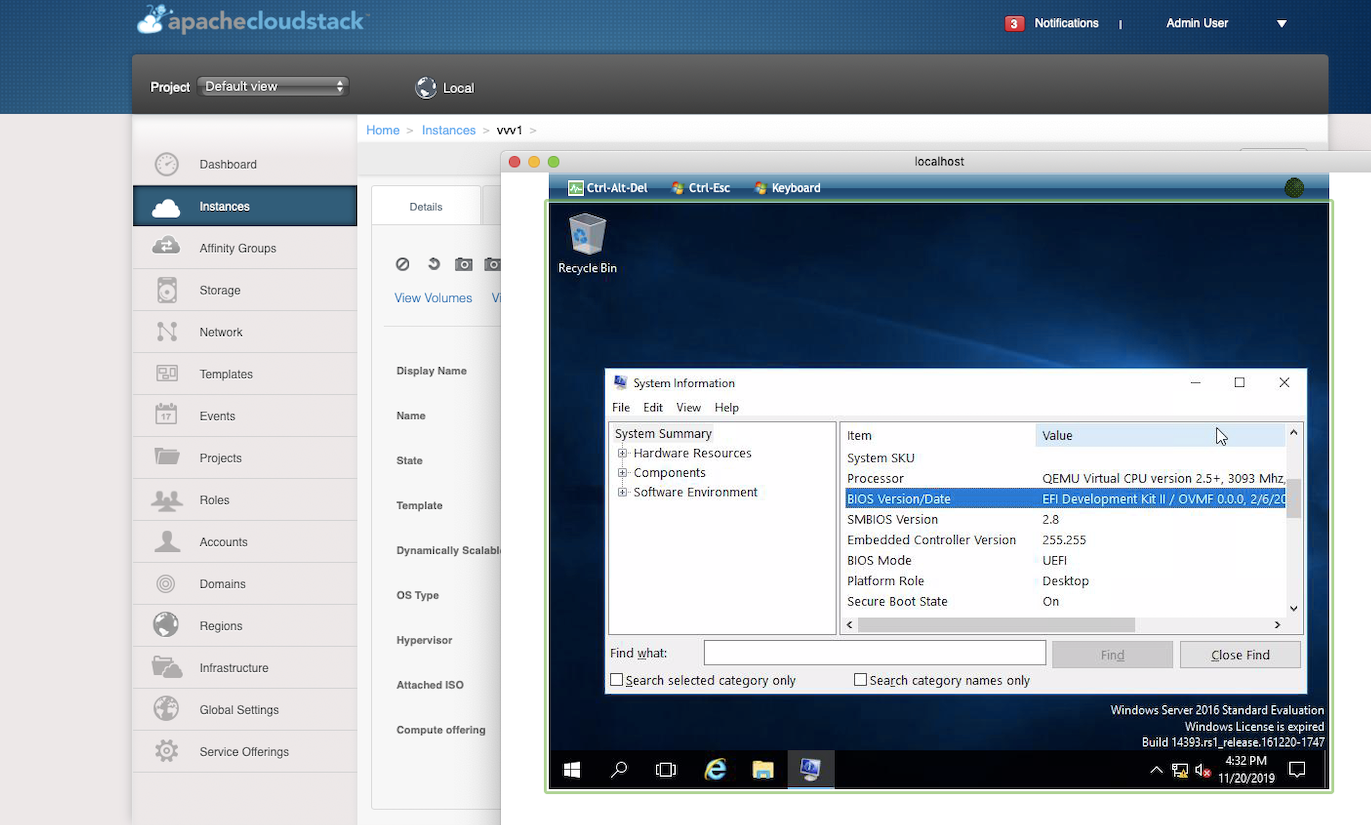 Windows Server 2016 VM Secure boot disabled 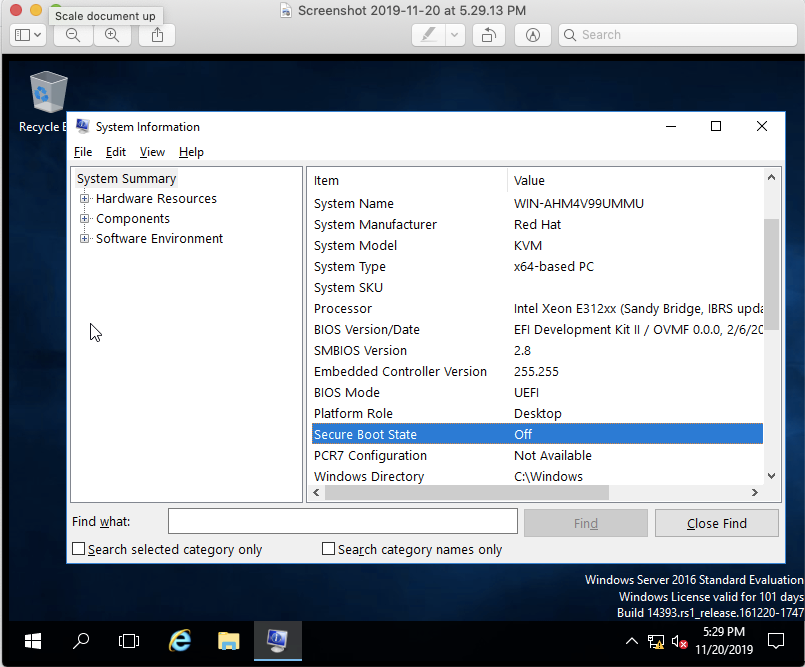 Cent OS 7 Linux : Secure boot enabled 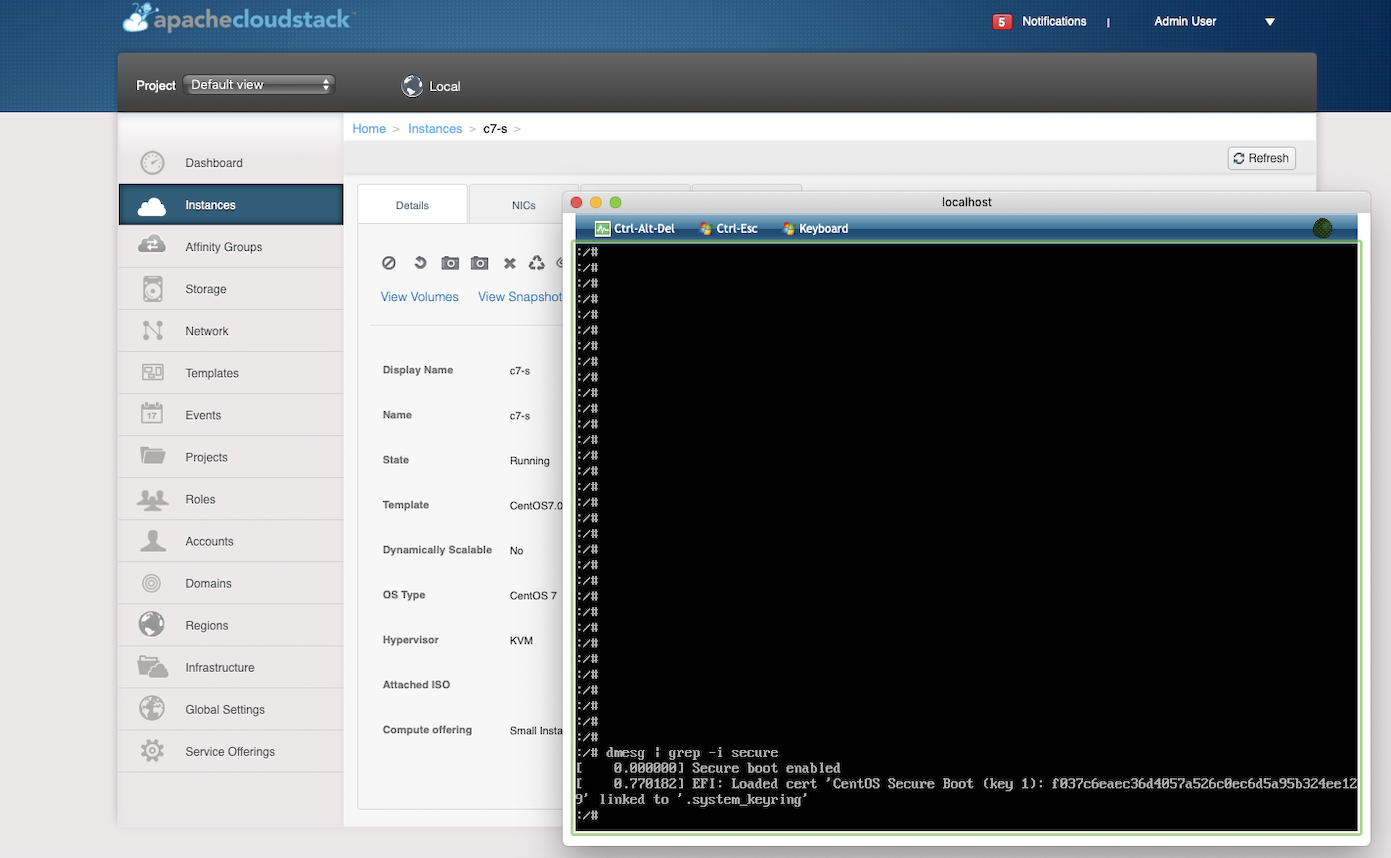 **VMware** 1. Added VMware ESXi[6.5] Host in Cloud Stack Vmware Cluster 2. Prepared & registered 'Windows Server 2016' [Vmware] templates on to CloudStack. i.e UEFI enabled. 3. Deployed a VM [ boot options as UEFI -> Secure , UEFI -> Legacy ]with Windows Server 2016 template and verified the UEFI boot information. Windows Server 2106 VM Secure boot disabled 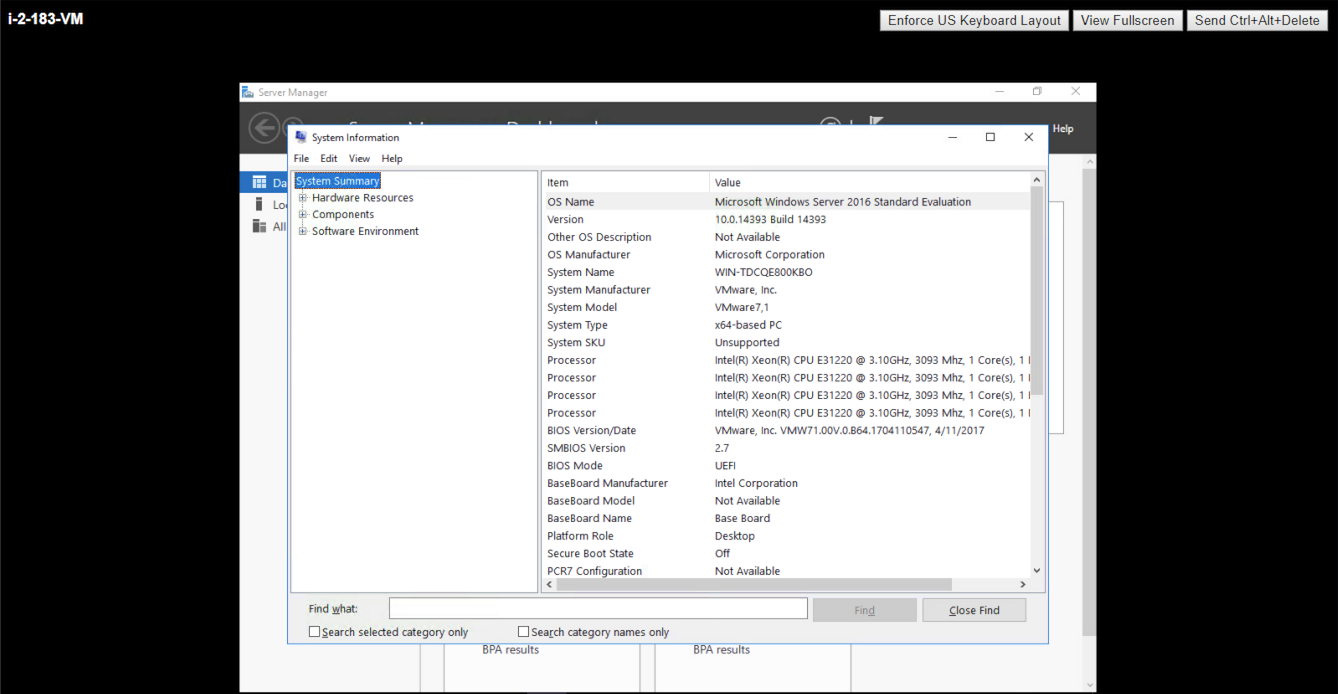 Windows Server 2106 VM Secure boot enabled 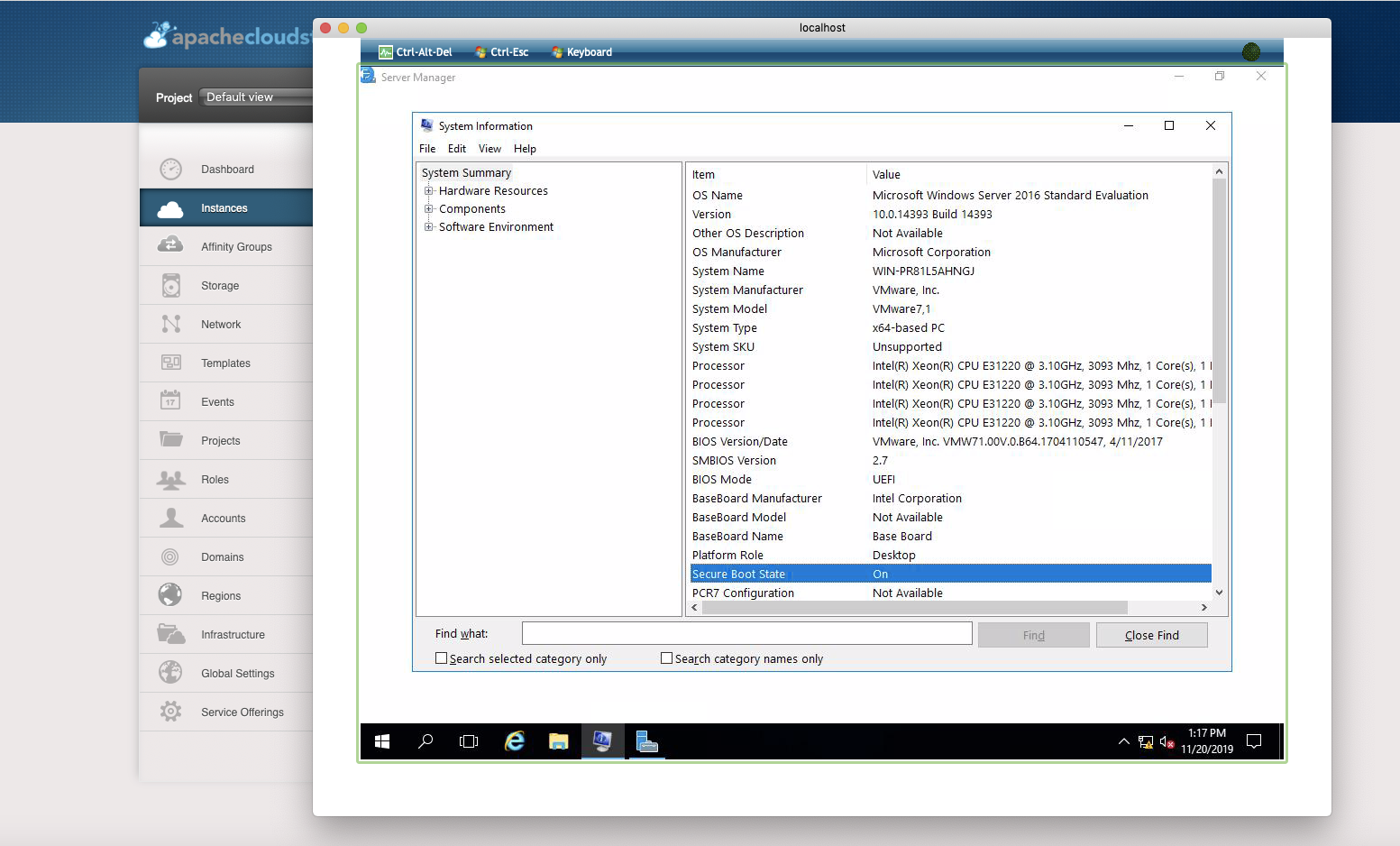 <!-- Include details of your testing environment, and the tests you ran to --> <!-- see how your change affects other areas of the code, etc. --> <!-- Please read the [CONTRIBUTING](https://github.com/apache/cloudstack/blob/master/CONTRIBUTING.md) document --> UEFI Enabled Host 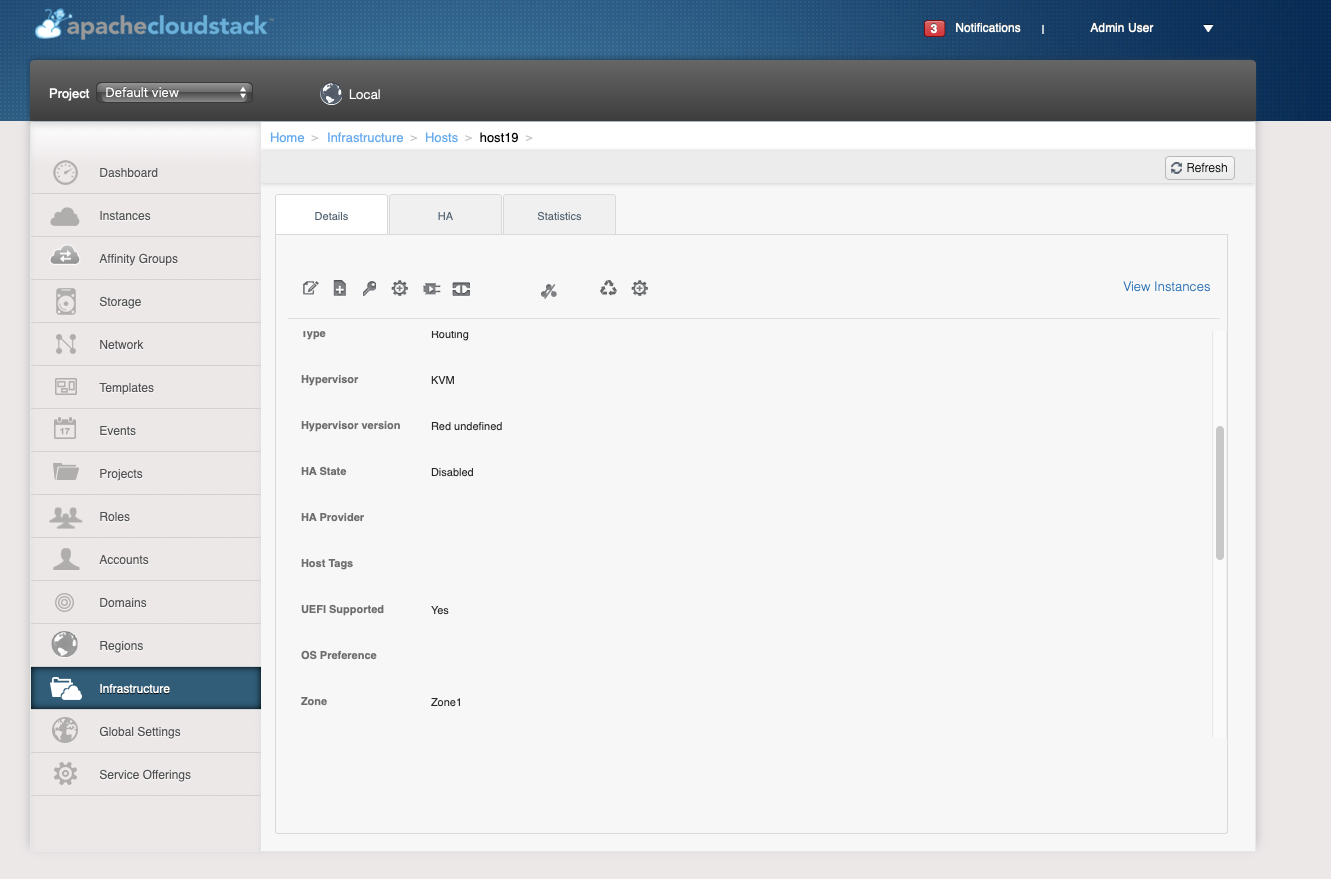 Guest VM Uefi Boot Details 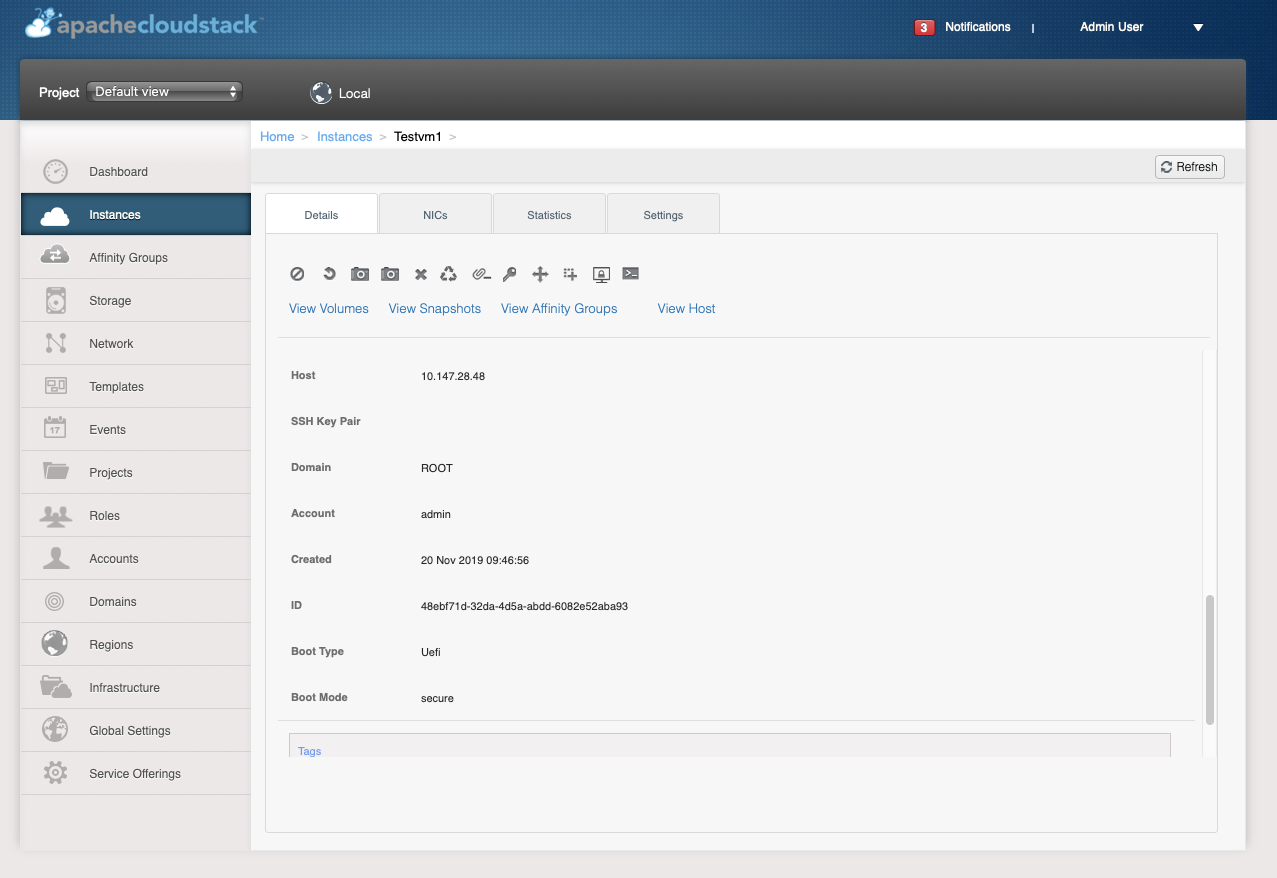
----------------------------------------------------------------
This is an automated message from the Apache Git Service.
To respond to the message, please log on to GitHub and use the
URL above to go to the specific comment.

For queries about this service, please contact Infrastructure at:
[email protected]


With regards,
Apache Git Services









