abdelouahabb edited a comment on issue #4595:
URL: https://github.com/apache/cloudstack/issues/4595#issuecomment-762993245
> > > > > @abdelouahabb > > > > > if you want to use a vm in virtualbox as host, you need to enable nested virtualization. > > > > > https://docs.oracle.com/en/virtualization/virtualbox/6.0/admin/nested-virt.html > > > > > > > > > > > > It is already enabled, here is the screenshot > > > > 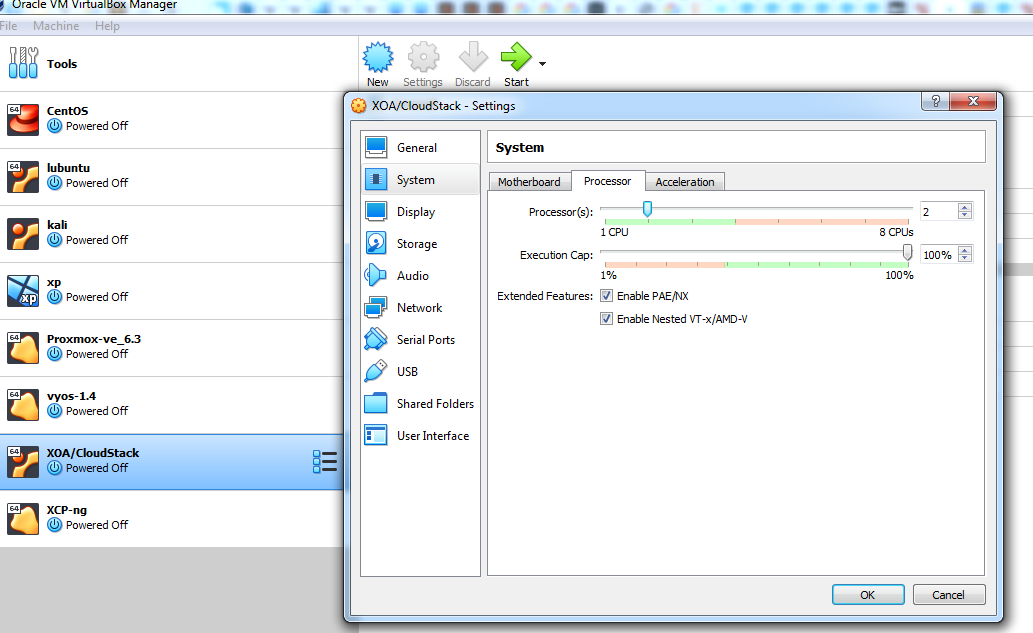 > > > > > > > > > @abdelouahabb > > > it looks there are issues with your cloudstack management server (192.168.1.85). > > > could you please check the log /var/log/cloudstack/management/management-server.log on 192.168.1.85 ? > > > > > > This is weird, the file is empty, and the error file from the systemctrl message dont exist but the service started ? > > 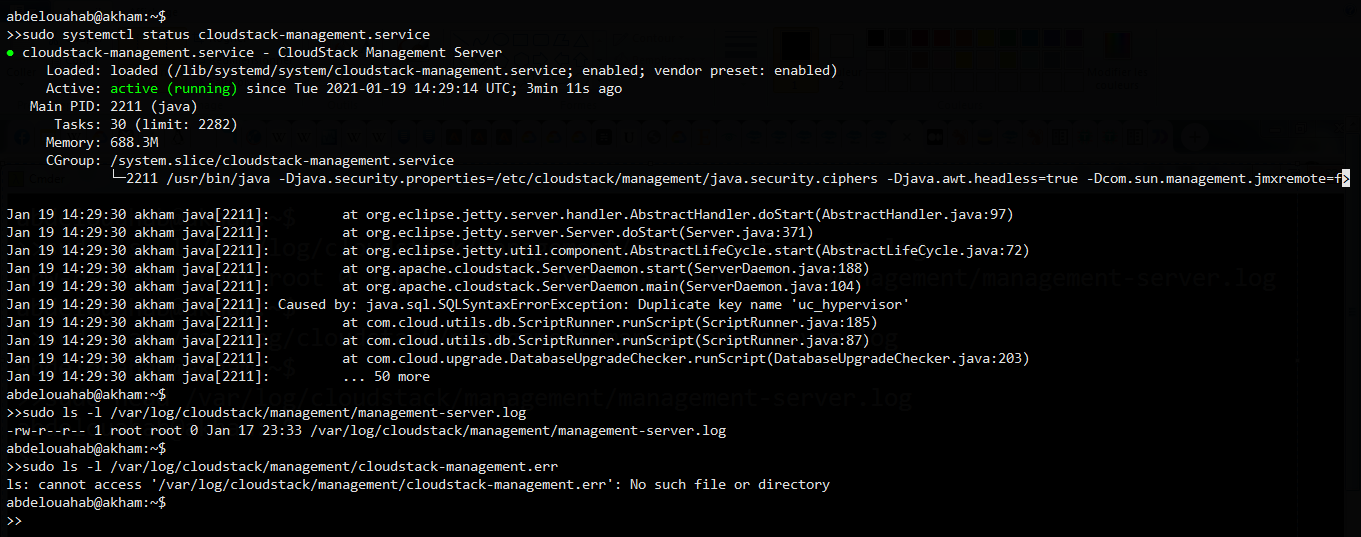 > > @abdelouahabb > I suggest you to setup the db again. it seems db is broken. > > refer to http://docs.cloudstack.apache.org/en/latest/installguide/management-server/index.html > Set up the database. The following command creates the “cloud” user on the database. > cloudstack-setup-databases cloud:@localhost --deploy-as=root: -e <encryption_type> -m <management_server_key> -k <database_key> -i <management_server_ip> That worked ! Thank you very much ! it seems I made a mistake by making the command `cloudstack-setup-databases cloud:some_password@some_distant_host`, I will try to make a script that detects this beginner error as the one i made ! Now i am getting some certifcates errors but this is fine ! Thank you again ! 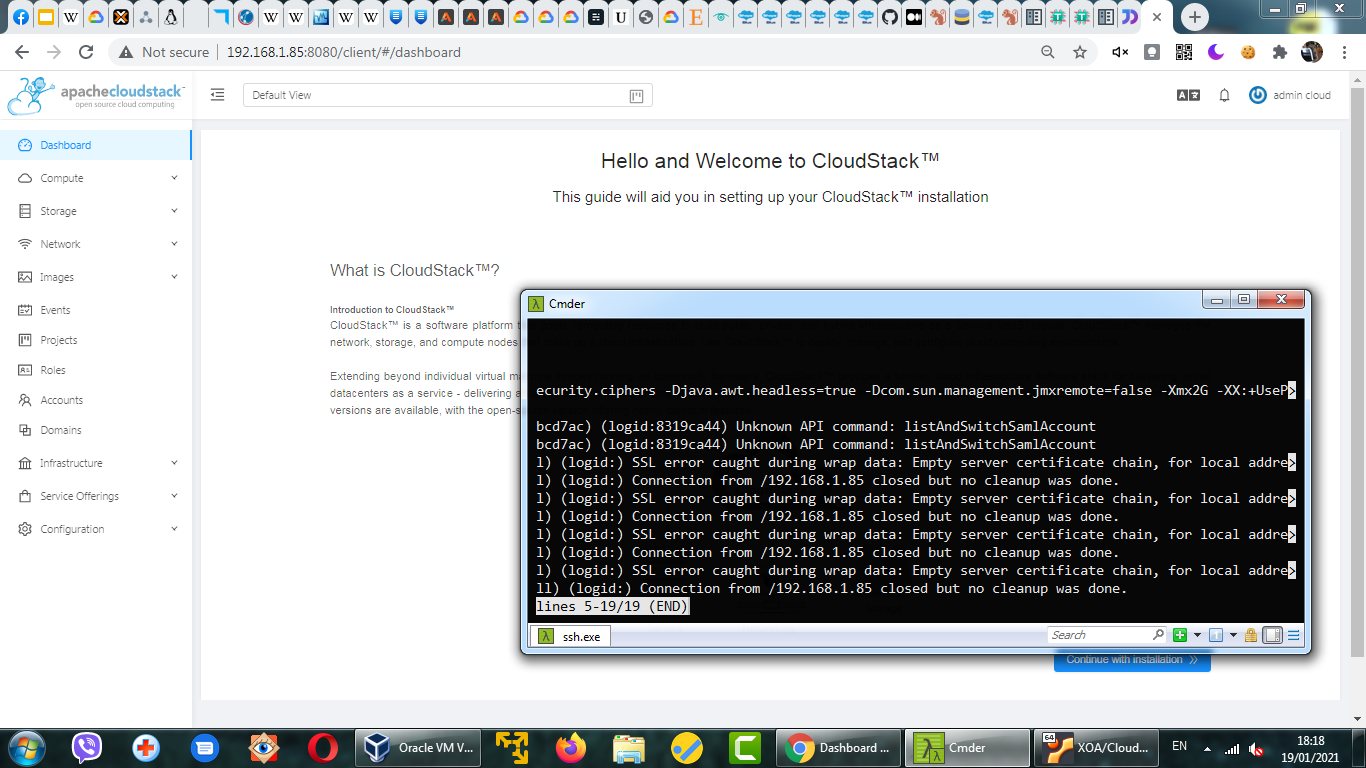 ---------------------------------------------------------------- This is an automated message from the Apache Git Service. To respond to the message, please log on to GitHub and use the URL above to go to the specific comment. For queries about this service, please contact Infrastructure at: [email protected]



