satcblue opened a new issue #3085:
URL: https://github.com/apache/incubator-dolphinscheduler/issues/3085
**Describe the bug** After zoom or drag the dag view, cant plcae node correctly and may be disappear **To Reproduce** Steps to reproduce the behavior, for example: 1. Go to 'project detail dag' 2. Scroll middle mouse button, zoom nodes 3. Drag new node into contaiment. (close to sidebar ) 4. See error, the new node diappear, or it cant place what we want. **Expected behavior** When we drag new node into contaiment, it should not disappear. Because we do the correct thing, but something wrong happen. **Screenshots** 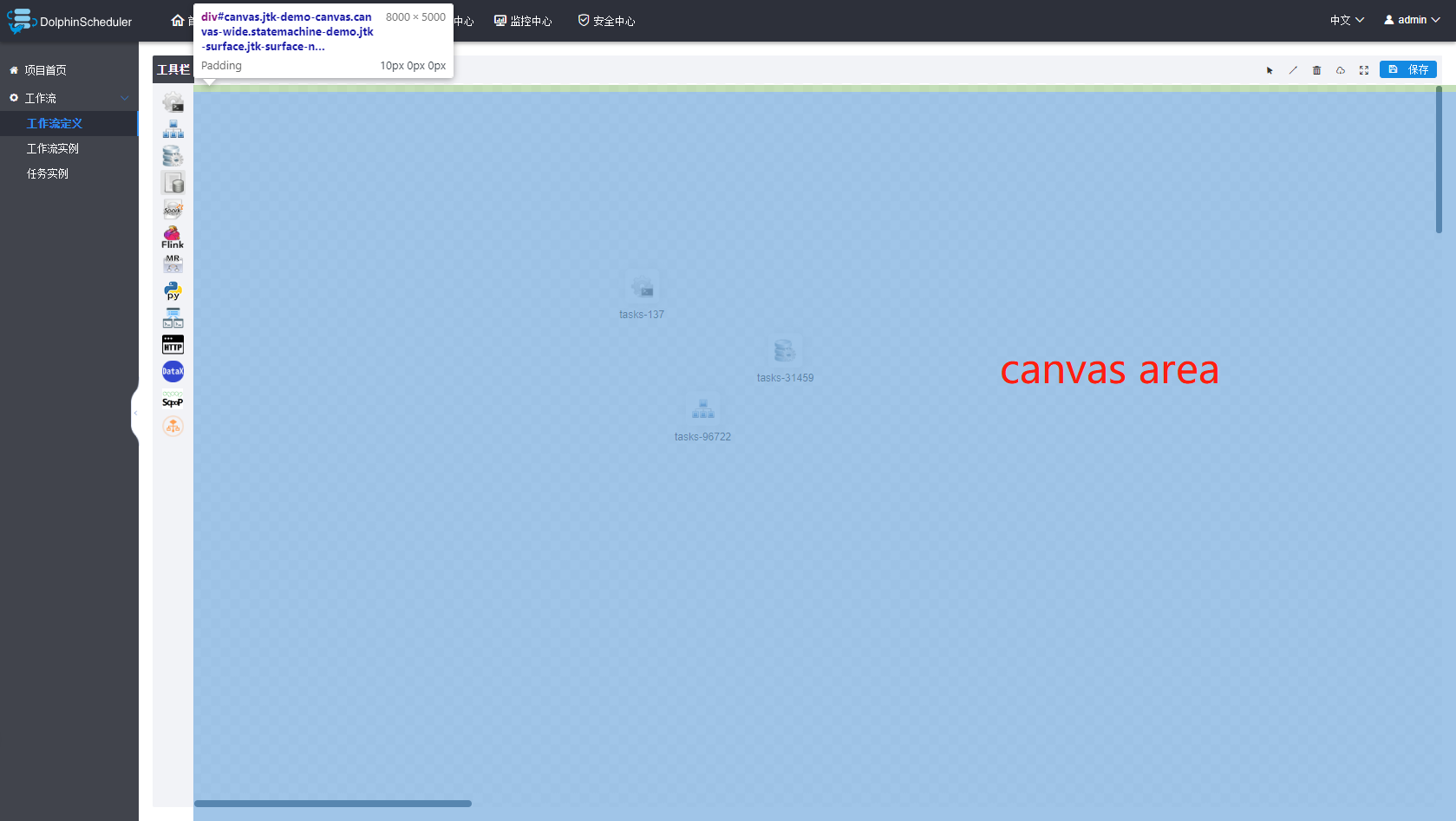 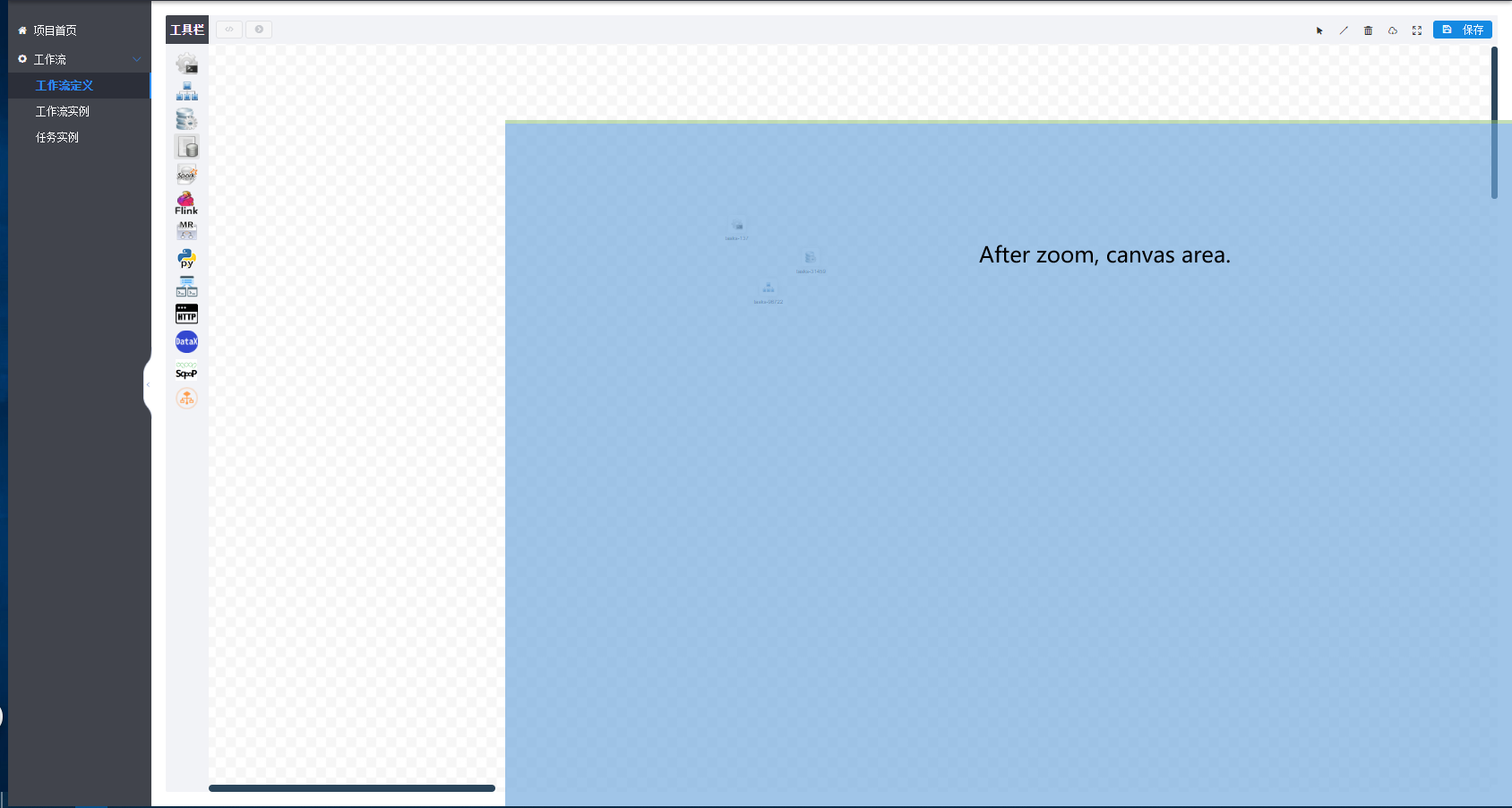 **Which version of Dolphin Scheduler:** -[1.2.0 to latest version ] **Additional context** After zooming (or drag #canvas element), the area of the canvas and the outer area do not fit, causing the drag to fail. I try to fix this problem. There has two ways. 1. use jsplumb nativie method to support zoom. 2. modify dragZoom.js code, change the zoom beahavior. I choose 2, I think this way lead to increased code complexity. Any suggetions? Should I create a PR? ---------------------------------------------------------------- This is an automated message from the Apache Git Service. To respond to the message, please log on to GitHub and use the URL above to go to the specific comment. For queries about this service, please contact Infrastructure at: [email protected]


