zhongjiajie opened a new issue #6129:
URL: https://github.com/apache/dolphinscheduler/issues/6129
**Describe the question**
I want to setup dev env in my laptop but failed with some error.
I following the [Development Environment Setup][1], everything find until
sections **Start the project**, When I run `MasterServer` in idea, it got error
as below
```log
...
Caused by: java.lang.IllegalArgumentException: plugin dir not exists !
lib/plugin/registry
at
org.apache.dolphinscheduler.spi.plugin.DolphinPluginManagerConfig.setInstalledPluginsDir(DolphinPluginManagerConfig.java:63)
at
org.apache.dolphinscheduler.service.registry.RegistryCenter.installRegistryPlugin(RegistryCenter.java:121)
at
org.apache.dolphinscheduler.service.registry.RegistryCenter.init(RegistryCenter.java:95)
at
org.apache.dolphinscheduler.service.registry.RegistryClient.<init>(RegistryClient.java:58)
at
org.apache.dolphinscheduler.service.registry.RegistryClient.<clinit>(RegistryClient.java:55)
... 37 more
```
After that I try running `StandaloneServer` in idea, both backend and
frontend work find, which mean machine and dependent are satisfy.
**Which version of DolphinScheduler:**
-[dev]
**Additional context**
OS: macOS 10.15.7
maven: 10.15.7
git branch: dev
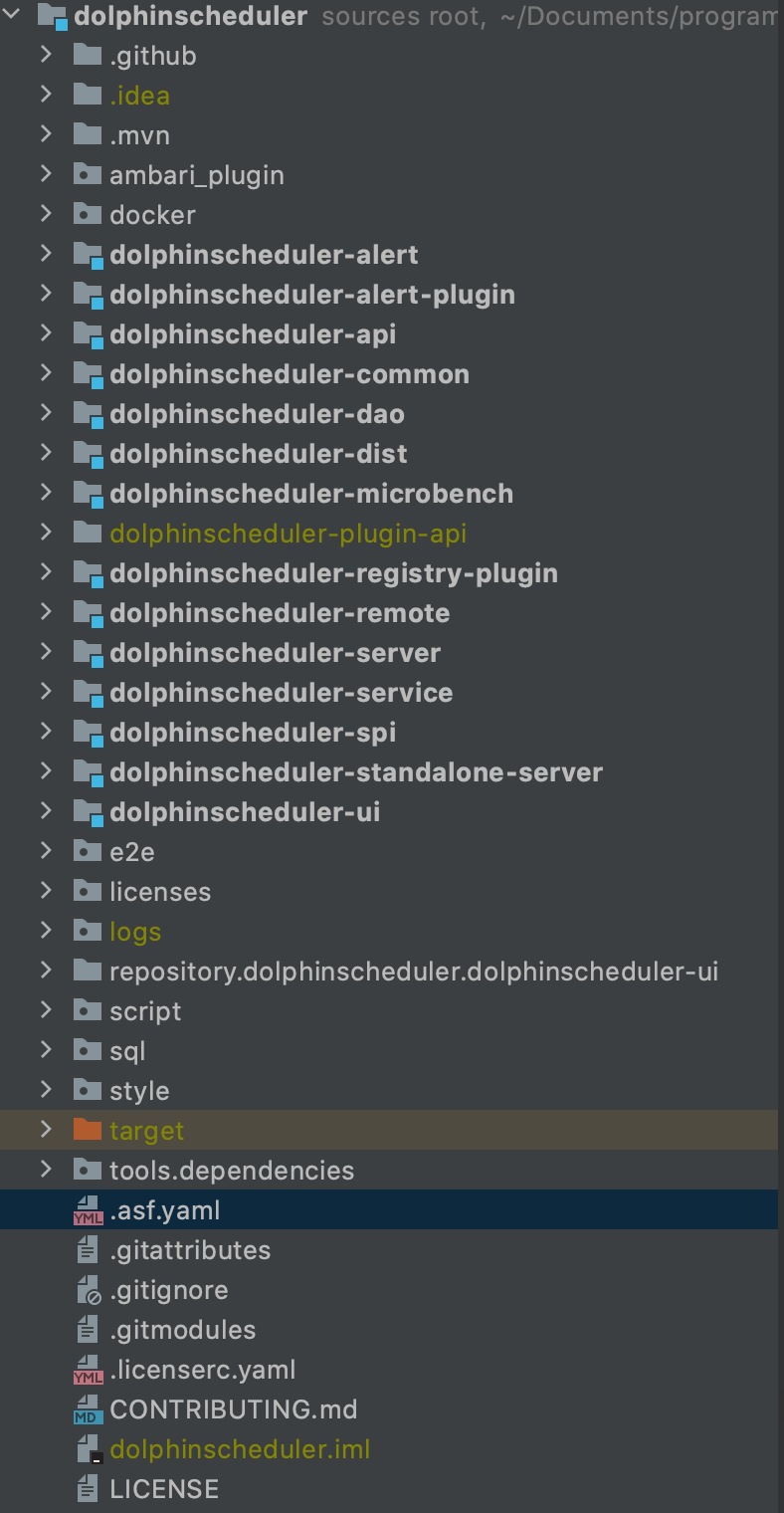
Before run `MasterServer` in idea, I run `mvn -U clean package -Prelease
-Dmaven.test.skip=true` but seem `lib` folder did not created?(not sure about
that)
[1]:
https://dolphinscheduler.apache.org/en-us/development/development-environment-setup.html
--
This is an automated message from the Apache Git Service.
To respond to the message, please log on to GitHub and use the
URL above to go to the specific comment.
To unsubscribe, e-mail: [email protected]
For queries about this service, please contact Infrastructure at:
[email protected]

