QuantumXiecao commented on issue #13592:
URL:
https://github.com/apache/dolphinscheduler/issues/13592#issuecomment-1441475889
@SbloodyS This problem is due to the docker image located in apache
repository is bad.
I think we should redistribute docker image as quickly as possible.
@zhmingyong Current solution is you could build image using Dockerfile
located in dolphin-scheduler source code using the following command:
docker build -t dolphin-api:latest -f src/main/docker/Dockerfile . (name
dolphin-api just for test)
And I modify docker-compose.yaml like follows:

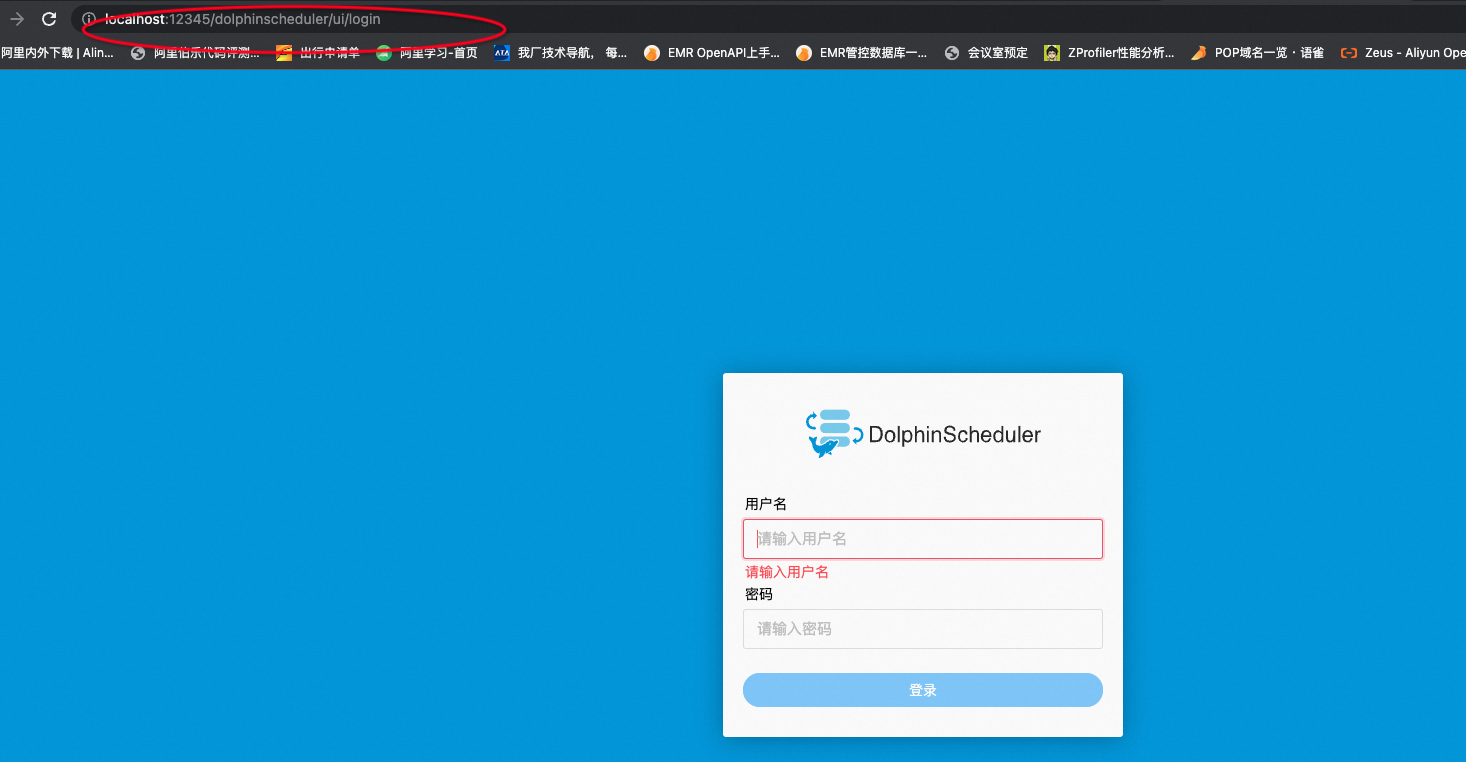
The dolphin login page display normally.
I think one possible problem is when building dolphinscheduler-api image it
has used the cached front-end files.
@SbloodyS Please rebuild the image like what I did and redistribute it!
--
This is an automated message from the Apache Git Service.
To respond to the message, please log on to GitHub and use the
URL above to go to the specific comment.
To unsubscribe, e-mail: [email protected]
For queries about this service, please contact Infrastructure at:
[email protected]


