QuantumXiecao commented on issue #13465:
URL:
https://github.com/apache/dolphinscheduler/issues/13465#issuecomment-1441483285
@SbloodyS @zhuangchong This problem is due to the docker image located in
apache repository is bad.
I think we should redistribute docker image as quickly as possible.
@qindisky Current solution is you could build image using Dockerfile located
in dolphin-scheduler source code using the following command:
docker build -t dolphin-api:latest -f src/main/docker/Dockerfile . (name
dolphin-api just for test)
Emphasize again: The last "." is very important and it specifies the PATH
for docker build context.
And I modify docker-compose.yaml like follows:

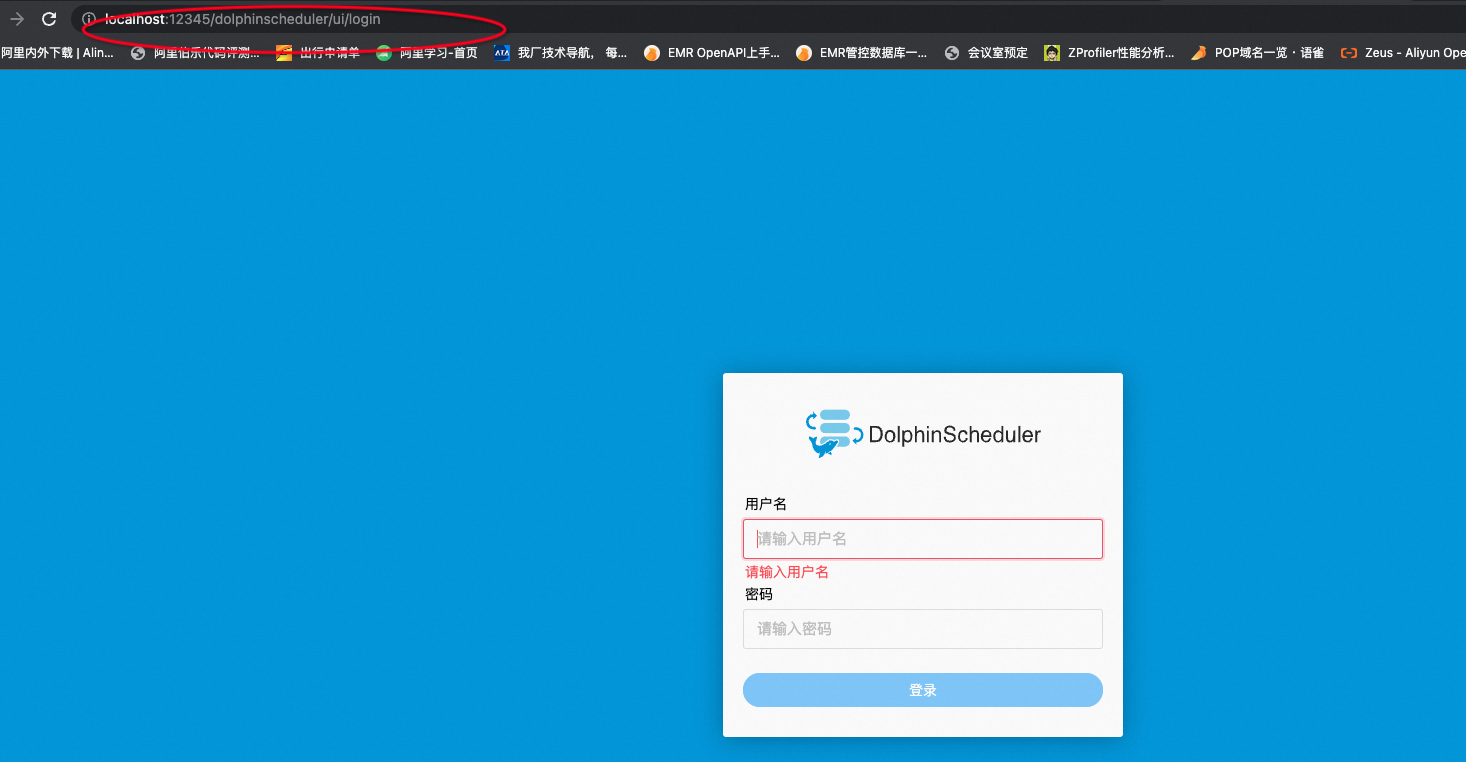
The dolphin login page display normally.
I think one possible problem is when building dolphinscheduler-api image it
has used the previously generated front-end files(NPM would always change the
resource name for each build process).
@SbloodyS Please rebuild the image like what I did and redistribute it!
--
This is an automated message from the Apache Git Service.
To respond to the message, please log on to GitHub and use the
URL above to go to the specific comment.
To unsubscribe, e-mail: [email protected]
For queries about this service, please contact Infrastructure at:
[email protected]


