This is an automated email from the ASF dual-hosted git repository.

haonan pushed a commit to branch dbeaver
in repository https://gitbox.apache.org/repos/asf/iotdb.git
commit 1ff718c70a1d370f86cdb4a3dae6e61ba155045a Author: HTHou <[email protected]> AuthorDate: Mon May 17 11:59:41 2021 +0800 Add DBeaver-IoTDB user guide --- docs/UserGuide/Ecosystem Integration/DBeaver.md | 71 ++++++++++++++++++++++ docs/zh/UserGuide/Ecosystem Integration/DBeaver.md | 71 ++++++++++++++++++++++ 2 files changed, 142 insertions(+) diff --git a/docs/UserGuide/Ecosystem Integration/DBeaver.md b/docs/UserGuide/Ecosystem Integration/DBeaver.md new file mode 100644 index 0000000..60dfb2a --- /dev/null +++ b/docs/UserGuide/Ecosystem Integration/DBeaver.md @@ -0,0 +1,71 @@ +<!-- + + Licensed to the Apache Software Foundation (ASF) under one + or more contributor license agreements. See the NOTICE file + distributed with this work for additional information + regarding copyright ownership. The ASF licenses this file + to you under the Apache License, Version 2.0 (the + "License"); you may not use this file except in compliance + with the License. You may obtain a copy of the License at + + http://www.apache.org/licenses/LICENSE-2.0 + + Unless required by applicable law or agreed to in writing, + software distributed under the License is distributed on an + "AS IS" BASIS, WITHOUT WARRANTIES OR CONDITIONS OF ANY + KIND, either express or implied. See the License for the + specific language governing permissions and limitations + under the License. + +--> + +## DBeaver + +DBeaver is a SQL client software application and a database administration tool. It can use the JDBC application programming interface (API) to interact with IoTDB via the JDBC driver. + +### DBeaver Installation + +* From DBeaver site: https://dbeaver.io/download/ + +### IoTDB Installation + +* Download binary version + * From IoTDB site: https://iotdb.apache.org/Download/ + * Version >= 0.13.0 +* Or compile from source code + * See https://github.com/apache/iotdb + +### Connect IoTDB and DBeaver + +1. Start IoTDB server + + ```shell + ./sbin/start-server.sh + ``` +2. Start DBeaver +3. Open Driver Manager +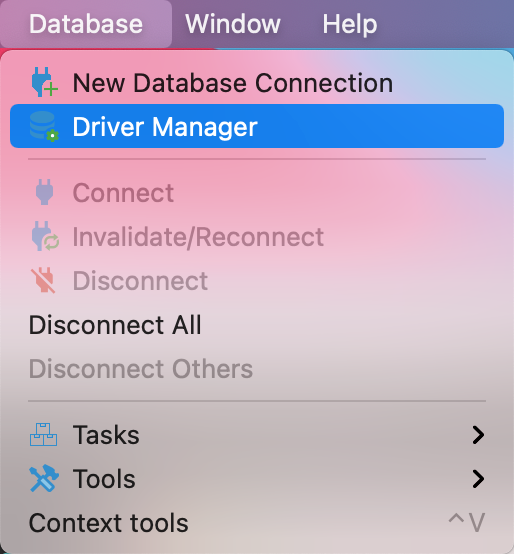 +4. Create a new driver type for IoTDB + 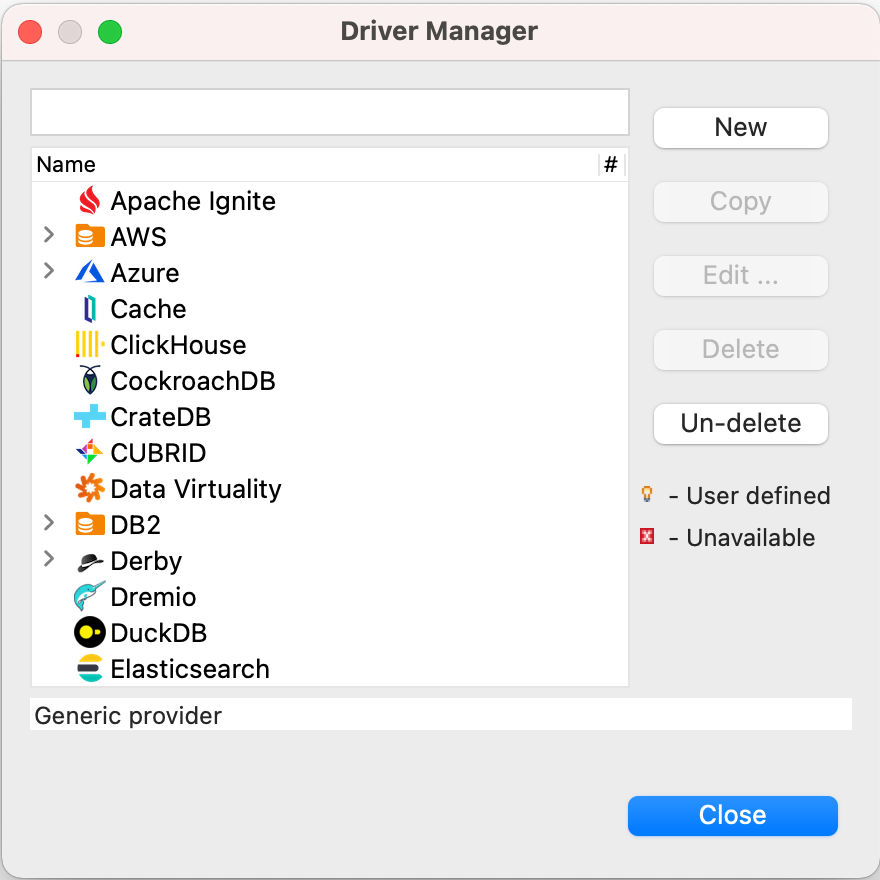 +5. Add libs listed below (can be found in CLI) and clict `Find Class` +  +6. Edit the driver Settings +  +7. Open New DataBase Connection and select iotdb + 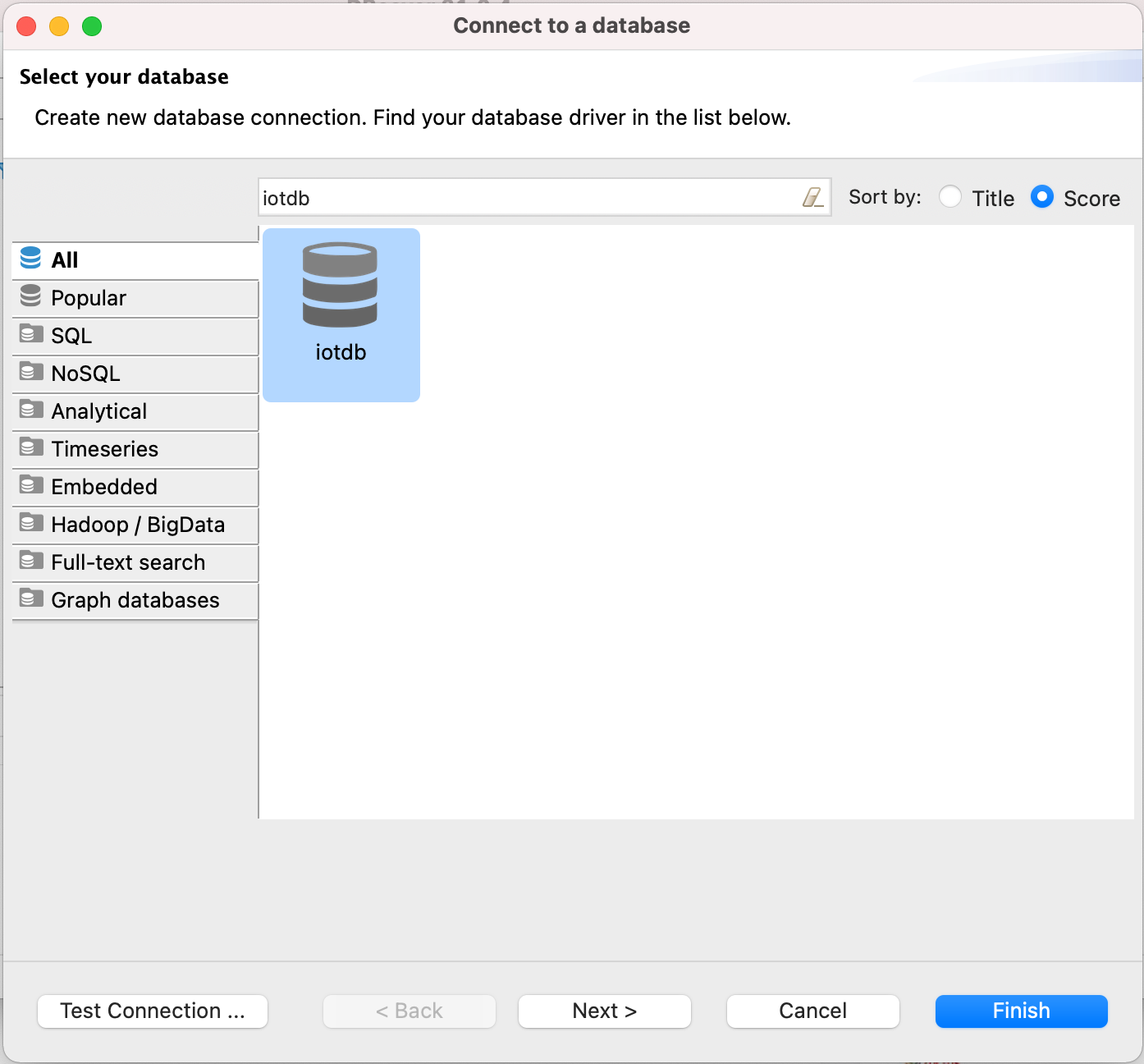 +8. Edit JDBC Connection Settings + + ``` + JDBC URL: jdbc:iotdb://127.0.0.1:6667/ + Username: root + Password: root + ``` + 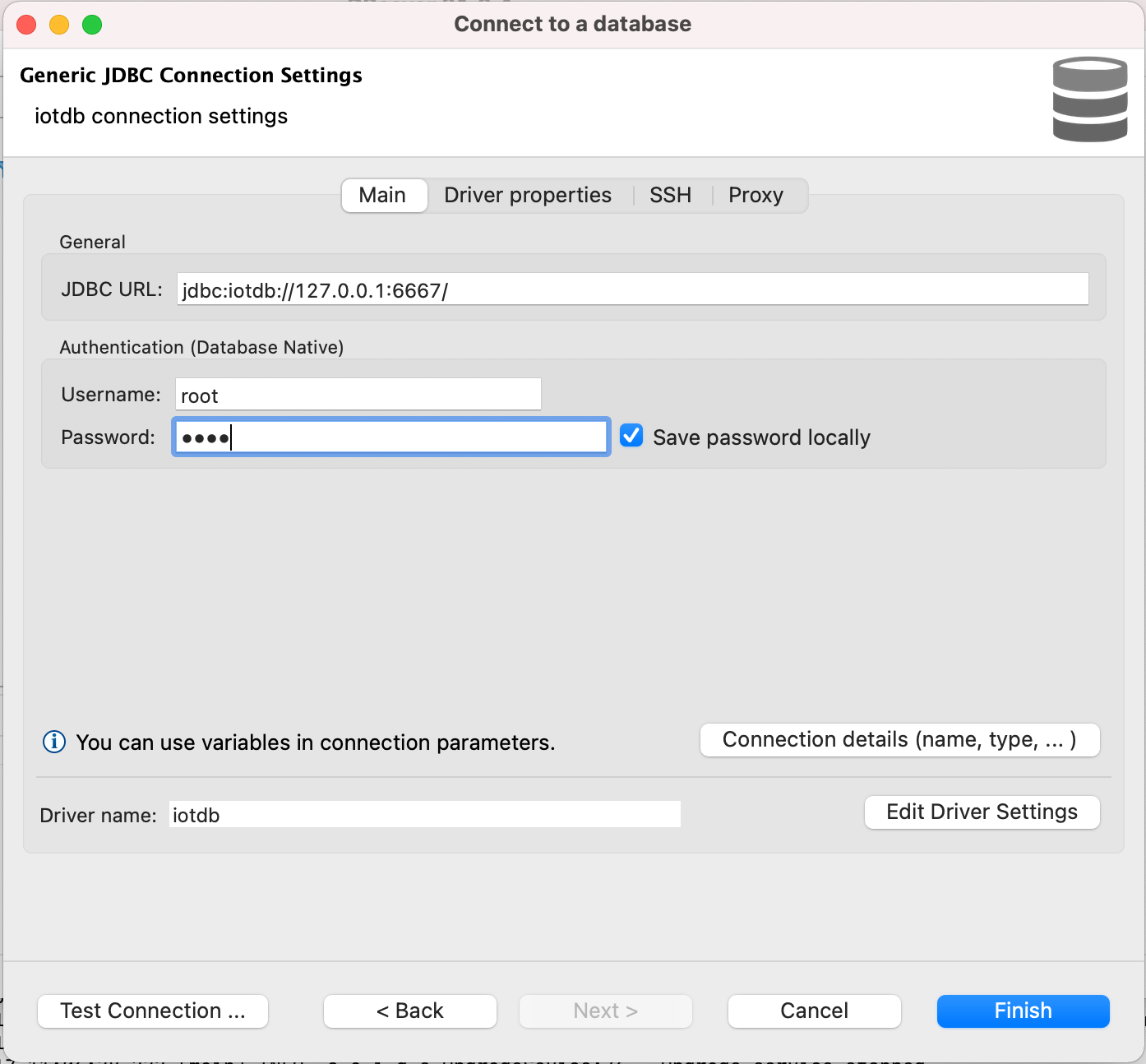 +9. Test Connection + +10. Enjoy IoTDB with DBeaver +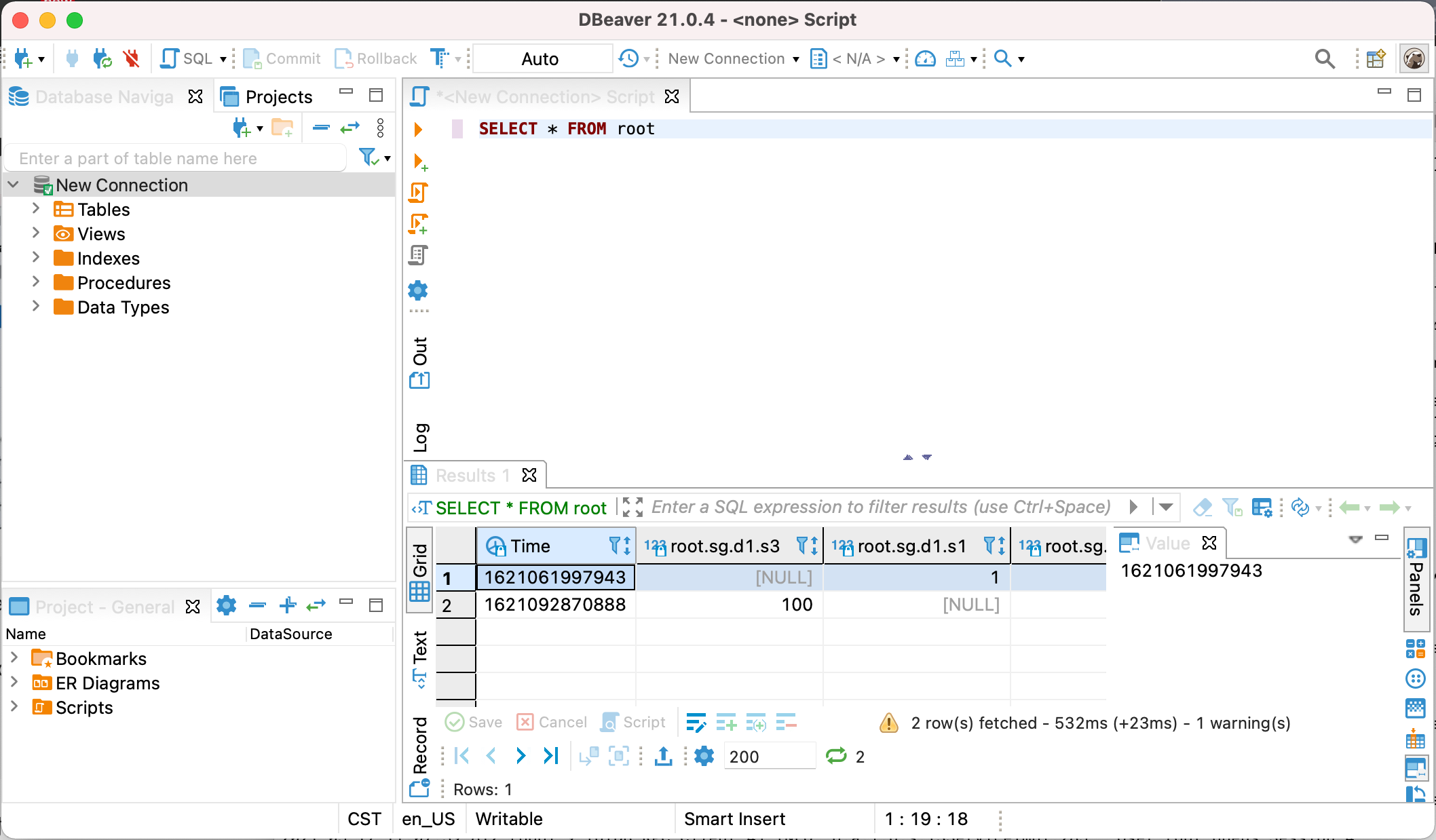 + + + + diff --git a/docs/zh/UserGuide/Ecosystem Integration/DBeaver.md b/docs/zh/UserGuide/Ecosystem Integration/DBeaver.md new file mode 100644 index 0000000..717e6db --- /dev/null +++ b/docs/zh/UserGuide/Ecosystem Integration/DBeaver.md @@ -0,0 +1,71 @@ +<!-- + + Licensed to the Apache Software Foundation (ASF) under one + or more contributor license agreements. See the NOTICE file + distributed with this work for additional information + regarding copyright ownership. The ASF licenses this file + to you under the Apache License, Version 2.0 (the + "License"); you may not use this file except in compliance + with the License. You may obtain a copy of the License at + + http://www.apache.org/licenses/LICENSE-2.0 + + Unless required by applicable law or agreed to in writing, + software distributed under the License is distributed on an + "AS IS" BASIS, WITHOUT WARRANTIES OR CONDITIONS OF ANY + KIND, either express or implied. See the License for the + specific language governing permissions and limitations + under the License. + +--> + +## DBeaver + +DBeaver是一个SQL客户端和数据库管理工具。DBeaver可以使用IoTDB的JDBC驱动与IoTDB进行交互。 + +### DBeaver安装 + +* DBeaver 下载地址: https://dbeaver.io/download/ + +### IoTDB 安装 + +* 下载IoTDB二进制版本 + * IoTDB 下载地址: https://iotdb.apache.org/Download/ + * 版本 >= 0.13.0 +* 或者从源代码中编译 + * 参考 https://github.com/apache/iotdb + +### 连接IoTDB与DBeaver + +1. 启动 IoTDB 服务 + + ```shell + ./sbin/start-server.sh + ``` +2. 启动 DBeaver +3. 打开 Driver Manager + +4. 为IoTDB新建一个驱动类型 +  +5. 添加下图中的这些库 (可以在CLI文件夹下找到),点击 `Find Class` +  +6. 编辑驱动设置 +  +7. 新建 DataBase Connection, 选择 iotdb +  +8. 编辑JDBC连接设置 + + ``` + JDBC URL: jdbc:iotdb://127.0.0.1:6667/ + Username: root + Password: root + ``` +  +9. 测试连接 + +10. 可以开始通过DBeaver使用IoTDB + + + + +








