aaronmarkham commented on a change in pull request #11037: Website landing page
for MMS
URL: https://github.com/apache/incubator-mxnet/pull/11037#discussion_r192458150
 ##########
 File path: docs/mms/index.md
 ##########
 @@ -0,0 +1,107 @@
+# Model Server for Apache MXNet (incubating)
+
+[Model Server for Apache MXNet
(incubating)](https://github.com/awslabs/mxnet-model-server), otherwise known
as MXNet Model Server (MMS), is an open source project aimed at providing a
simple yet scalable solution for model inference. It is a set of command line
tools for packaging model archives and serving them. The tools are written in
Python, and have been extended to support containers for easy deployment and
scaling. MMS also supports basic logging and advanced metrics with AWS
CloudWatch integration.
+
+
+## Multi-Framework Model Support with ONNX
+
+MMS supports both *symbolic* MXNet and *imperative* Gluon models. While the
name implies that MMS is just for MXNet, it is in fact much more flexible, as
it can support models in the [ONNX](https://onnx.ai) format. This means that
models created and trained in PyTorch, Caffe2, or other ONNX-supporting
frameworks can be served with MMS.
+
+To find out more about MXNet's support for ONNX models and using ONNX with
MMS, refer to the following resources:
+
+* [MXNet-ONNX Docs](../api/python/contrib/onnx.md)
+* [Export an ONNX Model to Serve with
MMS](https://github.com/awslabs/mxnet-model-server/docs/export_from_onnx.md)
+
+## Getting Started
+
+To install MMS with ONNX support, make sure you have Python installed, then
for Ubuntu run:
+
+```bash
+sudo apt-get install protobuf-compiler libprotoc-dev
+pip install mxnet-model-server
+```
+
+Or for Mac run:
+
+```bash
+conda install -c conda-forge protobuf
+pip install mxnet-model-server
+```
+
+
+## Serving a Model
+
+To serve a model you must first create or download a model archive. Visit the
[model zoo](https://github.com/awslabs/mxnet-model-server/docs/model_zoo.md) to
browse the free models. MMS options can be explored as follows:
+
+```bash
+mxnet-model-server --help
+```
+
+Here is an easy example for serving an object classification model. You can
use any URI and the model will be downloaded first, then served from that
location:
+
+```bash
+mxnet-model-server \
+  --models
squeezenet=https://s3.amazonaws.com/model-server/models/squeezenet_v1.1/squeezenet_v1.1.model
+```
+
+
+### Test Inference on a Model
+
+Assuming you have run the previous `mxnet-model-server` command to start
serving the object classification model, you can now upload an image to its
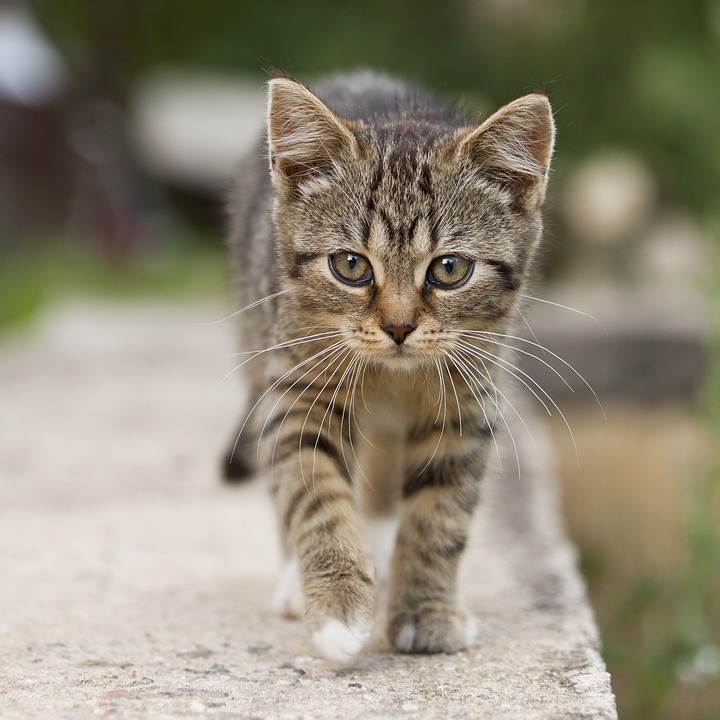
`predict` REST API endpoint. The following will download a picture of a kitten,
then upload it to the prediction endpoint.
+
+```bash
+curl -O https://s3.amazonaws.com/model-server/inputs/kitten.jpg
+curl -X POST http://127.0.0.1:8080/squeezenet/predict -F "[email protected]"
+```
+
+The predict endpoint will return a prediction response in JSON. It will look
something like the following result:
+
+```
+{
+  "prediction": [
+    [
+      {
+        "class": "n02124075 Egyptian cat",
+        "probability": 0.9408261179924011
+      },
+...
+```
+
+For more examples of serving models visit the following resources:
+
+* [Quickstart: Model
Serving](https://github.com/awslabs/mxnet-model-server/README.md#serve-a-model)
+* [Running the Model
Server](https://github.com/awslabs/mxnet-model-server/docs/server.md)
+
+
+## Create a Model Archive
+
+Creating a model archive involves rounding up the required model artifacts,
then using the `mxnet-model-export` command line interface. As the process for
creating archives is likely to evolve as the project adds features it is
recommended that you review the following resources to get the latest
instructions:
+
+* [Quickstart: Export a
Model](https://github.com/awslabs/mxnet-model-server/README.md#export-a-model)
+* [Model
Artifacts](https://github.com/awslabs/mxnet-model-server/docs/export_model_file_tour.md)
+* [Loading and Serving Gluon
Models](https://github.com/awslabs/mxnet-model-server/tree/master/examples/gluon_alexnet)
+* [Creating a MMS Model Archive from an ONNX
Model](https://github.com/awslabs/mxnet-model-server/docs/export_from_onnx.md)
+* [Create an ONNX model (that will run with MMS) from
PyTorch](https://github.com/onnx/onnx-mxnet/blob/master/README.md#quick-start)
+
+
+## Using Containers

 Review comment:
   I added a docker pull command and a link to the parent on docker hub. I
think it would be nicer to have an actual organization page and have the repos
listed there. One stop shopping, but this should be fine for now!

----------------------------------------------------------------
This is an automated message from the Apache Git Service.
To respond to the message, please log on GitHub and use the
URL above to go to the specific comment.

For queries about this service, please contact Infrastructure at:
[email protected]


With regards,
Apache Git Services