lanking520 closed pull request #13361: Updated the paths for images for java
tutorial
URL: https://github.com/apache/incubator-mxnet/pull/13361
This is a PR merged from a forked repository. As GitHub hides the original diff on merge, it is displayed below for the sake of provenance: As this is a foreign pull request (from a fork), the diff is supplied below (as it won't show otherwise due to GitHub magic): diff --git a/docs/tutorials/java/mxnet_java_on_intellij.md b/docs/tutorials/java/mxnet_java_on_intellij.md index d9a21599800..cf2be7c05e5 100644 --- a/docs/tutorials/java/mxnet_java_on_intellij.md +++ b/docs/tutorials/java/mxnet_java_on_intellij.md @@ -52,11 +52,11 @@ Choose the Maven project type. Select the checkbox for `Create from archetype`, then choose `org.apache.maven.archetypes:maven-archetype-quickstart` from the list below. More on this can be found on a Maven tutorial : [Maven in 5 Minutes](https://maven.apache.org/guides/getting-started/maven-in-five-minutes.html). - +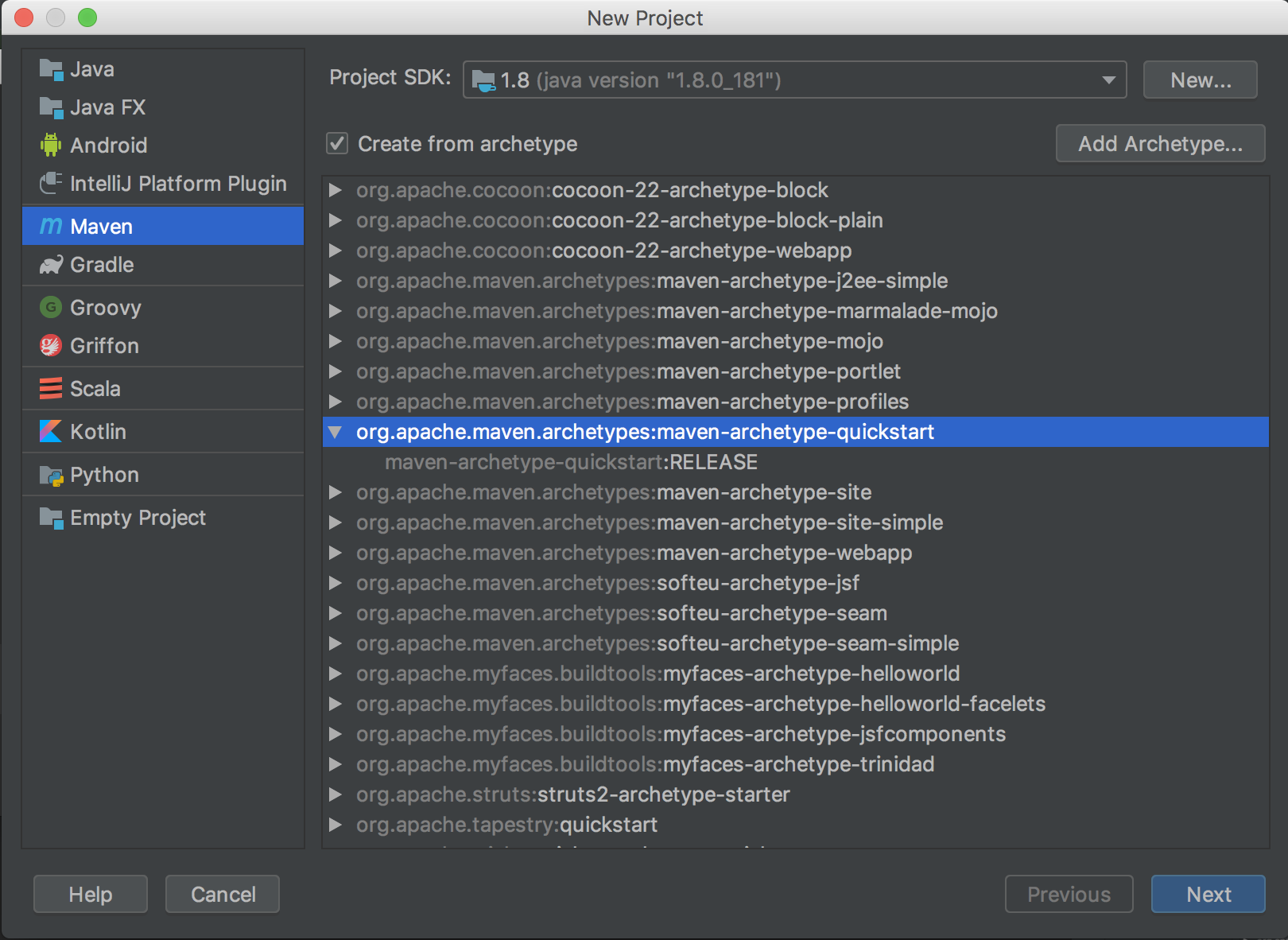 click `Next`. - +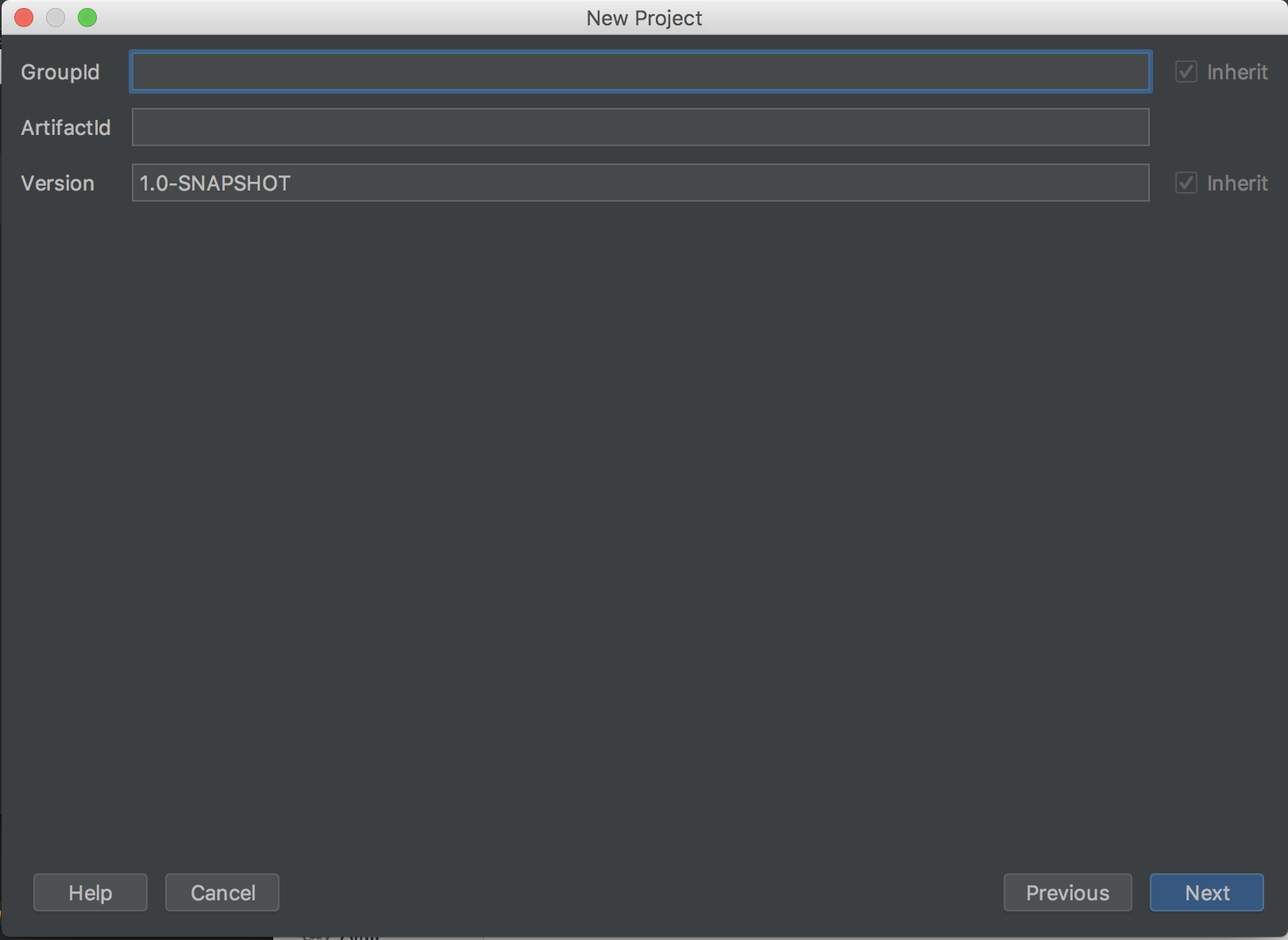 Set the project's metadata. For this tutorial, use the following: @@ -73,15 +73,15 @@ ArtifactId: javaMXNet 1.0-SNAPSHOT ``` - +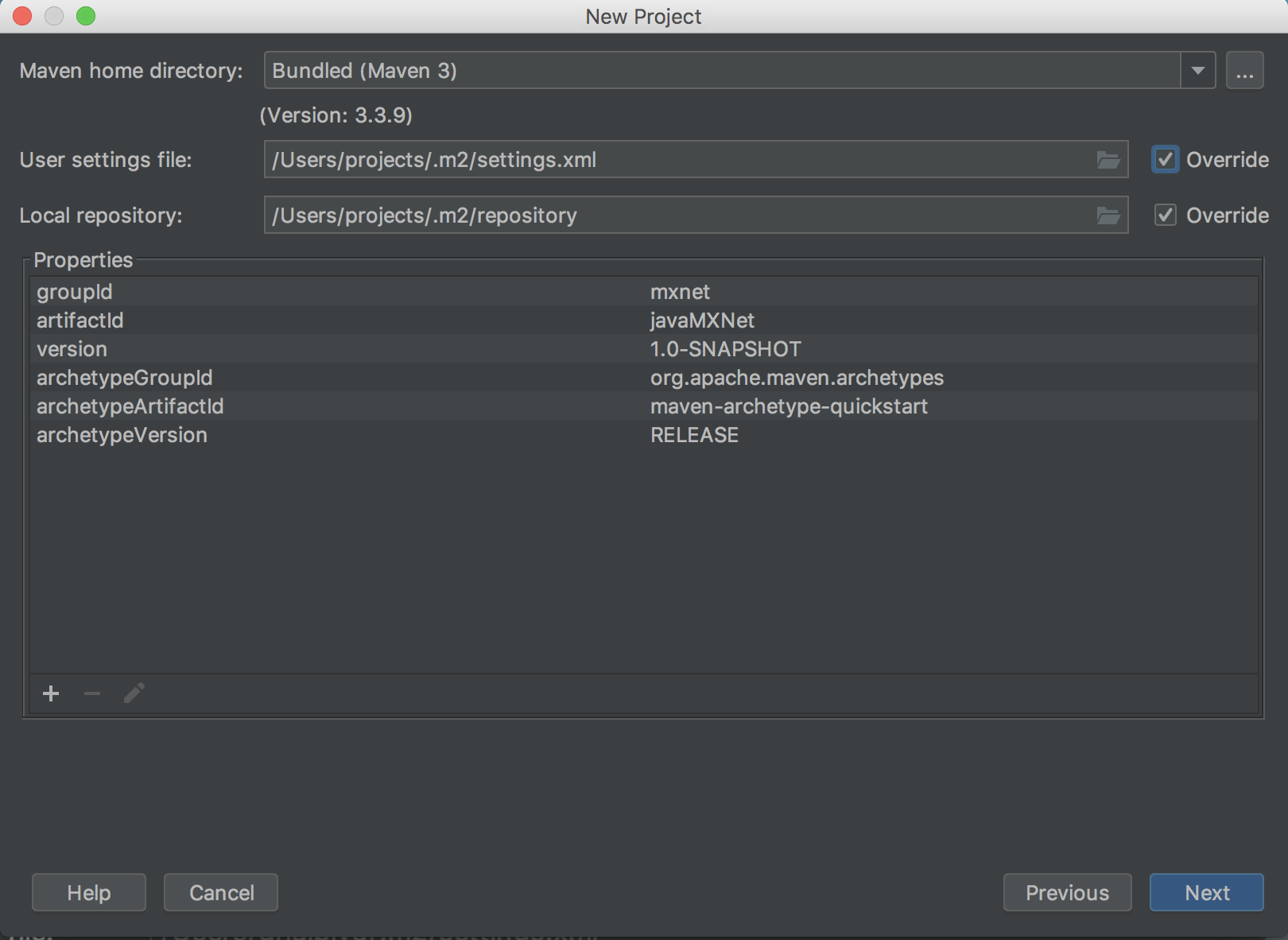 Review the project's properties. The settings can be left as their default. - +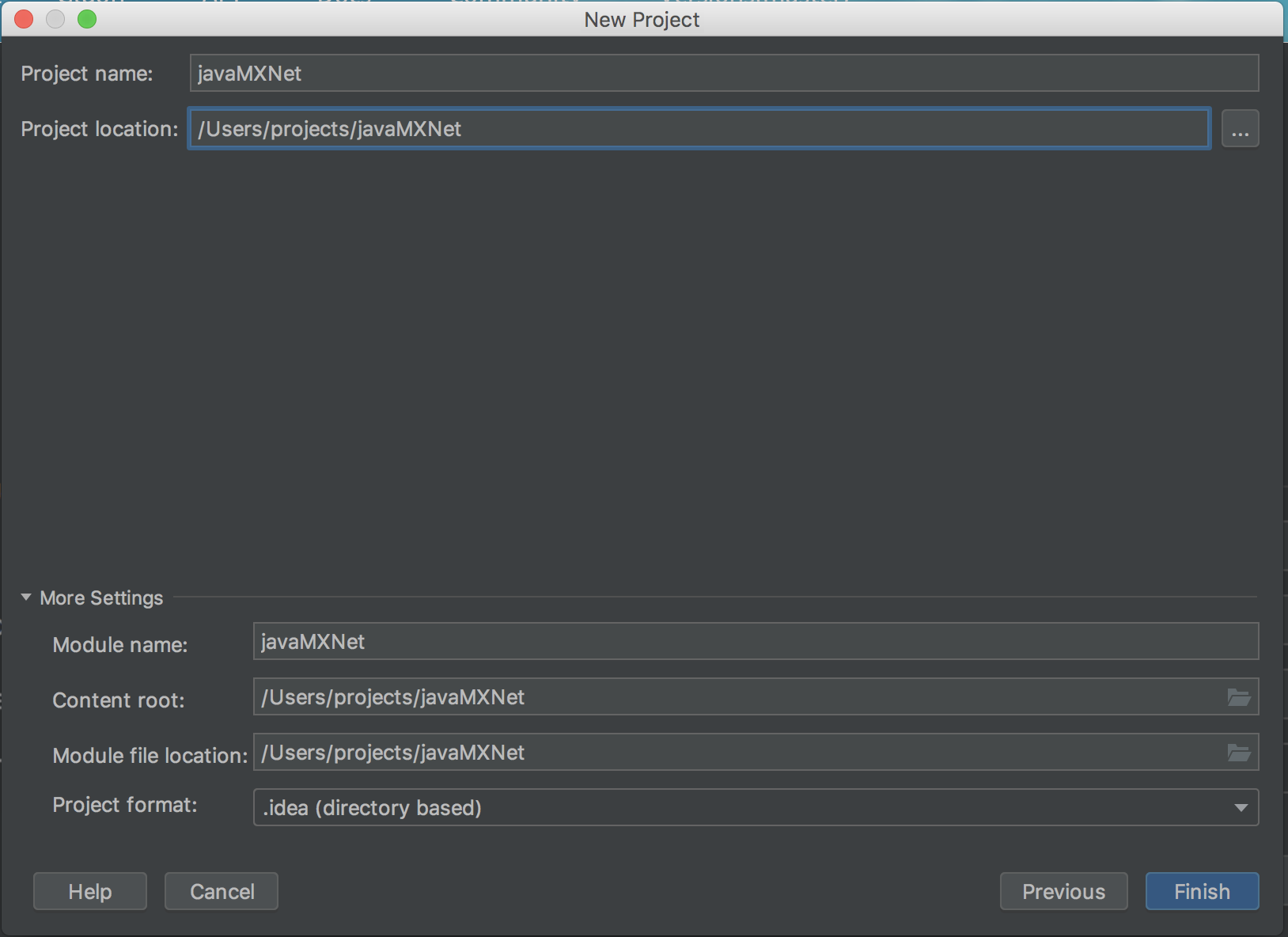 Set the project's location. The rest of the settings can be left as their default. - +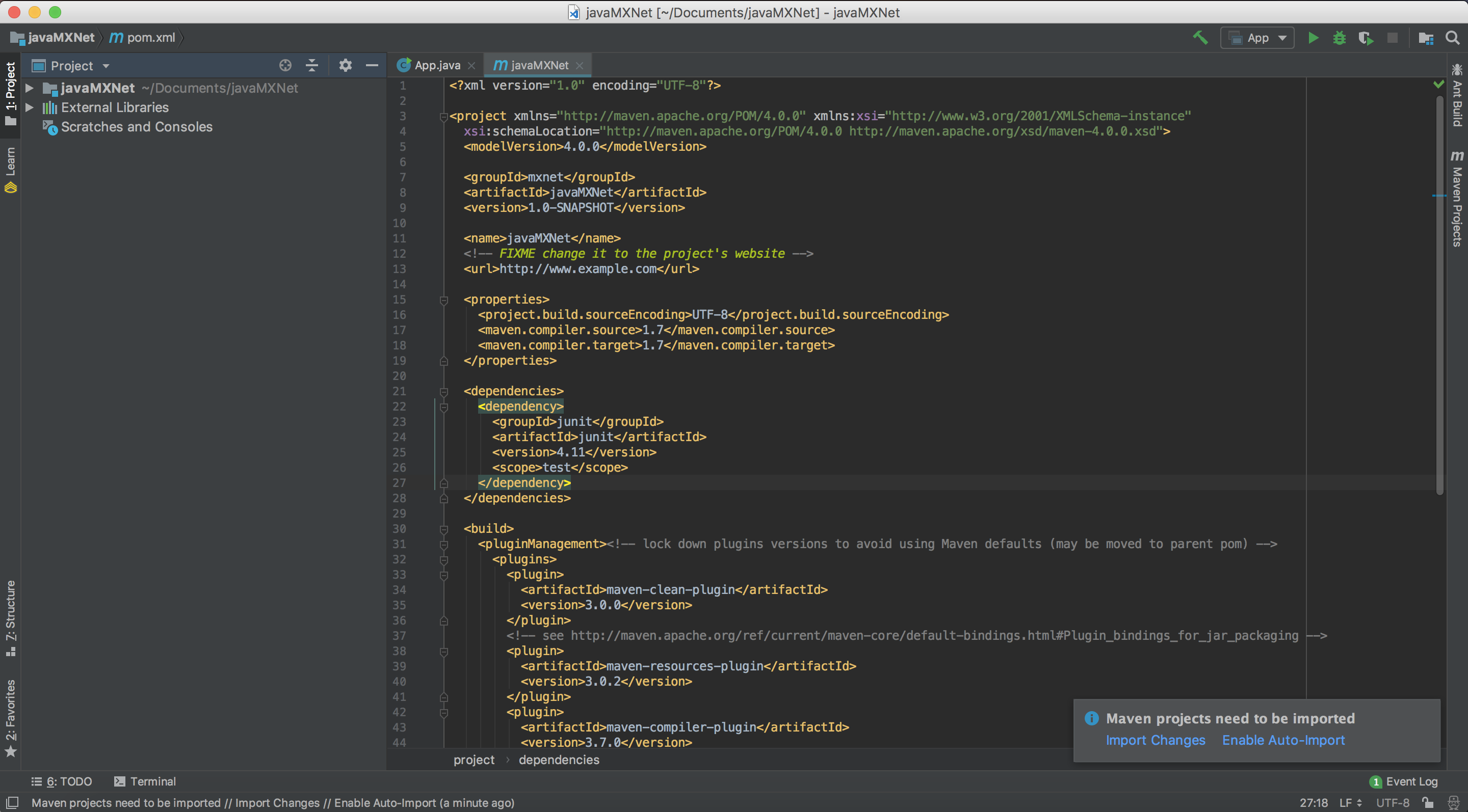 After clicking Finish, you will be presented with the project's first view. The project's `pom.xml` will be open for editing. @@ -107,7 +107,7 @@ Note : - Note the prompt in the lower right corner that states "Maven projects need to be imported". If this is not visible, click on the little greed balloon that appears in the lower right corner. - +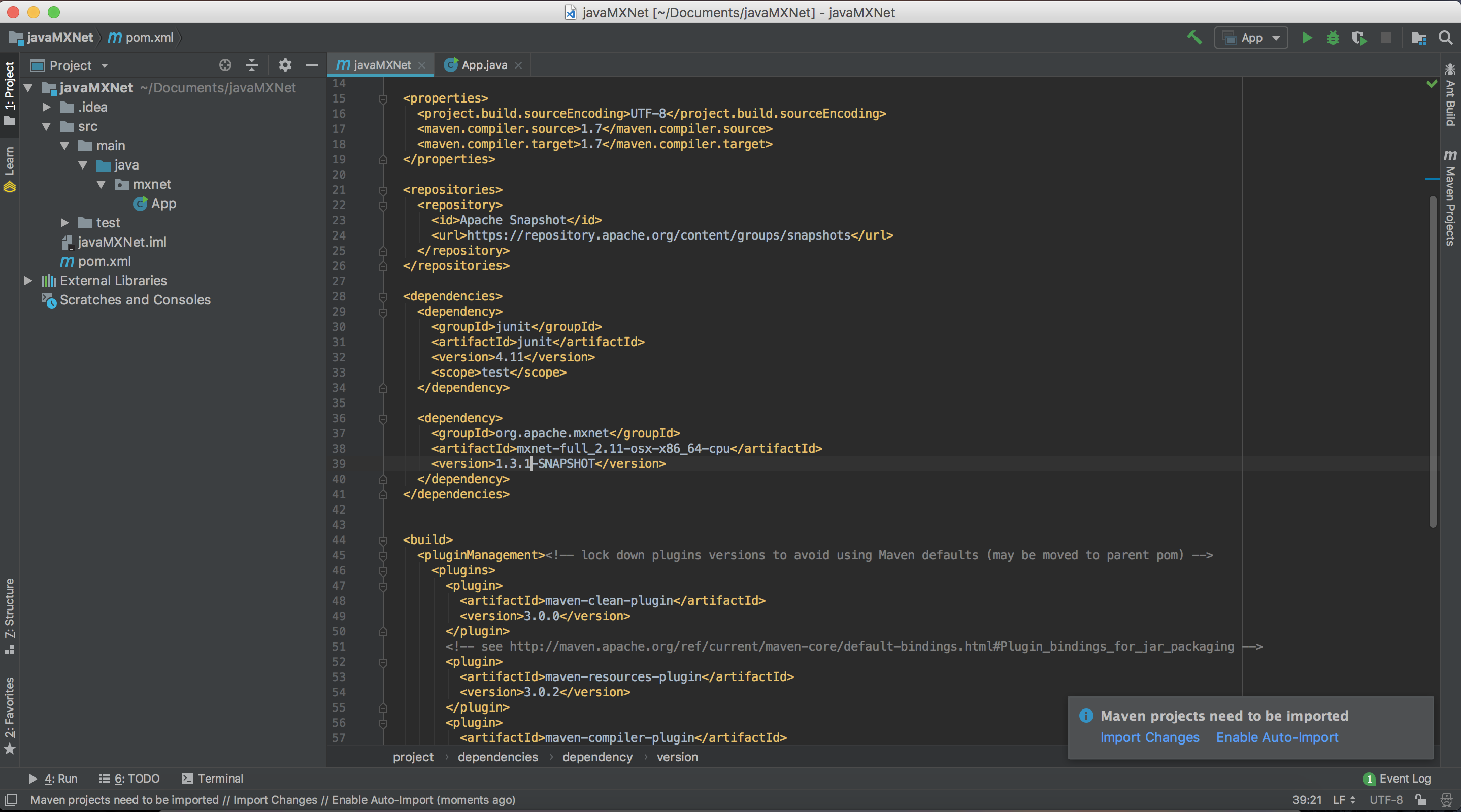 Click "Import Changes" in this prompt. ---------------------------------------------------------------- This is an automated message from the Apache Git Service. To respond to the message, please log on GitHub and use the URL above to go to the specific comment. For queries about this service, please contact Infrastructure at: [email protected] With regards, Apache Git Services












