pgandhap commented on issue #4002:
URL: https://github.com/apache/pulsar/issues/4002#issuecomment-979732800
Hi @tuteng Iam using windows machine . Even in my case also pulsar standalone started failing . I followed this document -> https://pulsar.apache.org/docs/en/standalone/#install-pulsar-using-binary-release I downloaded pulsar through binary release using wget command . Followed below steps : 1. wget https://archive.apache.org/dist/pulsar/pulsar-2.8.1/apache-pulsar-2.8.1-bin.tar.gz 2. tar xvfz apache-pulsar-2.8.1-bin.tar.gz 3. cd apache-pulsar-2.8.1 4. bin/pulsar standalone In this 3 steps are done . While running ( bin/pulsar standalone ) to start pulsar , which is not giving any output instead of it's asking me to select any one method to open pulsar file which is inside bin folder . 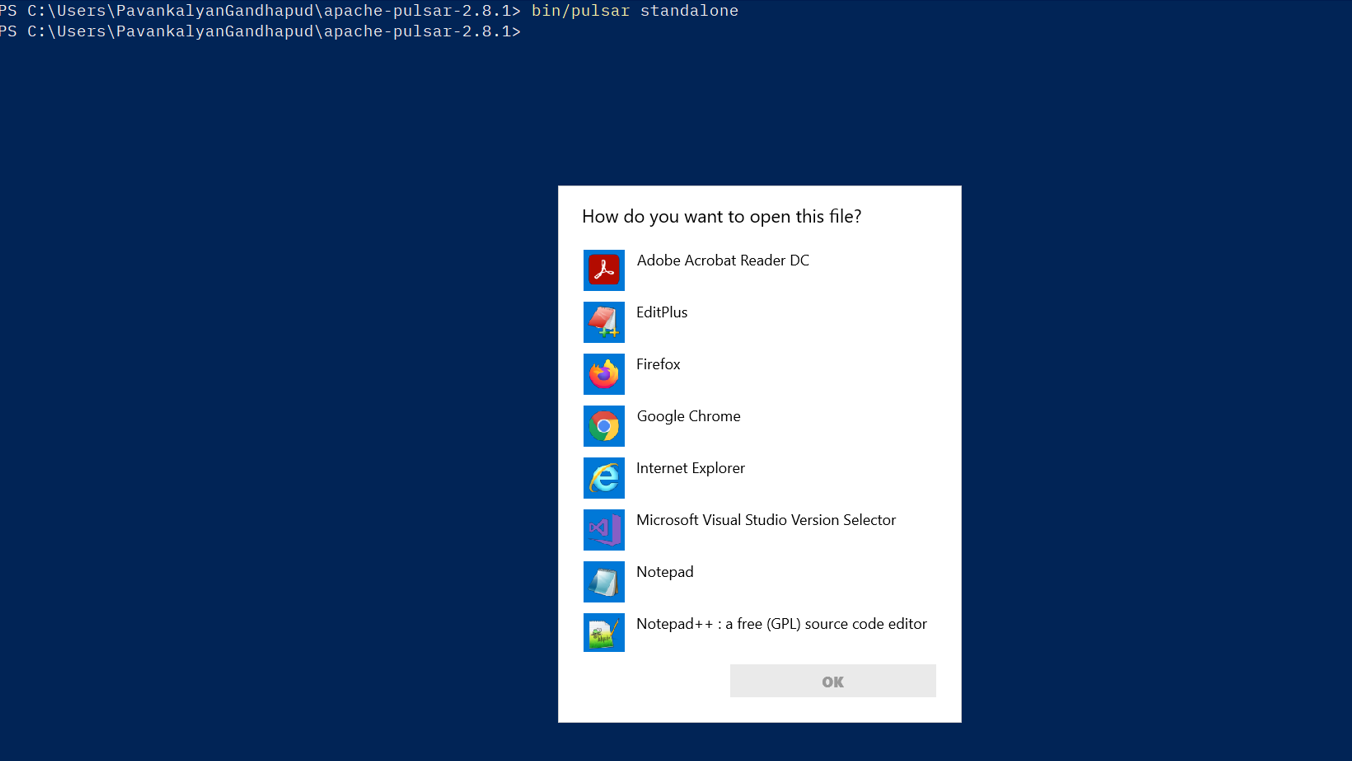 Please help me on this issue . Thanks !!! -- This is an automated message from the Apache Git Service. To respond to the message, please log on to GitHub and use the URL above to go to the specific comment. To unsubscribe, e-mail: [email protected] For queries about this service, please contact Infrastructure at: [email protected]

