Package: base
Severity: normal

Dear Maintainer,
Fixed [Misc] and Fixed [Trad] font Medium Semi-Condensed displays as the wrong
font when selecting font size 10.

I've re-installed Debian several times and each time this bug crops up. How I
reproduced it this time:

* install base system, with default debian desktop environment
* install xfonts-traditional-1.6 package
* make appropriate symlink changes to enable bitmap fonts
* logout then back in to restart X

then:
* go into gedit / Edit / Preferences / Fonts & Colours
* select editir font Fixed Medium Semi-Condensed size 10
* save changes
* font is all wrong in editor (shows a completely different font - see links to
Kate screenshots lower in this message)

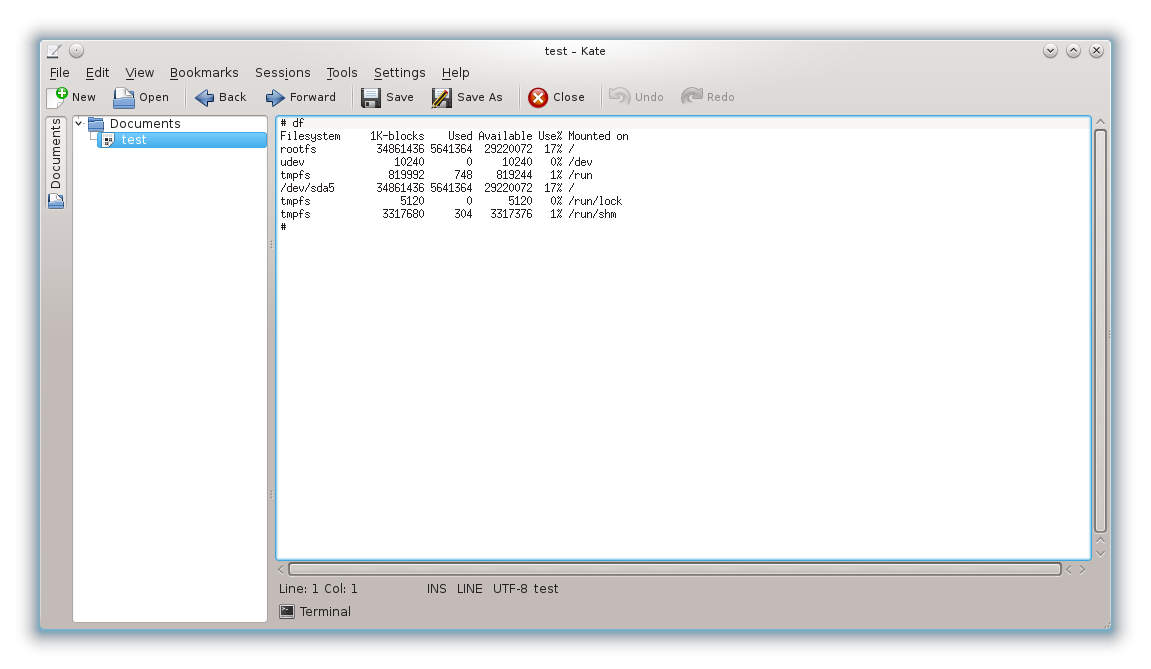
A similar thing happens in Kate and Kwrite (which I use all of the time),
except that it appears to work at first, but if I then close Kate and re-open,
it's all messed up again.

After freshly setting it in Kate, this is how it looks (all OK):
http://quitebig.com/debian-font-problem/kate-nice.png

But if I close Kate and re-open it, it looks like this:
http://quitebig.com/debian-font-problem/kate-nasty.png

With Terminal (this is minor):
* open terminal and go to preferences for editing default profile, tab
"General"
* select Fixed Medium Semi-Condensed 10 point then click "Select" in dialog
bottom right
* font shows incorrectly in the "Font" select box but works OK in the terminal
itself

I also tried James Knoble's xfonts-jmk-3.0.19 package, but hit upon the same
problem.

I tried setting up the fonts before adding the Nvidia driver on a fresh OS
installation, after adding the Nvidia driver, adding KDE4, adding XFCE, but
whatever I did, nothing fixed it.

The problem doesn't seem to happen for other sizes of Fixed Medium Semi-
Condensed, or does it happen with the bold version of the font (even at 10pt).

Every time the font displays incorrectly, it shows the same incorrect font.

This might only seem like a minor bug, but for me it's a deal-breaker. I use
terminal windows, Kate and Kwrite all day every day, and I'm still using an old
setup running KDE 3.5 so that I can keep this font, as it's the best
combination I've found of compactness and readability. I'd much prefer to use
my Debian installation but until I can get this font to display correctly,
that's not an option.

I'm keeping my fingers crossed that this is a quick and easy fix :)


-- System Information:
Debian Release: 7.8
  APT prefers stable-updates
  APT policy: (500, 'stable-updates'), (500, 'stable')
Architecture: amd64 (x86_64)

Kernel: Linux 3.2.0-4-amd64 (SMP w/1 CPU core)
Locale: LANG=en_GB.UTF-8, LC_CTYPE=en_GB.UTF-8 (charmap=UTF-8)
Shell: /bin/sh linked to /bin/dash


--
To UNSUBSCRIBE, email to [email protected]
with a subject of "unsubscribe". Trouble? Contact [email protected]