@David F. Well, my screen is in sRGB (it's a Dell UltraSharp 4k display
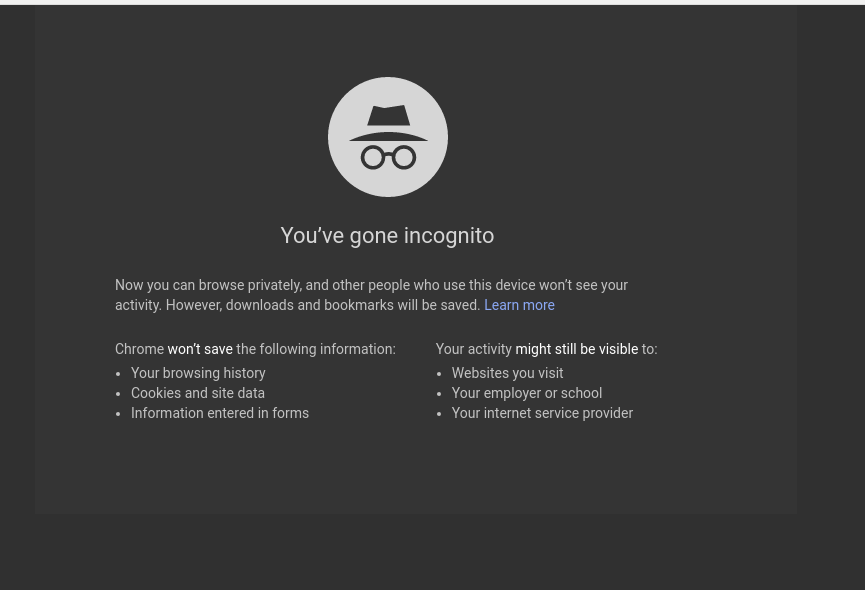
with 100% sRGB coverage. Also, the Chromium incognito mode has a weird
issue related to the color difference, shown in the newly attached
screenshot. This also was not an issue until upgrading to the latest
Chromium.
For some reason it looks fine still on my XPS 13 laptop, but I don't
know the details of screen color space there.

** Attachment added: "Screenshot from 2017-10-11 15-37-42.png"

https://bugs.launchpad.net/ubuntu/+source/chromium-browser/+bug/1719108/+attachment/4967923/+files/Screenshot%20from%202017-10-11%2015-37-42.png

--
You received this bug notification because you are a member of Desktop
Packages, which is subscribed to chromium-browser in Ubuntu.
https://bugs.launchpad.net/bugs/1719108

Title:
  Latest Chromium update has muted color rendering

Status in chromium-browser package in Ubuntu:
  Confirmed

Bug description:
  After the latest Chromium update in 16.04, many of the sites I
  regularly use are now rendered with a muted look to much of the
  colors. Attached is a screenshot showing the issue, which seems to
  also be replicated in the Brave browser (which is also based on
  Chromium).

  Left to right are as follows:

  Firefox (correct colors)
  Brave (musted colors)
  Chromium (muted colors)

To manage notifications about this bug go to:
https://bugs.launchpad.net/ubuntu/+source/chromium-browser/+bug/1719108/+subscriptions

--
Mailing list: https://launchpad.net/~desktop-packages
Post to     : [email protected]
Unsubscribe : https://launchpad.net/~desktop-packages
More help   : https://help.launchpad.net/ListHelp