GitHub user malayhm opened a pull request:

    https://github.com/apache/zeppelin/pull/2528
ZEPPELIN-2834 Show Interpreter list as expand collapse blocks
### What is this PR for?
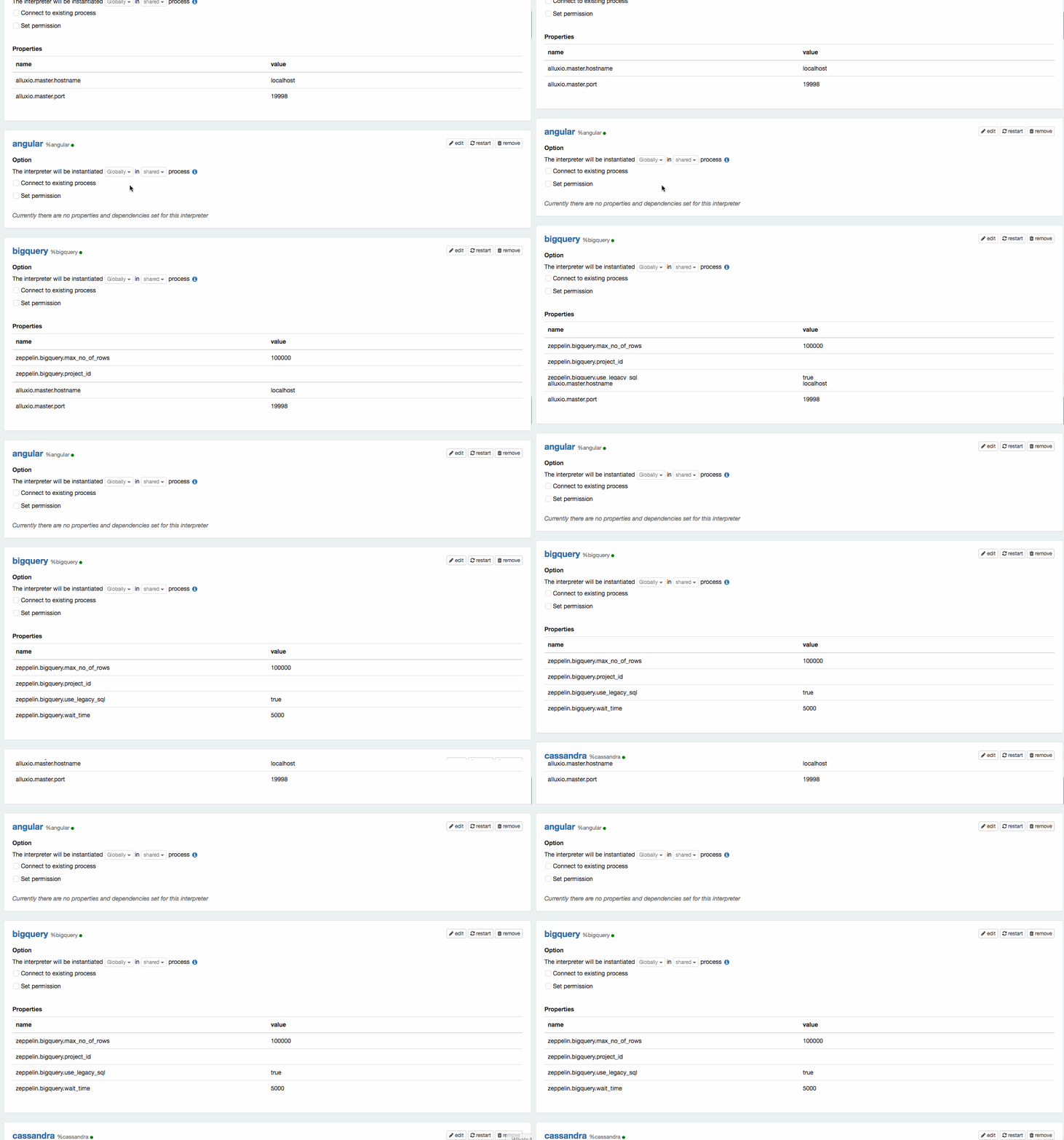
Previously, it's hard to find particular interpreter as a user hast to
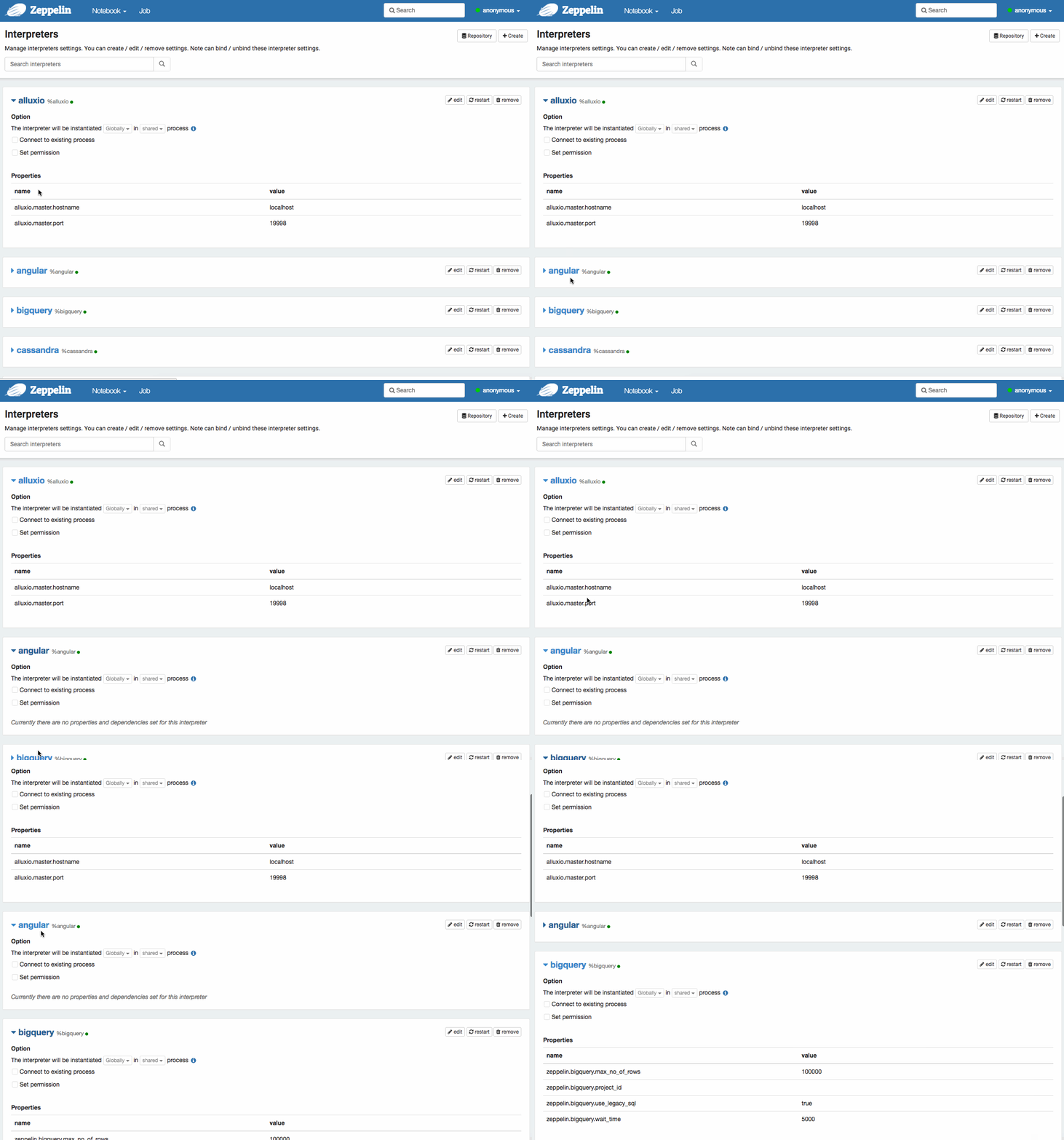
scroll down a long page to find out the interpreter. After this change, all the
interpreter will be collapsed and the user can expand an interpreter and change
the setting.
See the attached GIFs for comparison.
### What type of PR is it?
[Improvement]
### Todos
* [ ] - Task
### What is the Jira issue?
https://issues.apache.org/jira/browse/ZEPPELIN-2834
### How should this be tested?
1. Build: mvn clean package -Denforcer.skip -DskipTests -Drat.skip
2. Open a paragraph
3. Check the cursor
### Screenshots (if appropriate)
Before
After
### Questions:
* Does the licenses files need update? No
* Is there breaking changes for older versions? No
* Does this needs documentation? No
You can merge this pull request into a Git repository by running:
$ git pull https://github.com/malayhm/zeppelin ZEPPELIN-2834
Alternatively you can review and apply these changes as the patch at:
https://github.com/apache/zeppelin/pull/2528.patch
To close this pull request, make a commit to your master/trunk branch
with (at least) the following in the commit message:
This closes #2528
----
commit e43833fdbd75d0b08d1f7f0bf10298a1536b9578
Author: Malay Majithia <[email protected]>
Date: 2017-08-14T11:05:43Z
ZEPPELIN-2834 Show Interpreter list as expand collapse blocks
----
---
If your project is set up for it, you can reply to this email and have your
reply appear on GitHub as well. If your project does not have this feature
enabled and wishes so, or if the feature is enabled but not working, please
contact infrastructure at [email protected] or file a JIRA ticket
with INFRA.
---


