or if you are just an user, you can follow the steps: 1. Untick the not equal to SQL Lab View in the lists table and search, so the datasource created by visualize can be showed;  2.Click edit table ,untick the SQL Lab View then save. 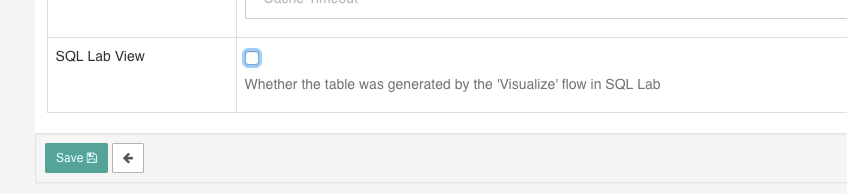 3.The tables created from the sql editor will be shown as datasources choices when you create charts.
[ Full content available at:
https://github.com/apache/incubator-superset/issues/5757 ]
This message was relayed via gitbox.apache.org for [email protected]


