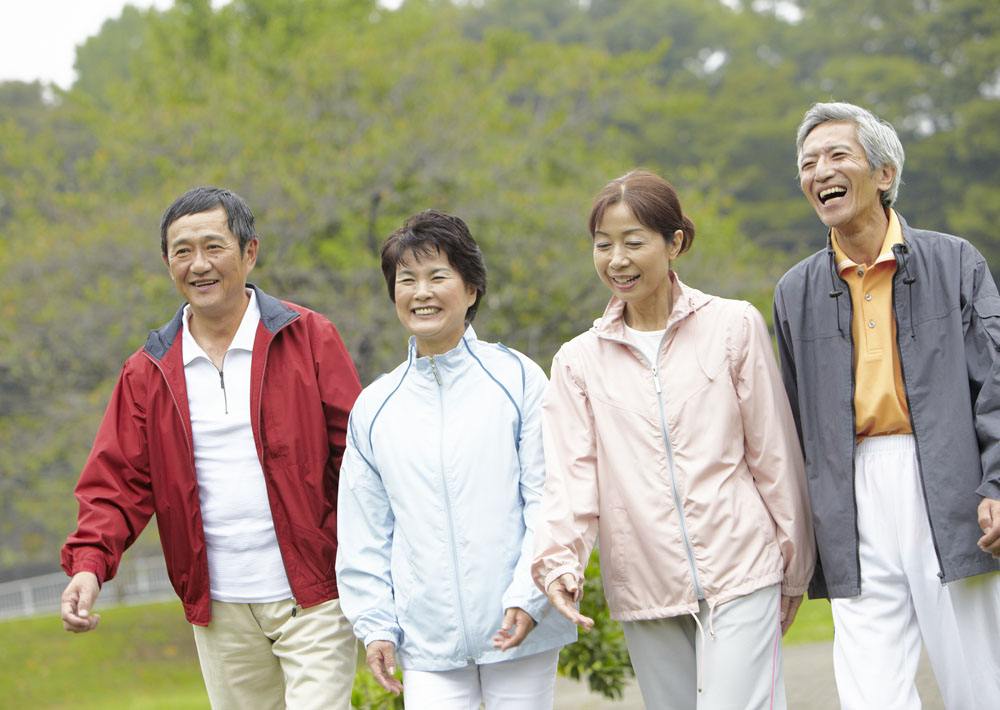
If you use `utils.viz.plot_keypoints`, you need to prepare dummy data.
This is a simple example.
    from matplotlib import pyplot as plt
    import mxnet as mx
    from gluoncv import model_zoo, data, utils
    url =
'https://raw.githubusercontent.com/dmlc/web-data/master/gluoncv/segmentation/mhpv1_examples/1.jpg'
    filename = 'sample.jpg'
    utils.download(url, filename)
    x, img = data.transforms.presets.ssd.load_test(filename, short=512)
    #your predicted keypoints
    Predicted_Keypoints=mx.nd.array(
        [[144.49815, 188.80566],
         [155.40056, 175.33923],
         [133.59575, 182.07245],
         [177.2053 , 182.07245],
         [122.69336, 188.80566],
         [220.81493, 249.4046 ],
         [106.33977, 276.33746],
         [258.97333, 336.9364 ],
         [ 79.08377, 350.40283],
         [269.87573, 444.66785],
         [ 62.73018, 404.26855],
         [226.2661 , 437.93463],
         [160.85173, 444.66785],
         [237.1685 , 505.26678],
         [171.75414, 505.26678],
         [280.77808, 505.26678],
         [253.52211, 471.6007 ]])
    Predicted_Keypoints = Predicted_Keypoints.expand_dims(0)
    #dummy data
    class_IDs = mx.nd.zeros(shape=(1,100,1))
    confidence = mx.nd.ones(shape=(1,17,1))
    bounding_boxs = mx.nd.zeros(shape=(1,100,4))
    scores = mx.nd.zeros(shape=(1,100,1))
    ax = utils.viz.plot_keypoints(img, Predicted_Keypoints, confidence,
                                  class_IDs, bounding_boxs, scores,
                                  box_thresh=0.5, keypoint_thresh=0.2)
    plt.show()

Hope this helps.


---
[Visit
Topic](https://discuss.mxnet.apache.org/t/how-to-find-which-part-of-body-the-keypoint-relates-to-in-pose-estimation/6468/6)
 or reply to this email to respond.

You are receiving this because you enabled mailing list mode.

To unsubscribe from these emails, [click
here](https://discuss.mxnet.apache.org/email/unsubscribe/8039bb7349c75db13aa55e1138b9a53754e0bb5ea09cbd716d4dd00085e9128a).