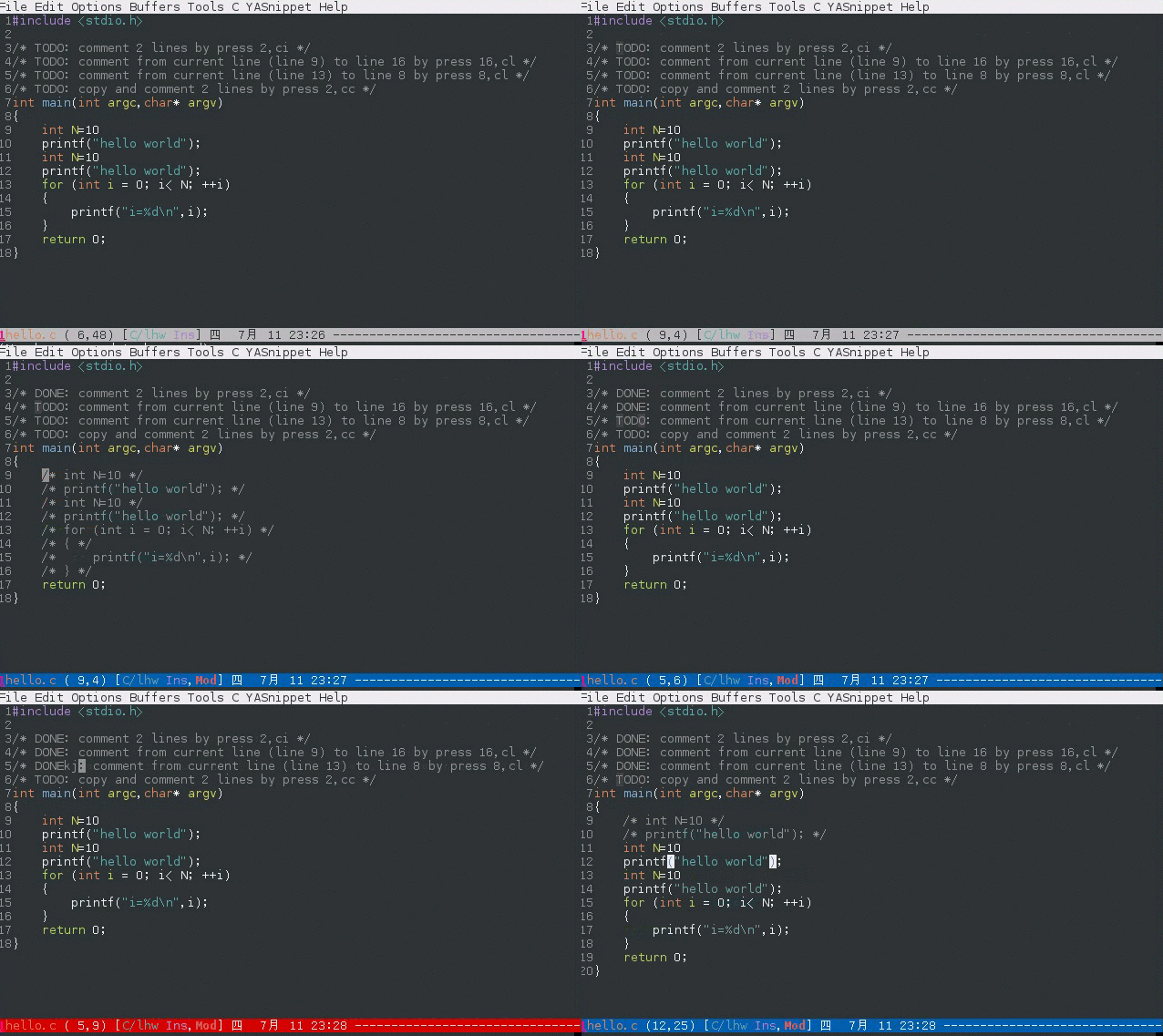
branch: elpa/evil-nerd-commenter
commit 6bc41317ba4b8710d713a62e1b78047c3cc2d2d5
Author: Chen Bin <[email protected]>
Commit: Chen Bin <[email protected]>
    doc
---
 README.org | 18 ++++++++----------
 1 file changed, 8 insertions(+), 10 deletions(-)

diff --git a/README.org b/README.org
index 67ca9ed11f..3ca272572e 100644
--- a/README.org
+++ b/README.org
@@ -5,7 +5,7 @@

 This program can be used *WITHOUT*
[[https://www.emacswiki.org/emacs/Evil][evil-mode]]!

-A [[http://www.vim.org/scripts/script.php?script_id=1218][Nerd Commenter]]
emulation, help you comment code efficiently. For example, you can press
=99,ci= to comment out 99 lines.
+A [[http://www.vim.org/scripts/script.php?script_id=1218][Nerd Commenter]]
emulation, help you comment code efficiently. For example, you can press
"99,ci" to comment out 99 lines.

 I recommend using it with Evil though Evil is optional.

@@ -13,26 +13,24 @@ Tested on Emacs 25, 26, 27, 28

 * Why?
 ** A simple use case on the efficiency
-If you want to comment out nine lines. Instead pressing =C-space M-9 C-n M-;=,
now you can press =M-9 M-;= or =,,9j= or =9,ci=.
+The old way to comment out 9 lines is =C-space M-9 C-n M-;= ("M-;" is the
default key binding of =comment-dwim=.

-The point is that you need *NOT* mark any text to comment line(s)!
-
-So you strike less keys than the original =M-x comment-dwim=.
+With this package's help, you can press "M-9 M-;" or ",,9j" or "9,ci" instead.
It's much faster because you donot need mark any text first!

 demo:


[[https://raw.github.com/redguardtoo/evil-nerd-commenter/master/evil-nerd-commenter-demo.gif]]
 ** It fixes Emacs bug for you
-I'll provide long-term support for *ANY language* in the future. Here is an
example how I work around
[[https://github.com/redguardtoo/evil-nerd-commenter/issues/3][a bug in
autoconf.el]].
+Long-term support is provided for *ANY programming language*. Here is an
example to fix [[https://github.com/redguardtoo/evil-nerd-commenter/issues/3][a
bug in autoconf.el]].

 ** Perfect integration with org-mode
-The code snippet embedded in org file will automatically be detected and
*correct* comment syntax will be used!
+The code snippet embedded in org file is automatically detected and *correct*
comment syntax will be used!
 * Install
-evil-nerd-commenter is already uploaded to [[http://melpa.org]]. The best way
to install is Emacs package manager.
+This package is already uploaded to [[http://melpa.org]]. The best way to
install is Emacs package manager.
 * Setup
 Please note NO key bindings are setup automatically. You need use following
ways to setup key bindings.

-Please note v3.2.1 is the last version supporting Emacs 24.3.
+Please note    v3.2.1 is the last version supporting Emacs 24.3.
 ** Use recommended key bindings
 Insert =(evilnc-default-hotkeys)= into =~/.emacs= to use key bindings preset
for both evil and non-evil mode. This is recommended way.

@@ -76,7 +74,7 @@ Here is the minimum setup,
 (add-hook 'matlab-mode-hook 'matlab-mode-hook-config)
 #+end_src
 * Usage
-** Available commands and hotkeys
+** Commands and hotkeys
 Here are available commands which are NOT dependent on
[[http://emacswiki.org/emacs/Evil][evil-mode]]:
 *** evilnc-comment-or-uncomment-lines (RECOMMENDED)
 Comment/uncomment lines. This command supports negative arguments.