On Freitag, 6. Februar 2009, Matías Costa wrote:
> Thread bump.
>
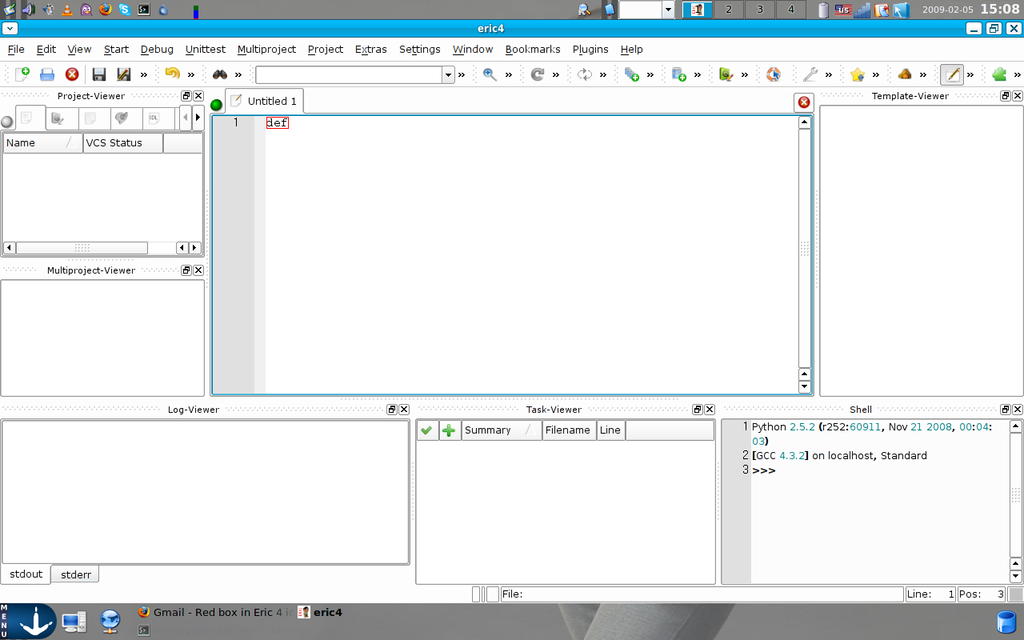
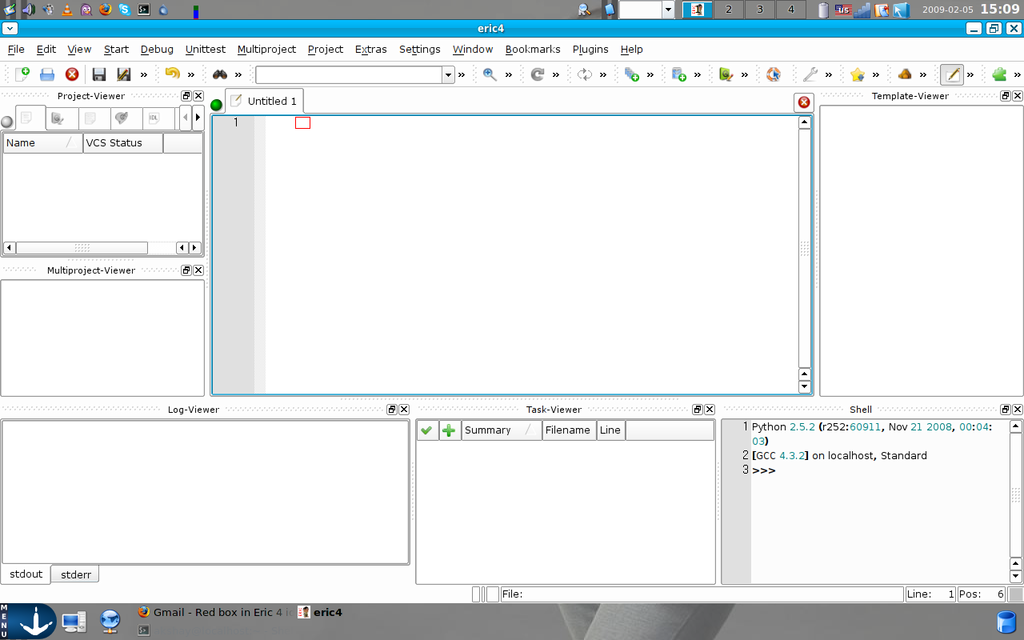
> Someone knows why is this happening to Shweta Mahale:
>
> http://i629.photobucket.com/albums/uu12/mcostacano/snapshot2.png
> http://i629.photobucket.com/albums/uu12/mcostacano/snapshot3.png
>
> PD: The reply button in gmail answers privately, Shweta Mahale sent me
> these screenshot. I just realized that
Unfortunately I cannot reproduce this behavior on my development systems. Try
disabling the "Highlight all occurrences of current word" option of the
Editor->Searching page of the configuration dialog.

Detlev

>
> On Tue, Jan 27, 2009 at 9:39 AM, Sjujsckij Nickolaj <[email protected]>
wrote:
> > The problem is quite hazy, I'm personally not sure what's "source code
> > box", but the forementioned red box is perfectly normal Eric feature.
> > Type two same words. Then search for "Highlighting current word" or
> > similar in Options and turn it off. Alternatively, you could always
> > switch to Notepad...
> >
> >> Hello friends...Just installed Eric 4 on my system...the interface and
> >> options provided are simply awesome,but i face a serious problem
> >> here...whenever i write something in the source code box....the word
> >> just gets filled up in a red box and when i press space bar it
> >> disappears...its there...but i cant see it...how can i code in such
> >> conditions...I need Eric
> >> for python only...plz lemme know ASAP..my id is [email protected]
> >
> > _______________________________________________
> > Eric mailing list
> > [email protected]
> > http://www.riverbankcomputing.com/mailman/listinfo/eric
>
> _______________________________________________
> Eric mailing list
> [email protected]
> http://www.riverbankcomputing.com/mailman/listinfo/eric


--
Detlev Offenbach
[email protected]

_______________________________________________
Eric mailing list
[email protected]
http://www.riverbankcomputing.com/mailman/listinfo/eric