jaws wrote:
> Hi all,
>  I built the same application with fltk 1.1.9, but when the use of UTF8
> character was needed, I built my application with fltk 1.3.
> The result was good because I was able to use the UTF-8 character for Spanish
> , French, German languages, but the application is slower than before,
> especially when I open the Fl_Choice component that contains at least 10 menu
> items with the string with UTF8 characters.
> I appended the strace log when the delay (2-3 secs) is inserted.
> Any suggestion is welcome.
        Just curious, is it slow just the first time you navigate the chooser,
        or is it that slow even on subsequent uses?

        I know that some of the font stuff can be slow to bring up the first
        time round, but once the fonts load, should be quick from there.

        Also, would be great if you can replicate with a small copy/pastable
        program so that we can try it.

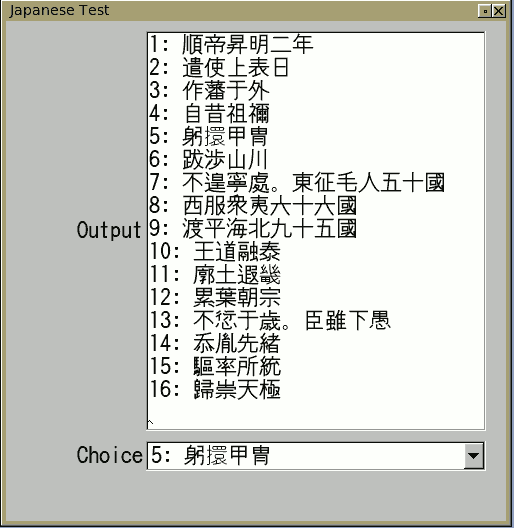
        I just tried a test in Japanese on Ubuntu with 1.3.x svn current
        using this program, and it was real snappy:
        http://seriss.com/people/erco/fltk/utf8-japanese-songs.cxx

        Screenshot of the result:
        http://seriss.com/people/erco/fltk/utf8-japanese-songs.png

        I had to install the Japanese X fonts first, eg:

                apt-get install xfonts-intl-japanese

        ..and note in the program I specifically set the font to "Kochi";
        you might need to comment out or change that line, depending on your OS.
_______________________________________________
fltk mailing list
[email protected]
http://lists.easysw.com/mailman/listinfo/fltk