>Hello, I am new to gimp and I appreciate any input and apologize in
>advance if I don't explain my issue correctly.  I am trying to make a
>business card sized print that contains three separate images.  I
>resize (with the print size option) the individual layers and
>separately they print out at the requested size.  However, when i try
>to combine them as layers, there's one particular image that won't
>resize in the printed document, it always takes on the dimensions of
>the other two layers.  If I rescale the images first then I don't have
>this problem.  I don't know if I should rescale though. All I want to
>do is achieve the highest possibly quality for a small print,
>approximately 2.5 X 2 inches.  Thanks!
Difficult to explain in a few words, but as a basic,  Gimp works in pixels not
inches (or other real world dimensions)

For a biz-card make a template - a base layer, w" x h" @ 300 pixels-per-inch.
2.5" x 2" would be 750 x 600 pixels.

Now open as layers each of the images you want to use. Gimp menu: File -> Open
as Layers

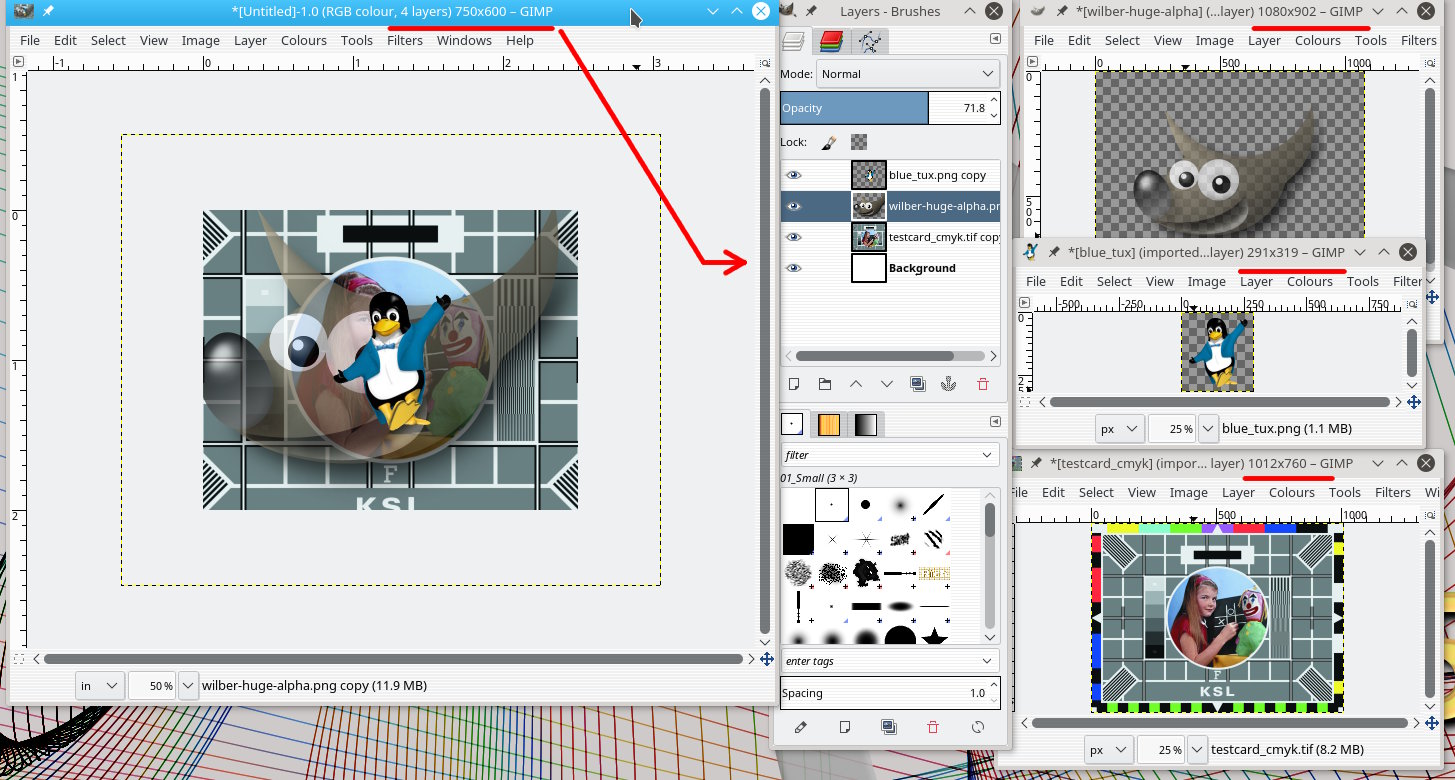
Might look like attachment 1 where everything is wrong size, wrong place.

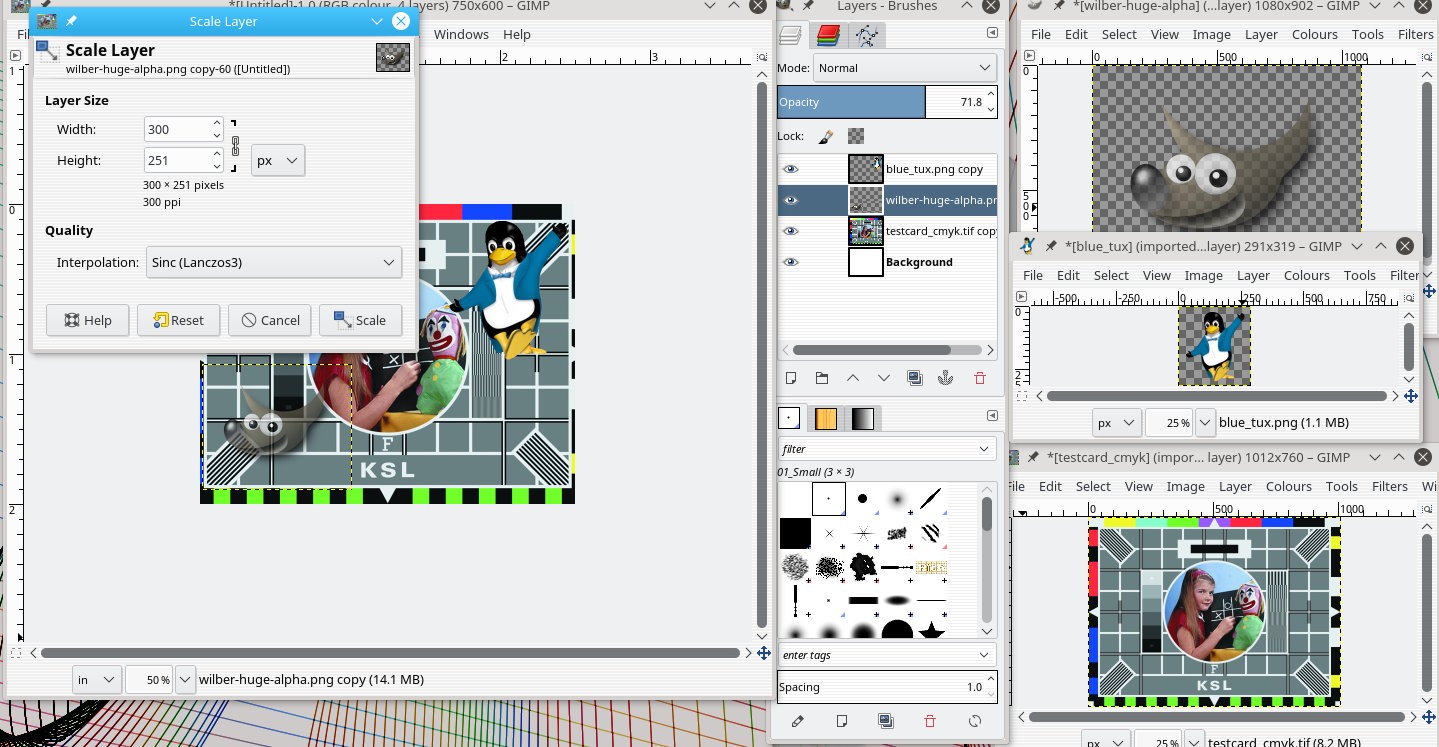
For each layer use Layer -> Scale layer and resize to suit. Then use the move
tool to position.

Might look like attachment 2 The yellow dotted line is a layer boundary.

Now you can go into  Image -> Print Size and if required set the print size to
2.5" x 2" and the resolution should follow suit to 300 dpi.

rich: www.gimp-forum.net

Attachments:
* http://www.gimpusers.com/system/attachments/437/original/notscaled.jpg
* http://www.gimpusers.com/system/attachments/438/original/scaled-layer.jpg

--
rich2005 (via www.gimpusers.com/forums)
_______________________________________________
gimp-user-list mailing list
List address:    [email protected]
List membership: https://mail.gnome.org/mailman/listinfo/gimp-user-list
List archives:   https://mail.gnome.org/archives/gimp-user-list