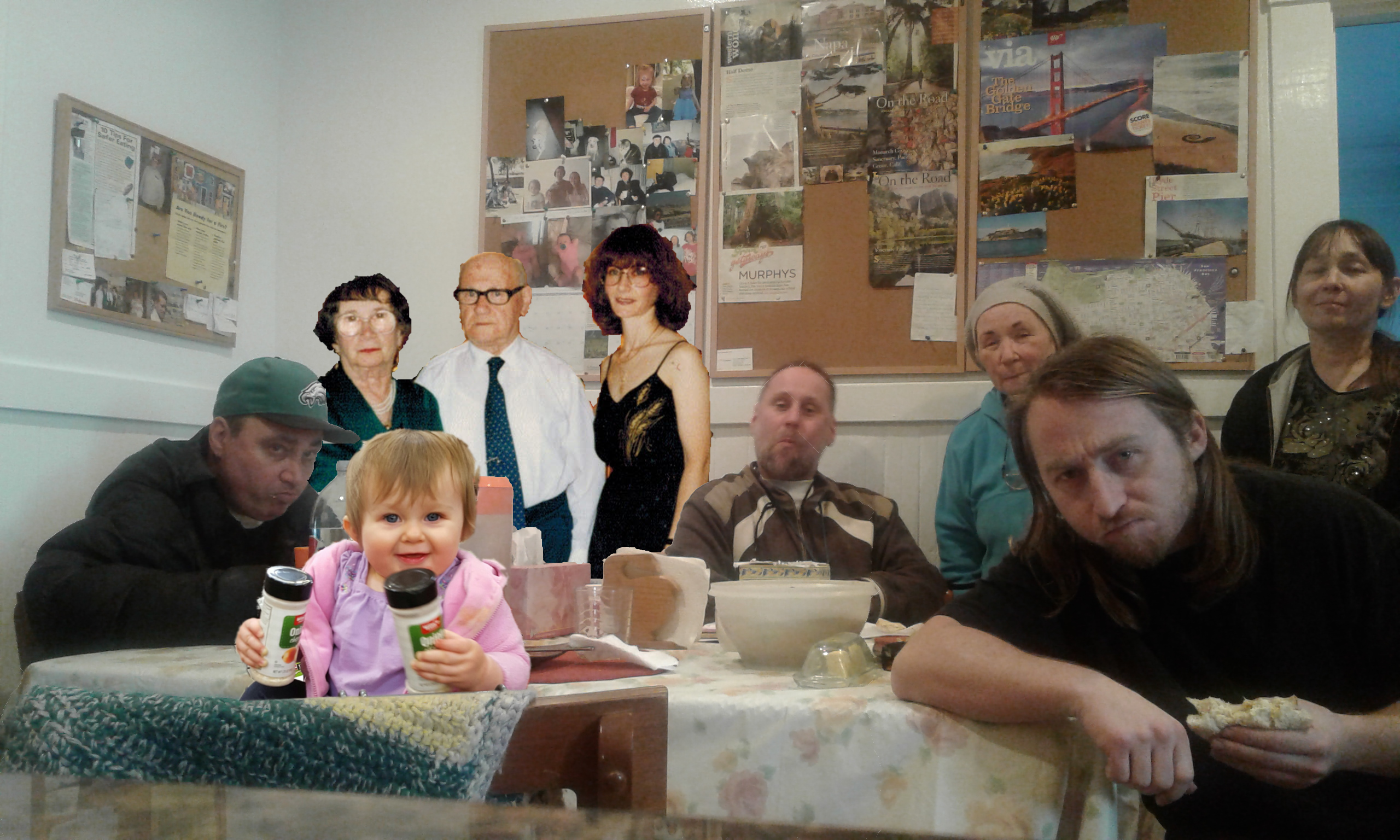
On 08/02/17 04:26, Kshlomo wrote:
I'm layering several pictures, but I can figure out how to blend the edges of
the 2nd and 3rd layers to smooth into the 1st.
As well, I know how to adjust hue/contrast, but I want to specifically adjust
the 2nd and 3rd layers to that of the first.
How do I accomplish such?
Attachments:
* http://www.gimpusers.com/system/attachments/470/original/secondattemp.png
The first line of all Color tools is a "Presets" selector. It lists all
the settings recently used with a time stamp so when you use the tools
on the second and third layer you can reuse the very settings you
applied on the first.
You can also use the "+" icon on the right to add a "named" setting.


_______________________________________________
gimp-user-list mailing list
List address:    [email protected]
List membership: https://mail.gnome.org/mailman/listinfo/gimp-user-list
List archives:   https://mail.gnome.org/archives/gimp-user-list