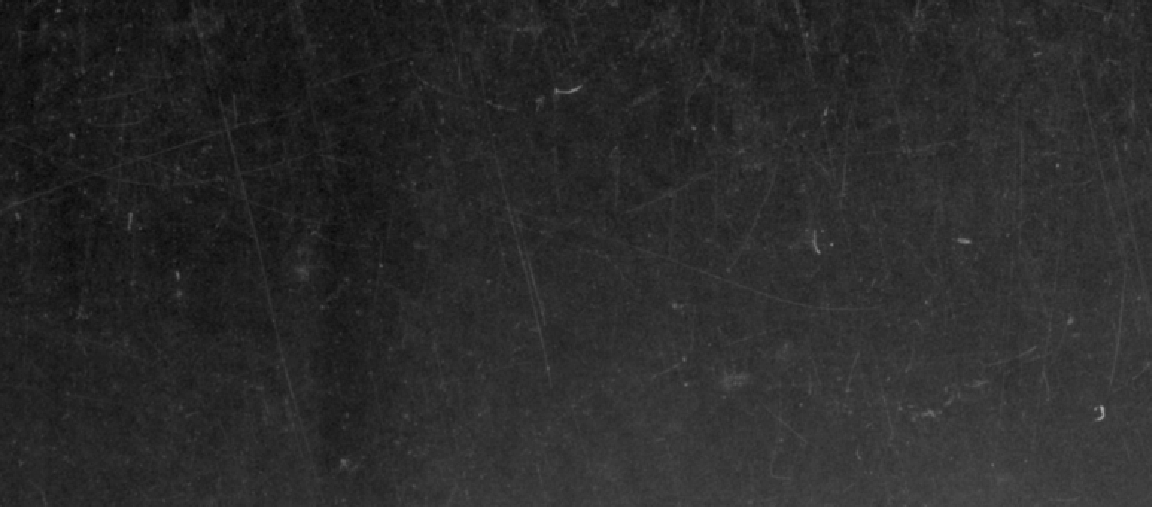
in the form of specks and scratches (see attachment).

Q: What are possible ways (if more than one) to approach mitigating the damage.
My current workflow is based on a Pat David process that uses Wavelet Decompose
to create scale layers isolating image detail, creating a dup of the scale
layer, then manually (!!!) painting over the damage (spot, scratch), and using
SelectByColor to select the painted areas to create a selection to which Heal
Selection is applied. I do this for the five scale layers and even to the
Residual layer (usually using the Healing Brush there). Note that this works
very well, but is incredibly time-consuming the more damage an image has. The
image from which the attached extract is taken might require *weeks* of work it
is so damaged.

I have Ctein's Image Restoration book and he talks about creating masks using
Photoshop Find Edges, etc. to isolate the damage. I'm not being very successful
mapping the Photoshop options/steps against GIMP options/steps.


Attachments:
*
http://www.gimpusers.com/system/attachments/565/original/2017-05-04_15_04_00-2016-08-16-0001.tif_-_Windows_Photo_Viewer.png

--
gstalnaker (via www.gimpusers.com/forums)
_______________________________________________
gimp-user-list mailing list
List address:    [email protected]
List membership: https://mail.gnome.org/mailman/listinfo/gimp-user-list
List archives:   https://mail.gnome.org/archives/gimp-user-list