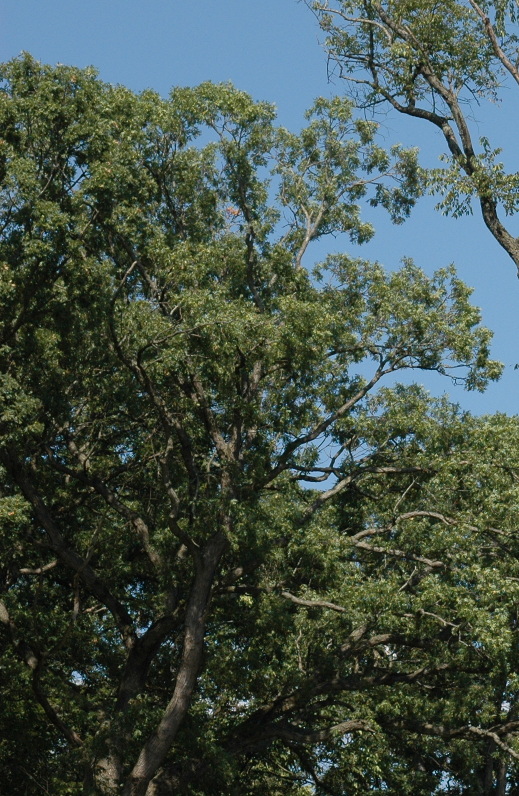
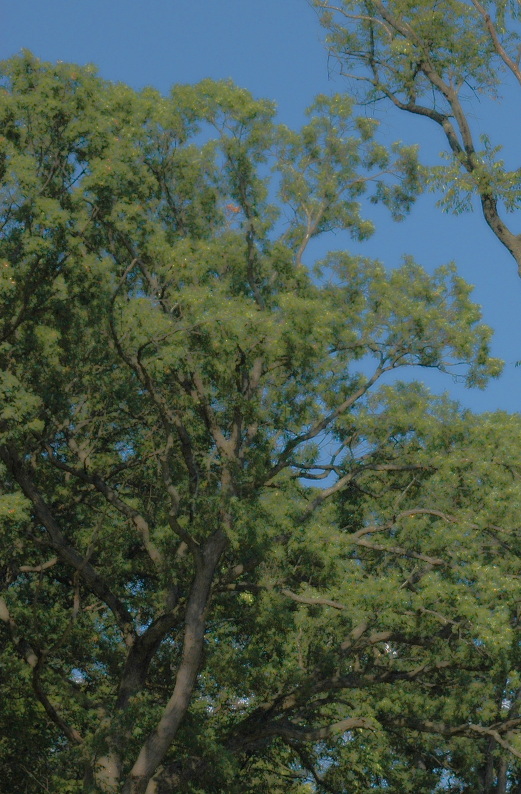
I'm learning to edit photos--usually the shadow areas are too dark and the light
areas O.K. or blown out.. I've been using Desaturate>Invert>Overlay, which
lightens up the shadows and brings out detail, but it makes the overall colors
look artificial and sort of plastic, sort of like old Kodachromes.
is there anything I do to fix this?

Thanks in advance!

Attachments:
*
http://www.gimpusers.com/system/attachments/653/original/tree_sample--unadjusted.jpg
*
http://www.gimpusers.com/system/attachments/654/original/tree_sample--adjusted.jpg

--
sl60 (via www.gimpusers.com/forums)
_______________________________________________
gimp-user-list mailing list
List address:    [email protected]
List membership: https://mail.gnome.org/mailman/listinfo/gimp-user-list
List archives:   https://mail.gnome.org/archives/gimp-user-list