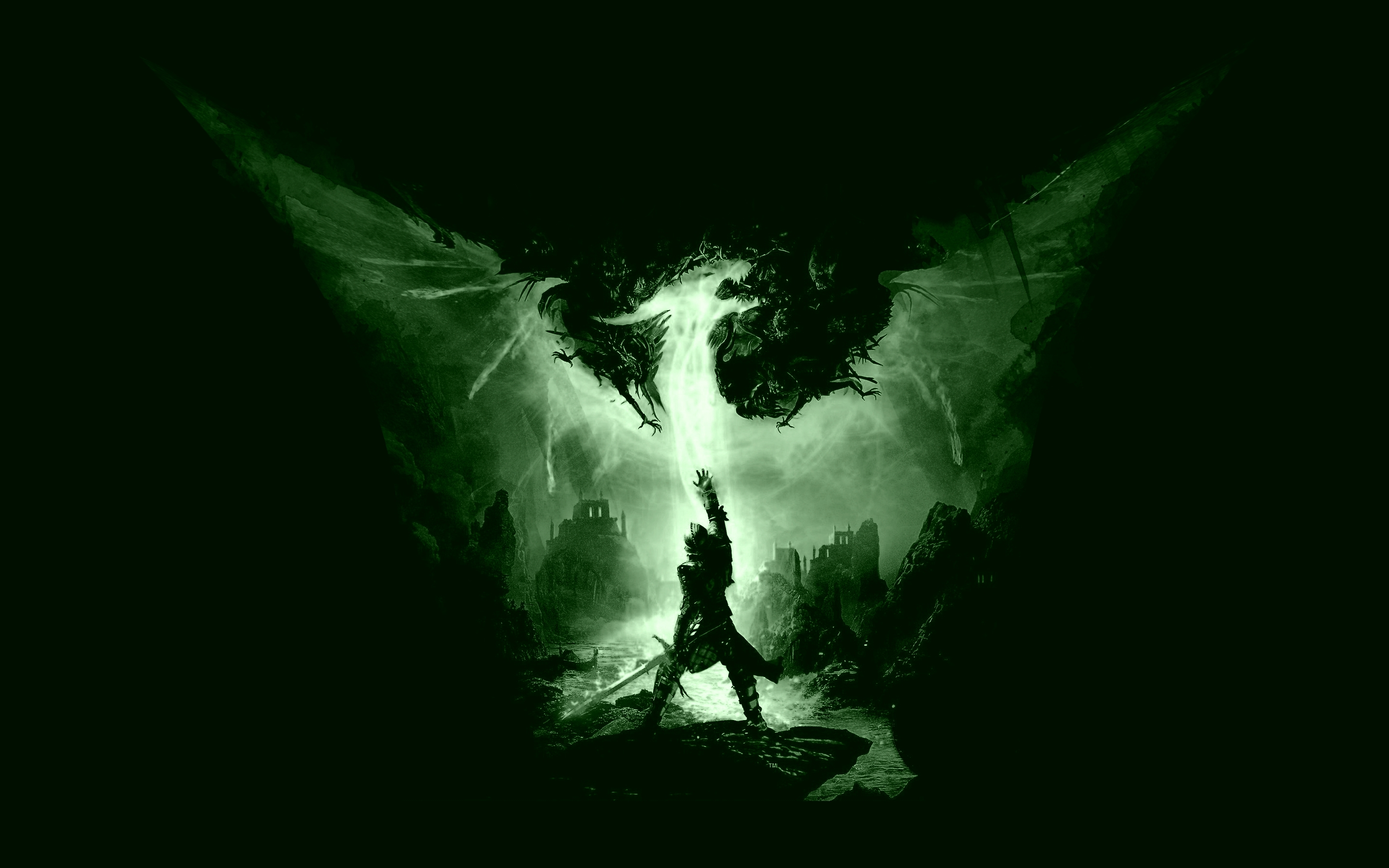
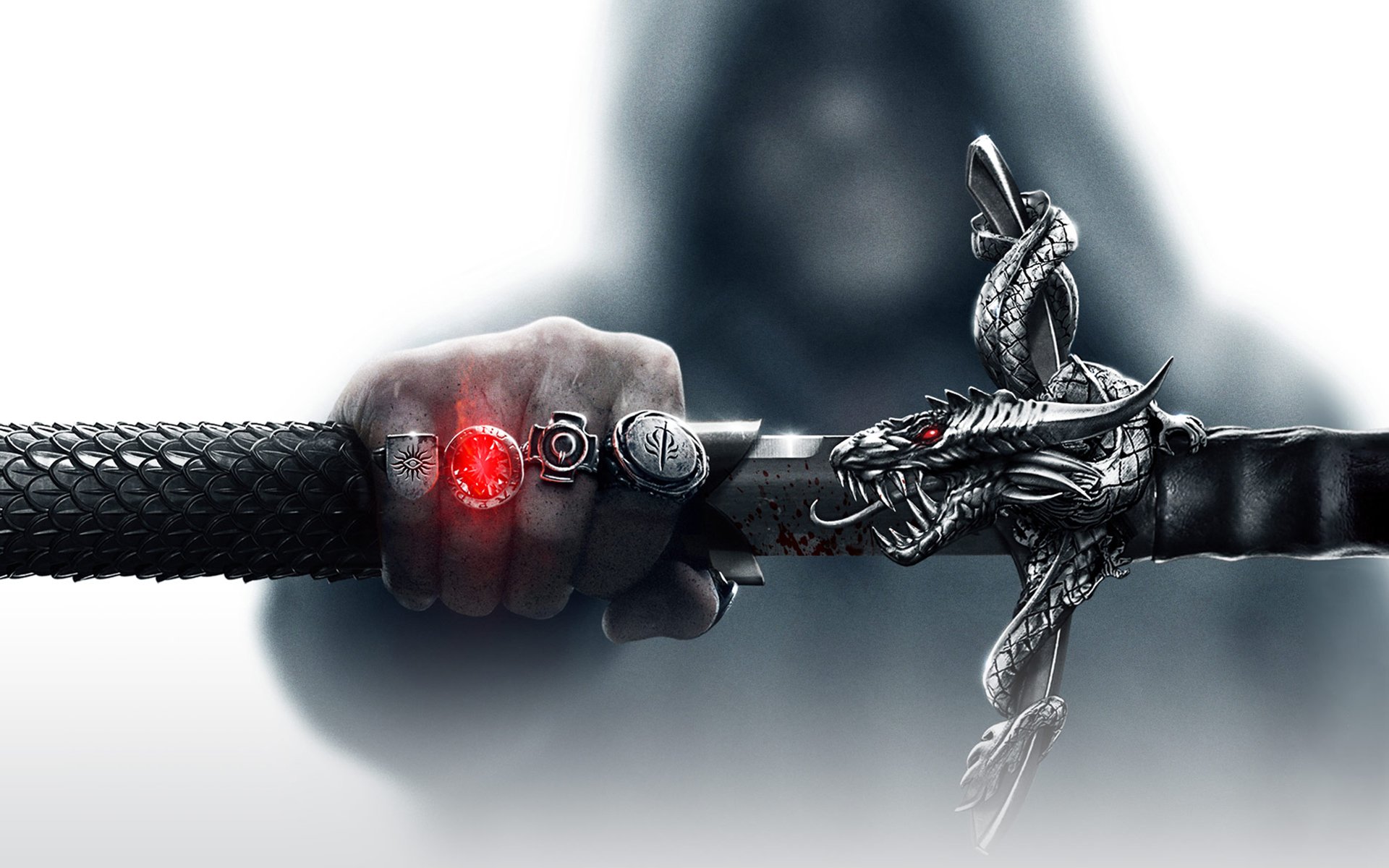
>Sorry, I used the wrong image when asking how to cut out images. Those
>two I wanted to combine to make a neat banner. Something like this
>attachment.
Hit reply by accident.

So, the first two attachments I'd like to combine, like overlay one over the
other? Then add text. I'm thinking overlying the sword picture over the darker
one since its lighter. How could I do that? And would I need to decrease the
opacity?

Also, what are some simple effects I could do with it? Like I was planning on
using Valdemar font and maybe making it 'glow' green? maybe do some lighting
effects? Uses some different brushes?

Dragon Age: Shattered Dreams

I haven't quite gotten down the use of brushes yet. I mean the Biohazard signs
and blood splotches I can do. But to make abstract designs or fractional designs
that blend well? Can't do it yet.


Attachments:
*
http://www.gimpusers.com/system/attachments/947/original/Best-Dragon-Age-Inquisition-Game-Wallpapers_1.jpg
* http://www.gimpusers.com/system/attachments/948/original/thumb-1920-435604.jpg

--
Abaddon (via www.gimpusers.com/forums)
_______________________________________________
gimp-user-list mailing list
List address:    [email protected]
List membership: https://mail.gnome.org/mailman/listinfo/gimp-user-list
List archives:   https://mail.gnome.org/archives/gimp-user-list