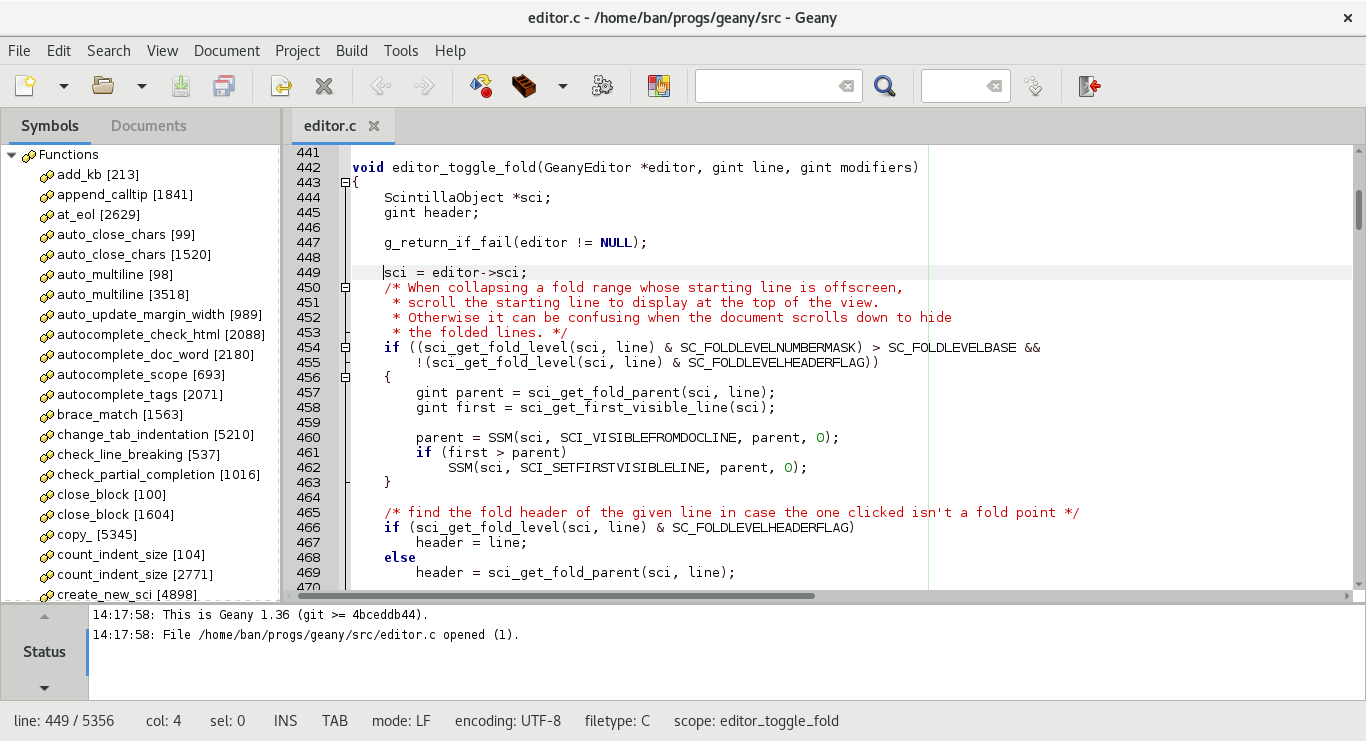
I installed geany using `apt`. By default, it opens in dark mode and the toolbar icons can be barely seen. Image: 
Normally geany looks like
[this.](https://www.geany.org/media/uploads/screenshots/geany_light_2019-05-20.png)
 (Image is taken from geany's website).
I tried reinstalling geany but it didn't work.
I am using `Linux Mint Cinnamon 20.2`.
Any fixes for the icons and how to change it to light mode?


--
You are receiving this because you are subscribed to this thread.
Reply to this email directly or view it on GitHub:
https://github.com/geany/geany/issues/2966