The photos from your phone, now one click
away<http://feedproxy.google.com/~r/OfficialGmailBlog/~3/gIdArksek4I/the-photos-from-your-phone-now-one.html>
Apr 15th 2014, 11:43, by The Gmail
Team<http://www.blogger.com/profile/10103598893707869193>
Posted by Thijs van As, Product Manager

Unless you’re a budding Ansel Adams<https://en.wikipedia.org/wiki/Ansel_Adams>,
odds are you take most of your photos using your phone. And whether it’s
photos of your hiking trip or a night out, sending photos to friends and
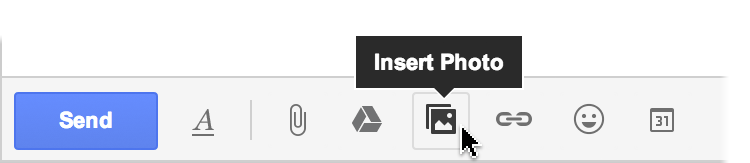
family just got easier. Starting today, you can save time and insert your Auto
Backup <https://support.google.com/plus/answer/1647509> photos from your
phone into Gmail messages on the web using the new *Insert Photo* button.

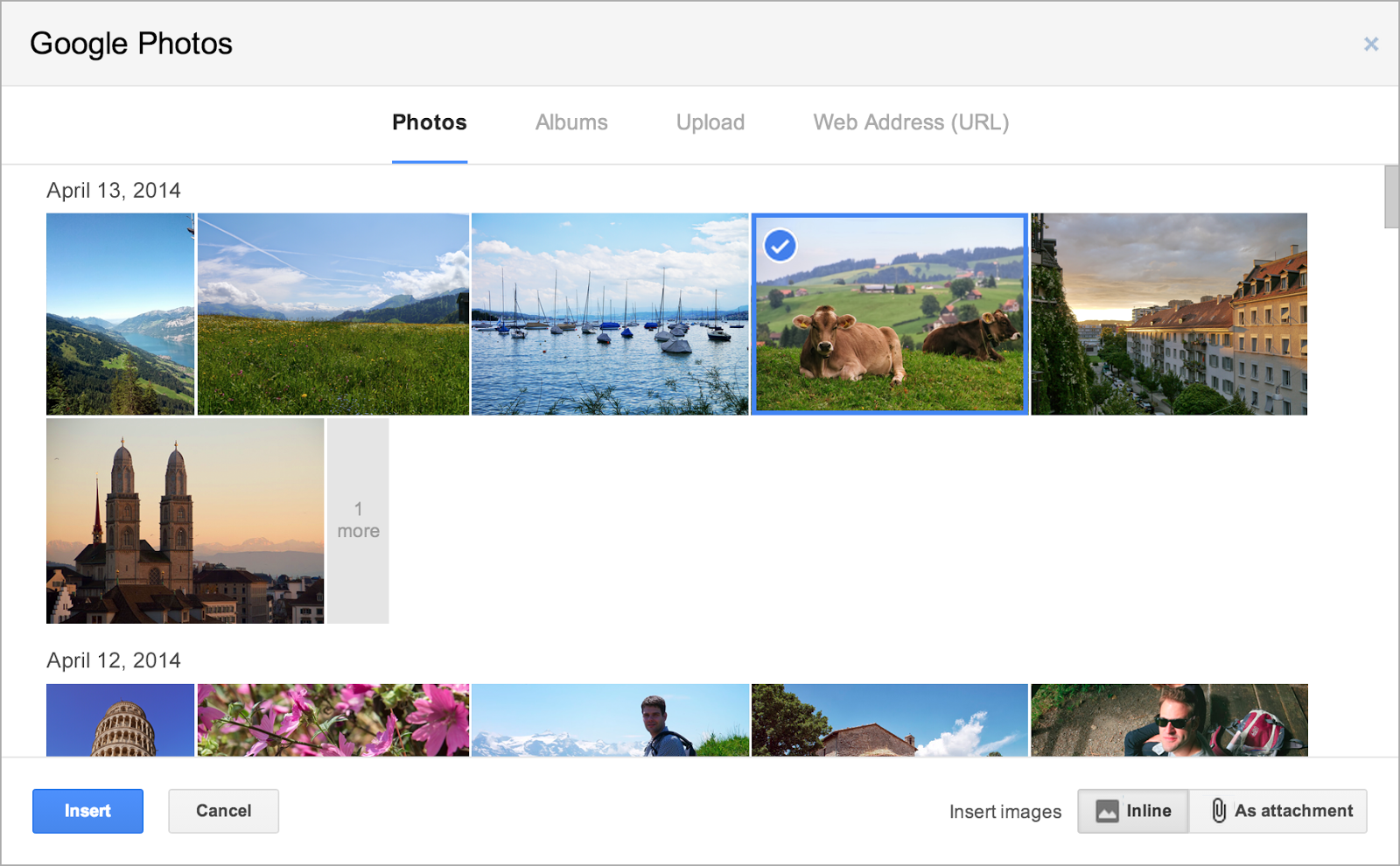
When you click the button, you'll instantly access all the photos that are
backed up from your mobile devices, starting with the most recent.
<http://3.bp.blogspot.com/-ln41ggu-_8M/U0wNzlGHJoI/AAAAAAAABR8/OIhPpAIrtr4/s1600/Gmail1.png><http://2.bp.blogspot.com/-UdnW8Kf9pxA/U0wO5_wzc-I/AAAAAAAABSI/Eu3eY2HD92c/s1600/Gmail2.png>If
you upload and organize your photos into albums on Google
Photos<https://photos.google.com/>,
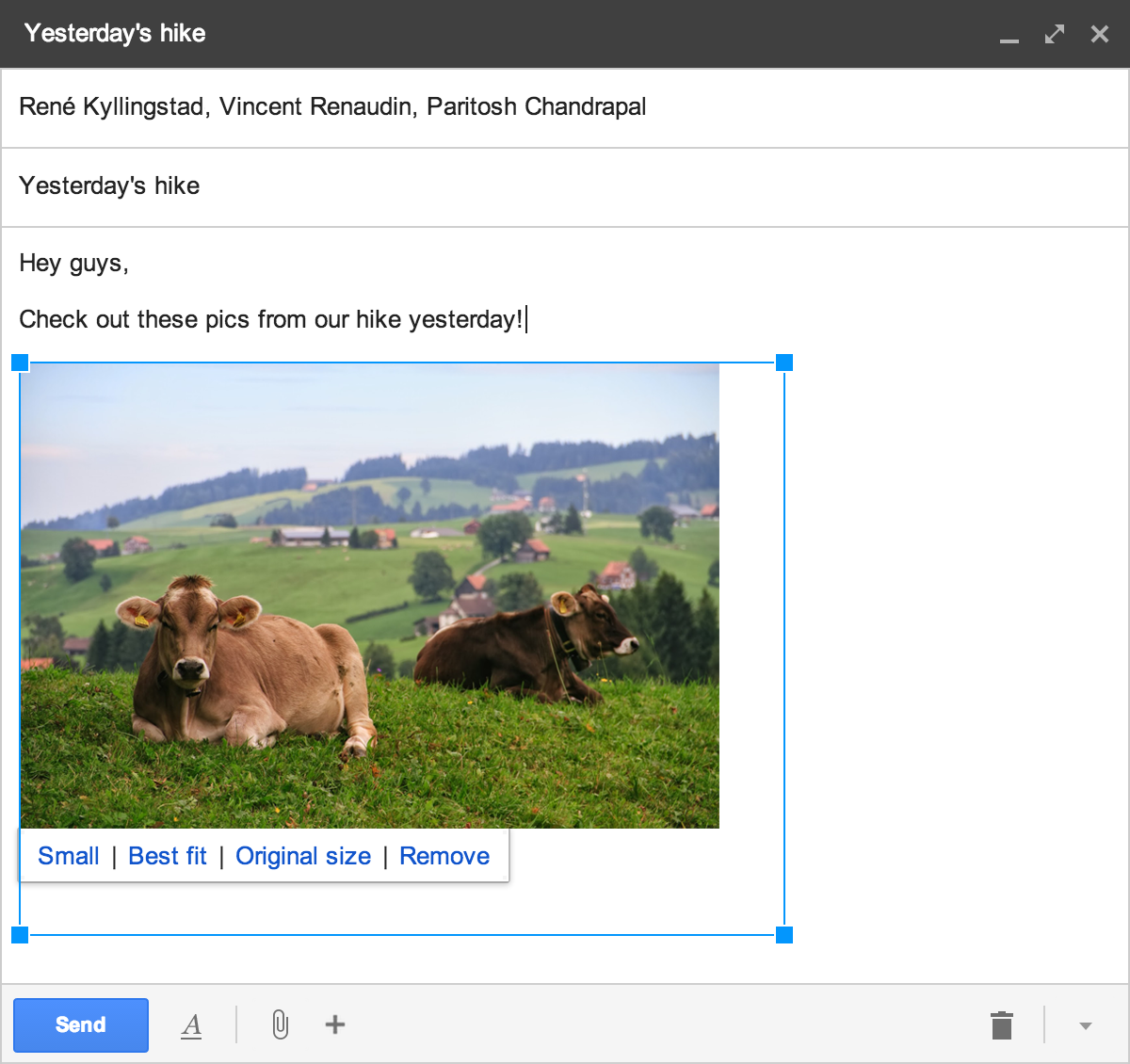
you can also share entire albums. Plus, you can now resize images while
composing messages by dragging on any corner to make your snapshot picture
perfect.
<http://3.bp.blogspot.com/-Cz_aJ9eh5rw/U0wNdaEU9qI/AAAAAAAABR0/tAIpJxqe6qc/s1600/Gmail2.png>These
new features will be rolling out today in Gmail on the web. If you haven’t
already, turn on Auto Backup<https://support.google.com/plus/answer/1647509> so
you can easily include photos from your latest adventures in emails to
family and friends.

--
You received this message because you are subscribed to the Google Groups
"Gmail-Users" group.
To unsubscribe from this group and stop receiving emails from it, send an email
to [email protected].
To post to this group, send email to [email protected].
Visit this group at http://groups.google.com/group/gmail-users.
For more options, visit https://groups.google.com/d/optout.