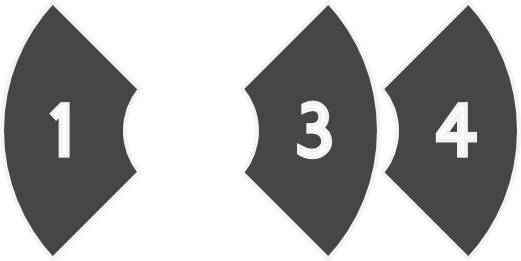
>
> And something like that, without overlay.
> http://nsa15.casimages.com/img/2010/04/16/100416090325760623.jpg
>
Something like this could work because it is persistant.

A another try here:
> http://nsa14.casimages.com/img/2010/04/16/100416114827825788.jpg
>

This would not work because of a good couple of reasons. Firstly, workspaces
in the shell are not associated with numbers at all. Secondly it's a twostep
menu with small buttons replicating the rightclick menu that already exists,
even tough it's not as accessible.


To get back to the PieThrower I would like to comment the idea about a
secondary layer of the menu:

> - if you drag and hold the mouse over the pie button not releasing the
> button, miniatures of all desktops in that direction unfold and you may
> drop the window on the selected desktop
>

This is a secondary layer that does not interrup the basic idea behind the
PieThrower, the ability to throw windows. If the user wants to access more
detailed information, not using the "going outside of the pie"-trigger, it
will provide such. The extended view could look something like this:
http://i296.photobucket.com/albums/mm167/Rovanion/PieThrowermockup3.png?t=1271418807

Now the issue with this extended view is just that the different workspaces
aren't represented by numbers in the Shell. And I'm not quite shure how you
would represent each workspace. By showing icons of the apps running on that
desktop? Seems like an ugly solution.


--
www.twitter.com/Rovanion
_______________________________________________
gnome-shell-list mailing list
[email protected]
http://mail.gnome.org/mailman/listinfo/gnome-shell-list