Oh, hai there!

Let's keep this simple: imagine that you have a new, freshly-installed
Google Maps API v3 on your localhost.
Something like this:
function initialize() {
  var myLatlng = new google.maps.LatLng(-25.363882,131.044922);
  var myOptions = {
    zoom: 2,
    center: myLatlng,
    mapTypeId: google.maps.MapTypeId.ROADMAP
  }

  map = new google.maps.Map(document.getElementById("map_canvas"),
myOptions);
}

Now, let's just throw away the whole Earth. Pick up a different planet
instead.
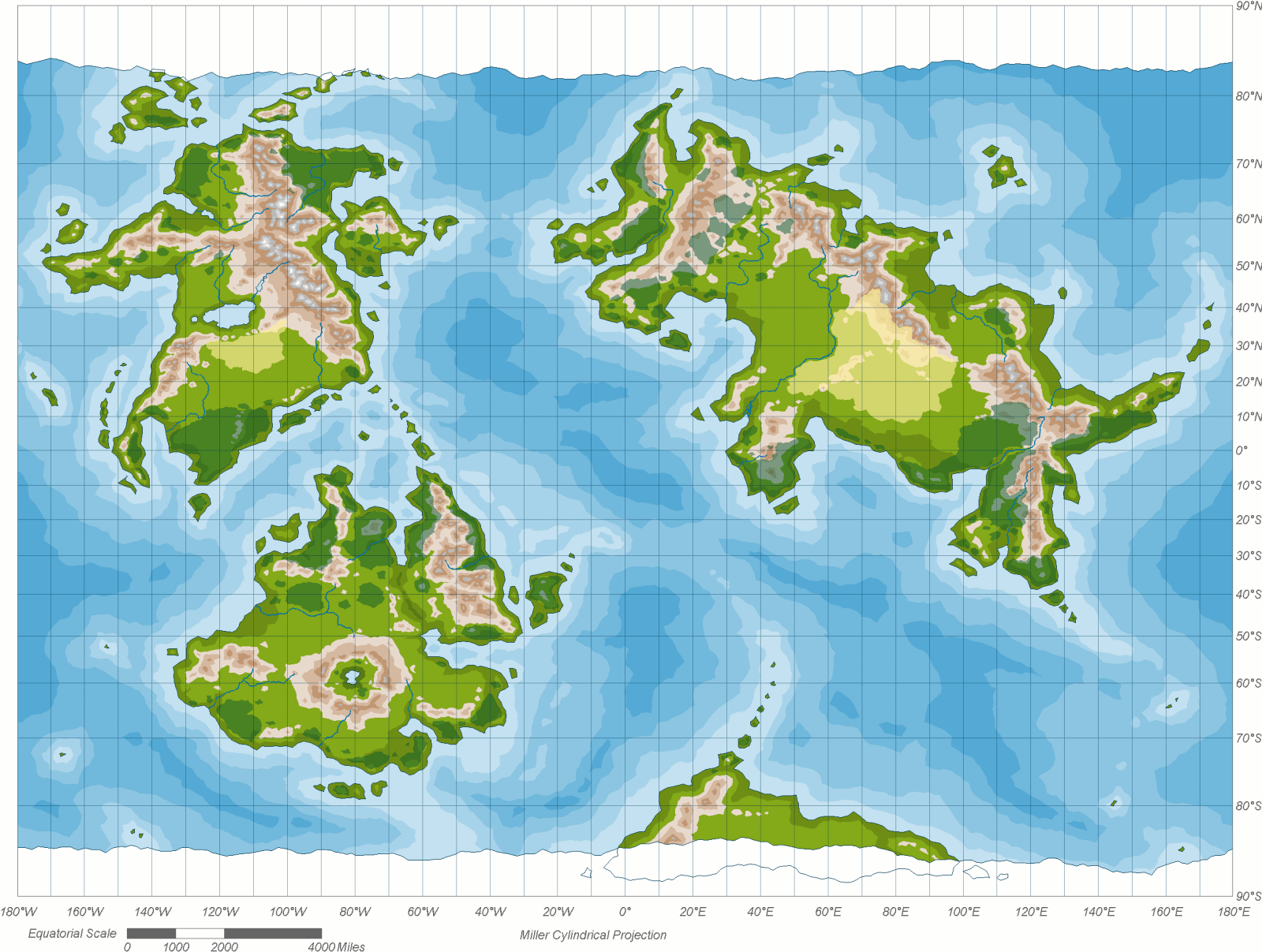
Something like this:
http://andrewbusey.com/wp-content/uploads/2006/11/worldmap.PNG

Now, let's pretend we've got a cute png image of an alien planet (like
the one above). That png image is to be sliced into smaller tiles
(saved into, let's say, /gmap/tiles/), and applied to the custom
localhost google map.

My question is: how is one supposed to do this? I.e. how to "wipe" the
whole earth, how to slice the image into tiles accordingly, how to
code in the changes properly?
Please, make it easily comprehensible. Thank you!

--
You received this message because you are subscribed to the Google Groups
"Google Maps JavaScript API v3" group.
To post to this group, send email to [email protected].
To unsubscribe from this group, send email to
[email protected].
For more options, visit this group at
http://groups.google.com/group/google-maps-js-api-v3?hl=en.