Yes, you need to specify an "annotation" column for each of your data
columns.  If you just want to display the value, the easiest way to do this
is with a DataView that calculates the annotations for you:
var data = google.visualization.arrayToDataTable([
    ['API Category', 'Social', 'Music', 'File Sharing', 'Storage',
'Weather'],
    ['2011', 98, 53, 12, 16, 6],
    ['2012', 151, 34, 26, 36, 49],
    ['2013', 69, 27, 22, 17, 15],
]);
var columns = [0];
for (var i = 1; i < data.getNumberOfColumns(); i++) {
    columns.push(i);
    columns.push({
        type: 'string',
        sourceColumn: i,
        role: 'annotation',
        calc: 'stringify'
    });
}
var view = new google.visualization.DataView(data);
view.setColumns(columns);

Then use view to draw your chart instead of data.

On Tuesday, August 26, 2014 9:38:37 AM UTC-4, Nicolas Fortin wrote:
>
> Hi,
>
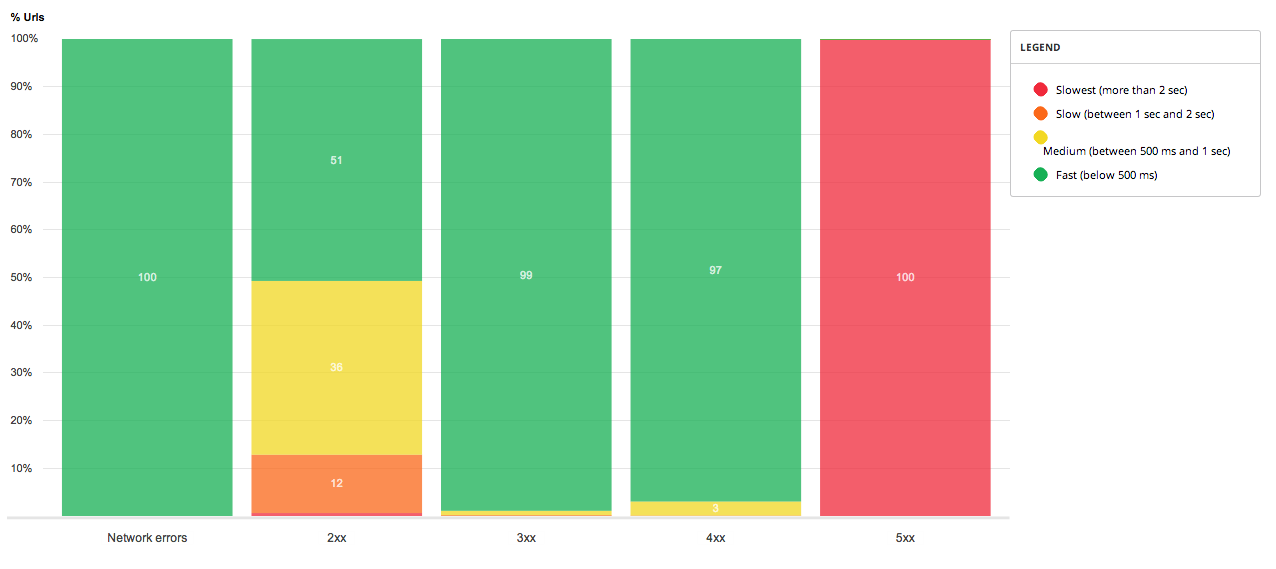
> With Google *stacked* column/bar charts, is there a way to display the
> value on each group like that :
>
> <http://i.stack.imgur.com/dgvfe.png>
>
>
>
>
>
>
>
>
>
>
>
>
> I tried with annotations but if I'm not wrong it only allow us to annotate
> the whole column, like in this codeopen http://codepen.io/anon/pen/xLIuB
>
>
>    ...
>     var data = google.visualization.arrayToDataTable([
>  ['API Category', 'Social', 'Music', 'File Sharing', 'Storage',
>          'Weather', { role: 'annotation' } ],
>         ['2011', 98, 53, 12, 16, 6, '15'],
>         ['2012', 151, 34, 26, 36, 49, '14'],
>         ['2013', 69, 27, 22, 17, 15, '14'],
>     ]);
>     ...
>
>
> Ty.
>

--
You received this message because you are subscribed to the Google Groups
"Google Visualization API" group.
To unsubscribe from this group and stop receiving emails from it, send an email
to [email protected].
To post to this group, send email to [email protected].
Visit this group at http://groups.google.com/group/google-visualization-api.
For more options, visit https://groups.google.com/d/optout.