October 13, 2010   *By:
Captainkrtek<http://www.xda-developers.com/author/captainkrtek/>
*
Difficulty:
3
<http://www.xda-developers.com/what-does-the-difficulty-rating-mean/?KeepThis=true&TB_iframe=true&height=400&width=400>
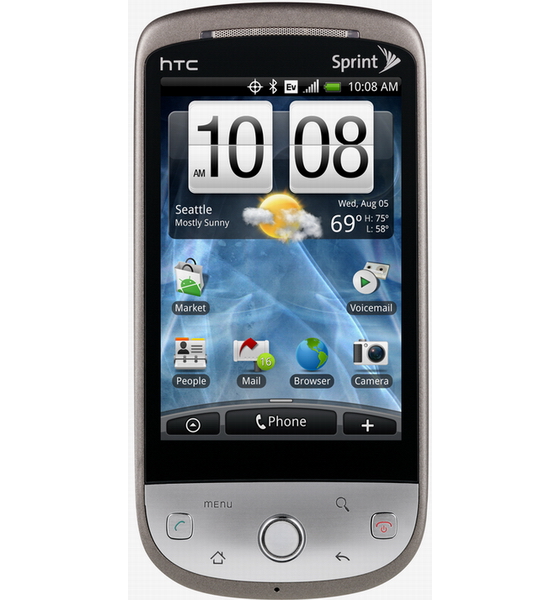
[image: Dual Booting ROMs on
Android]<http://www.xda-developers.com/wp-content/uploads/2010/10/HTC-Hero-Sprint-CDMA.jpg>
As we featured close to a month ago, an XDA member came up with a SD
card booting
method for the
Eris<http://www.xda-developers.com/android/boot-android-roms-from-sd-beta/>.
Along the same lines as this, is this Linux based script developed by XDA
MemberunCoRrUpTeD <http://forum.xda-developers.com/member.php?u=2445352>.
This is a very tricky setup and should only be tried if
you’re comfortable doing these kinds of modifications.

If you’ve read past this then let me get into the details. This script
allows you to dual boot 2 Roms on your Android Device. The script currently
works on amonRA recovery with no support for Clockwork mod yet. There are a
few steps you need to follow and it has directions for Linux and a VM
running Linux based setup. It has detailed instructions on how to get setup,
but you will need to follow closely as there are some pit falls.

To learn more about this, check out the discussion
thread<http://forum.xda-developers.com/showthread.php?t=803302> and
give it a try.

Thanks to XDA Member
Decad3nce<http://forum.xda-developers.com/member.php?u=2372639> for
tipping us on this article.


taken from :
http://www.xda-developers.com/android/dual-booting-roms-on-android/

--
"Indonesian Android Community [id-android]"

Join: http://groups.google.com/group/id-android/subscribe?hl=en-GB
Moderator: [email protected]
Peraturan Jual dan Kloteran ID-Android  http://goo.gl/azW7
ID Android Developer: http://groups.google.com/group/id-android-dev
ID Android Surabaya: http://groups.google.com/group/id-android-sby
ID Android on FB: http://www.facebook.com/group.php?gid=112207700729