Greg created CB-4937:
------------------------

             Summary: Weird Crop When using allowEdit on iOS7
                 Key: CB-4937
                 URL: https://issues.apache.org/jira/browse/CB-4937
             Project: Apache Cordova
          Issue Type: Bug
          Components: iOS
    Affects Versions: 2.6.0
            Reporter: Greg
When taking a picture using the following syntax (Camera or Library):

navigator.camera.getPicture(success, fail, {quality: 45, destinationType:
destinationType.FILE_URI, sourceType: pictureSource.CAMERA, correctOrientation:
true, encodingType: encoding.JPEG, saveToPhotoAlbum: true, allowEdit: true});

And the user edits the photo by trying to scale in or out, 10px of the picture
is cropped on the right (showing a black bar on the right). This is only
affected on iOS7.

See this for an example:
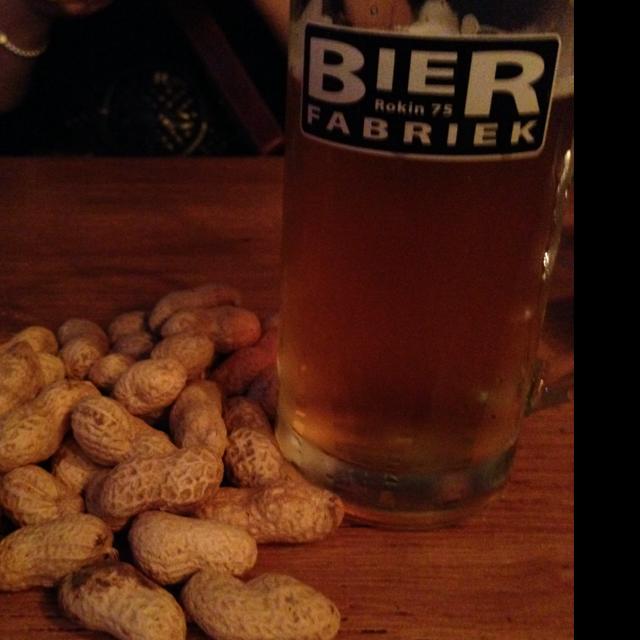
https://untappd.s3.amazonaws.com/photo/2013_09_24/cfff83f5b72cc29b2377b49a7790e505_raw.jpg

This is the raw uploaded photo (resized to 50%).

Replication Steps:

1. Download Untappd for iOS
2. Check-in a beer, and then add a photo (choose camera)
3. Take photo in portrait mode.
4. Touch the picture to zoom in or out on the Edit Screen
5. You won't be able to see the crop picture until you posted it. So check-in
your beer. You might be able to see a little bit of the picture not shown
behind the "Change Photo" button.
6. Tap the Profile Icon, so see your last check-in and you will see the picture
cropped with a black-bar on the right-side on your first check-in.

Is there any fix for this?


--
This message is automatically generated by JIRA.
If you think it was sent incorrectly, please contact your JIRA administrators
For more information on JIRA, see: http://www.atlassian.com/software/jira