    [
https://issues.apache.org/jira/browse/CB-13273?page=com.atlassian.jira.plugin.system.issuetabpanels:comment-tabpanel&focusedCommentId=16174767#comment-16174767
 ]
ASF GitHub Bot commented on CB-13273:
-------------------------------------
Github user mhartington commented on the issue:
https://github.com/apache/cordova-plugin-statusbar/pull/85
This pr does not address everything. In order to have full iPhoneX support
you need the following
1) `viewport-fit=cover` added to your meta tag, this will tell the webview
to use the full screen real estate
2) A launch storyboard image for your splashscreen. This is a single
2732x2732 image that will be cropped to fix different screen sizes. An example
project can be found here.
https://github.com/kerrishotts/lsb-example-simple
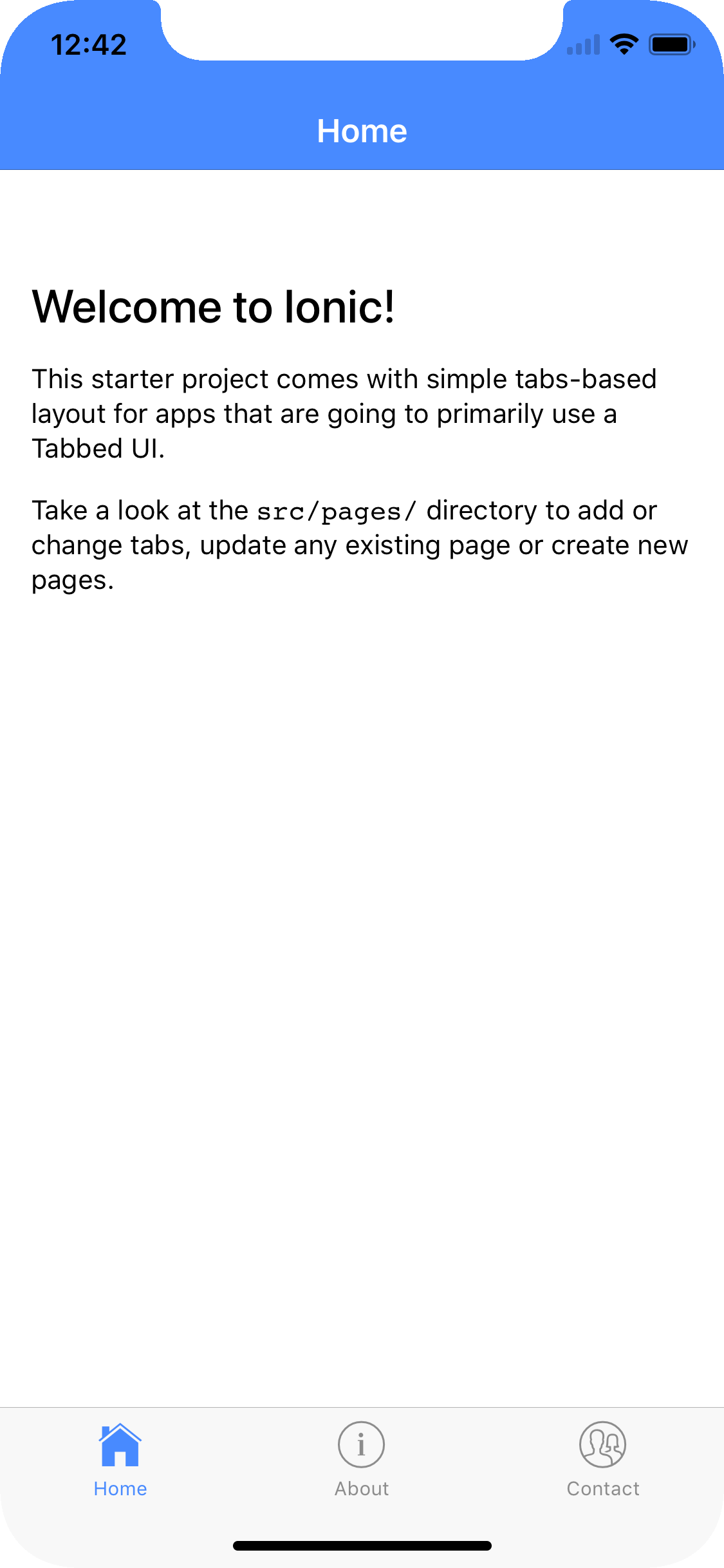
What this PR _DOES_ is address a sizing issue for the statusbar plugin.
Since it was hardcoded to 20px, it would create a small gap when you used
viewport-fit and the storyboard image.
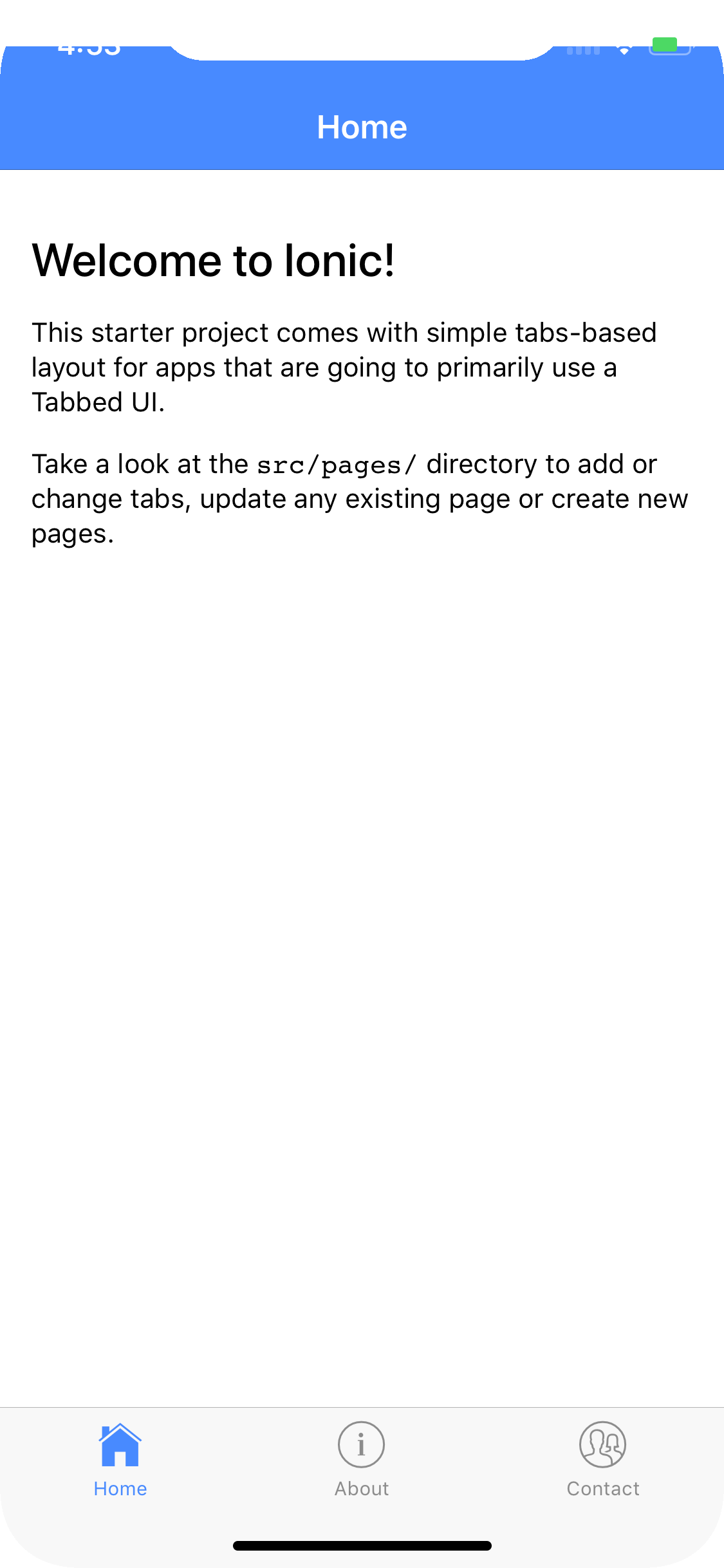
But applying this fix, along with the others, you can remove that gap.
> Webview is sized incorrectly on iPhone X (Simulator)
> ----------------------------------------------------
>
> Key: CB-13273
> URL: https://issues.apache.org/jira/browse/CB-13273
> Project: Apache Cordova
> Issue Type: Bug
> Components: cordova-ios
> Affects Versions: cordova-ios 4.5.0
> Environment: Xcode 9.0 (9A235)
> Simulator 10.0 (SimulatorApp-829.6) - iPhone X
> Reporter: Dave Alden
> Assignee: Shazron Abdullah
> Labels: iPhoneX, ios11
> Attachments: fig1.png, fig2.png, Simulator Screen Shot - iPhone X -
> 2017-09-14 at 15.52.54.png, Simulator Screen Shot - iPhone X - 2017-09-15 at
> 09.20.48.png, Simulator Screen Shot - iPhone X - 2017-09-19 at 11.29.00.png,
> webview-test.zip
>
>
> New app with [email protected] (using default UIWebView) running on iPhone X
> Simulator does not size correctly, leaving black areas above and below the
> app content and white bars between the black areas and app content.
> Adding cordova-plugin-wkwebview-engine so Cordova uses WKWebView, white bars
> go away, but the black areas remain:
> !https://cdn.pbrd.co/images/GKeaEPg.png|height=640!
> !https://cdn.pbrd.co/images/GKeaWwK.png|height=640!
> Setting
> {code:html}viewport-fit=cover{code}
> fixes the white bar issue with UIWebView, as outlined here
> [http://stephenradford.me/removing-the-white-bars-in-safari-on-iphone-x/],
> but the black areas remain:
> [^Simulator Screen Shot - iPhone X - 2017-09-14 at 15.52.54.png]
> Attached Cordova project illustrates the issue.
--
This message was sent by Atlassian JIRA
(v6.4.14#64029)
---------------------------------------------------------------------
To unsubscribe, e-mail: [email protected]
For additional commands, e-mail: [email protected]




