dpolivy opened a new issue #600:
URL: https://github.com/apache/cordova-plugin-camera/issues/600
# Bug Report ## Problem ### What is expected to happen? When setting `targetWidth` and `targetHeight` on the captured image, one expects to get the highest quality scaled image possible for those target dimensions. ### What does actually happen? When starting with a high resolution image (e.g. from a Pixel 2 or higher), if the target size is relatively small, when loading the unscaled image in to scale it down, a sample size is set on the `BitmapFactory`: `options.inSampleSize = calculateSampleSize(rotatedWidth, rotatedHeight, widthHeight[0], widthHeight[1]);` [code ref](https://github.com/apache/cordova-plugin-camera/blob/master/src/android/CameraLauncher.java#L1048) Later in the code, the Bitmap is scaled using this code: `Bitmap scaledBitmap = Bitmap.createScaledBitmap(unscaledBitmap, scaledWidth, scaledHeight, true);` The problem here is that the first method of scaling the bitmap by sampling pixels leads to a very pixelated image with poor quality. The second method actually yields quite good results in scaling. The difference between the two approaches yields significant differences in the usability of the resulting images. Here are the camera settings used: ```` sourceType: Camera.PictureSourceType.CAMERA, quality: 75, targetWidth: 620, targetHeight: 620, destinationType: Camera.DestinationType.FILE_URI, mediaType: Camera.MediaType.PICTURE, correctOrientation: true ```` These images were captured with a Pixel 2 using the above settings. **Image 1: Captured with the default behavior of calculating a sample size. Notice the fuziness/pixelation around the text** 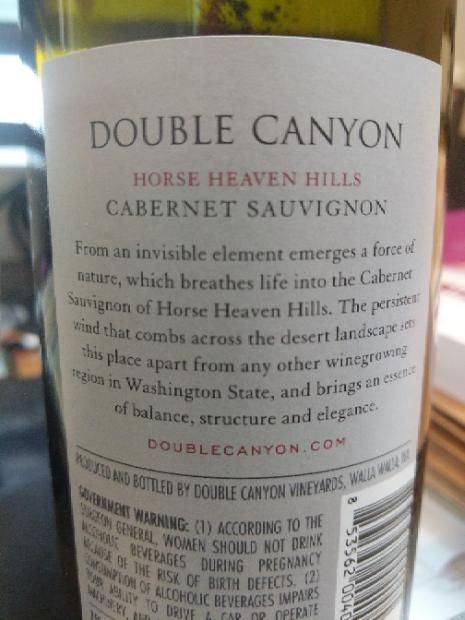 **Image 2: Captured with the setting of `options.inSampleSize` commented out, and only scaled with `Bitmap.createScaledBitmap`. The text is much clearer overall.** 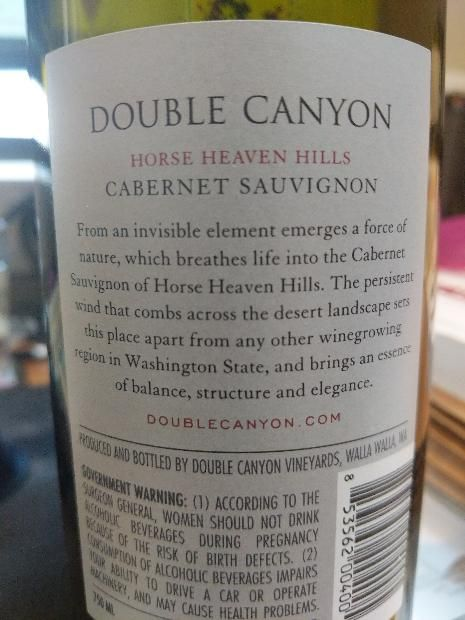 ## Information <!-- Include all relevant information that might help understand and reproduce the problem --> This code to set the sample size appears to be part of the plugin from the beginning. Perhaps it was a useful memory optimization, and the quality degradation was not as noticeable when camera resolutions were much lower. However, with higher resolution cameras on modern devices, if requesting a scaled image, the chance for getting a poorly scaled result greatly increases using this method. It seems better to only use `Bitmap.createScaledBitmap` to do the scaling, and hope the added memory usage of reading in the uncompressed bitmap isn't an issue on modern devices. ### Command or Code <!-- What command or code is needed to reproduce the problem? --> Pixel 2+ with the following options: ```` sourceType: Camera.PictureSourceType.CAMERA, quality: 75, targetWidth: 620, targetHeight: 620, destinationType: Camera.DestinationType.FILE_URI, mediaType: Camera.MediaType.PICTURE, correctOrientation: true ```` ### Environment, Platform, Device <!-- In what environment, on what platform or on which device are you experiencing the issue? --> Tested with Pixel 2, Android 10, latest security updates. I also have users reporting similar issues with a Pixel 4, and Samsung Galaxy S9, both also on Android 10. ### Version information cordova-android: 7.1.1 cordova-plugin-camera: 4.2.0 ## Checklist <!-- Please check the boxes by putting an x in the [ ] like so: [x] --> - [x] I searched for existing GitHub issues - [ ] I updated all Cordova tooling to most recent version - [x] I included all the necessary information above ---------------------------------------------------------------- This is an automated message from the Apache Git Service. To respond to the message, please log on to GitHub and use the URL above to go to the specific comment. For queries about this service, please contact Infrastructure at: [email protected] --------------------------------------------------------------------- To unsubscribe, e-mail: [email protected] For additional commands, e-mail: [email protected]


