Aman-Mittal opened a new issue, #422:
URL: https://github.com/apache/fineract-backoffice-ui/issues/422
Good first issue, and the smallest of this set — **7 routes in one file**. No backend needed. ## What is wrong `src/app/features/security/security.routes.ts` declares 7 routes and none of them sets a `title`. So: 1. **No breadcrumb.** The trail added in #419 comes from each activated route's `title`; with none set, only the section contributes a crumb and a one-crumb trail is hidden. 2. **One tab title for the section.** Users, Roles and Audit Logs all title the browser tab `Security · Fineract`. Audit Logs is the one that stings: it is the screen an auditor is most likely to keep open in a tab alongside others, and it is indistinguishable from the rest of the section in the tab strip. ## Evidence Users — no breadcrumb above the content, tab title `Security · Fineract`: 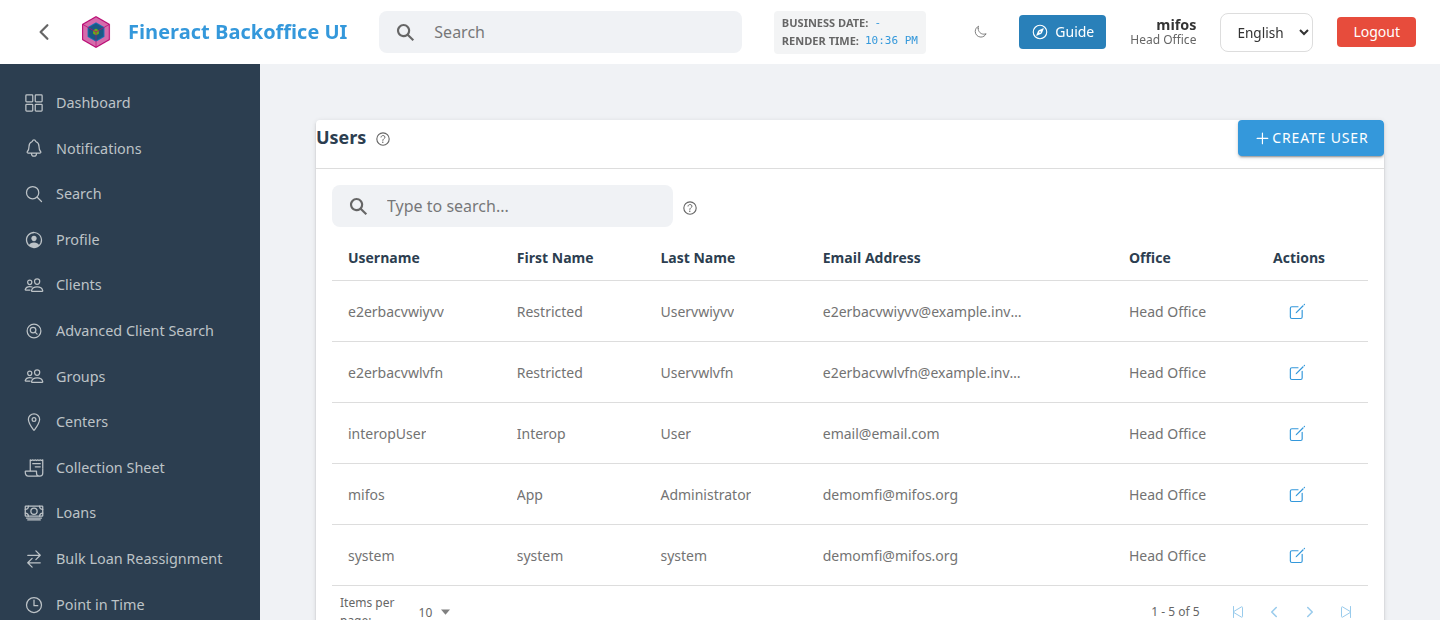 Contrast with Loan Products, whose route file sets titles — `Products › Loan Products` above the card: 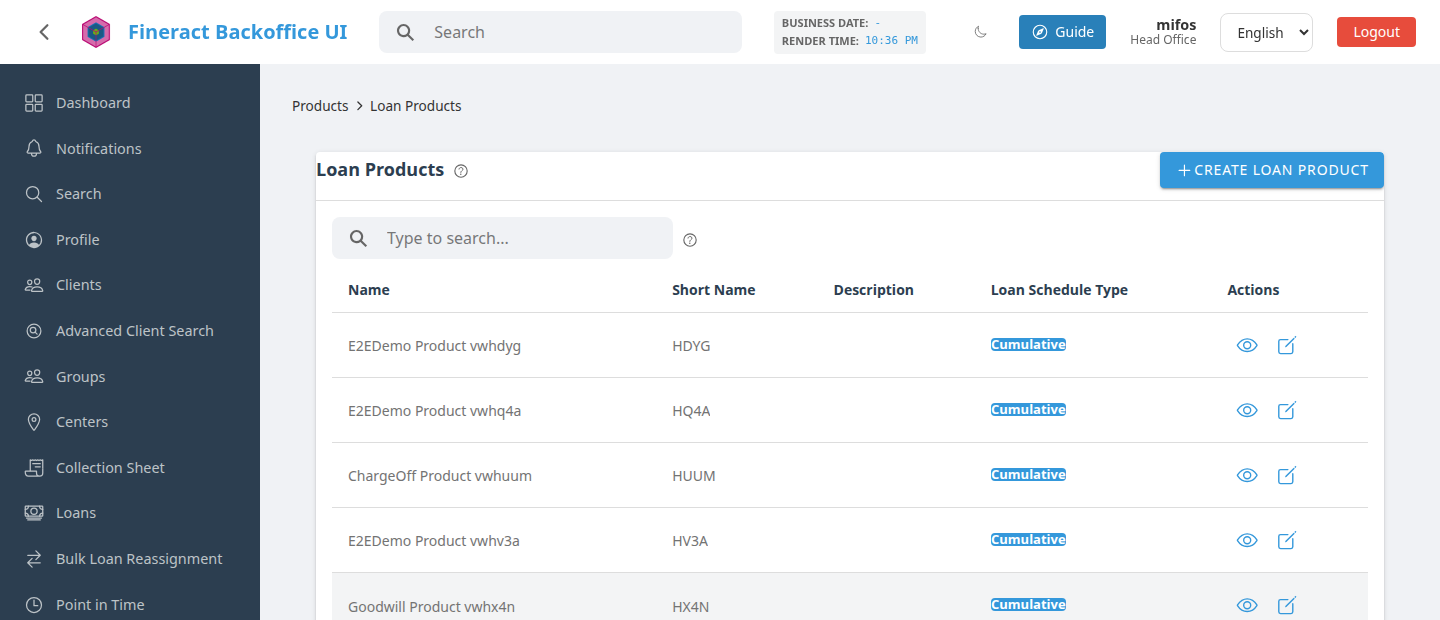 ## The fix One line per route: ```ts { path: 'roles', canActivate: [authGuard, permissionGuard], data: { permissions: 'READ_ROLE' }, title: 'SECURITY.ROLES', // <-- add this loadComponent: () => import('./roles/roles-list.component').then((m) => m.RolesListComponent), } ``` Reuse the translation key the screen's own heading already uses where one exists. If a key is missing, add it to `src/assets/i18n/en.json` — `npm run i18n:check` fails on a referenced-but-missing key and names it. `src/app/features/clients/clients.routes.ts` (21 routes, all titled) is a compact reference. ## Verifying ```bash npm start ``` Open Users, Roles and Audit Logs: each should show a breadcrumb and name itself in the browser tab. Keep `npm run lint && npm run i18n:check` green. ## Scope Only `security.routes.ts`. Sibling issues cover the other untitled route files so people can work in parallel; the full list is on #355. -- This is an automated message from the Apache Git Service. To respond to the message, please log on to GitHub and use the URL above to go to the specific comment. To unsubscribe, e-mail: [email protected] For queries about this service, please contact Infrastructure at: [email protected]


