https://bugs.kde.org/show_bug.cgi?id=513223
            Bug ID: 513223
           Summary: Please consider changing Kate's default icon to
                    something more intuitive | easy to understand!
    Classification: Applications
           Product: kate
      Version First 25.04.3
       Reported In:
          Platform: Other
                OS: Linux
            Status: REPORTED
          Severity: wishlist
          Priority: NOR
         Component: application
          Assignee: [email protected]
          Reporter: [email protected]
  Target Milestone: ---

Created attachment 187524
  --> https://bugs.kde.org/attachment.cgi?id=187524&action=edit
The 'accesories-text-editor' one, pinned to the task bar (panel).

SUMMARY
Please consider changing Kate's default icon to something more intuitive | easy
to understand!

STEPS TO REPRODUCE
1. Look at Kate's default icon.
2. Optionally you can also add it to the desktop and to the task bar to see how
it looks like there too.

OBSERVED RESULT
To me, it's one of the few icons that has absolutely nothing in it that can
give me any hint that it's a program with which I can open text files to edit
them or to just view them.
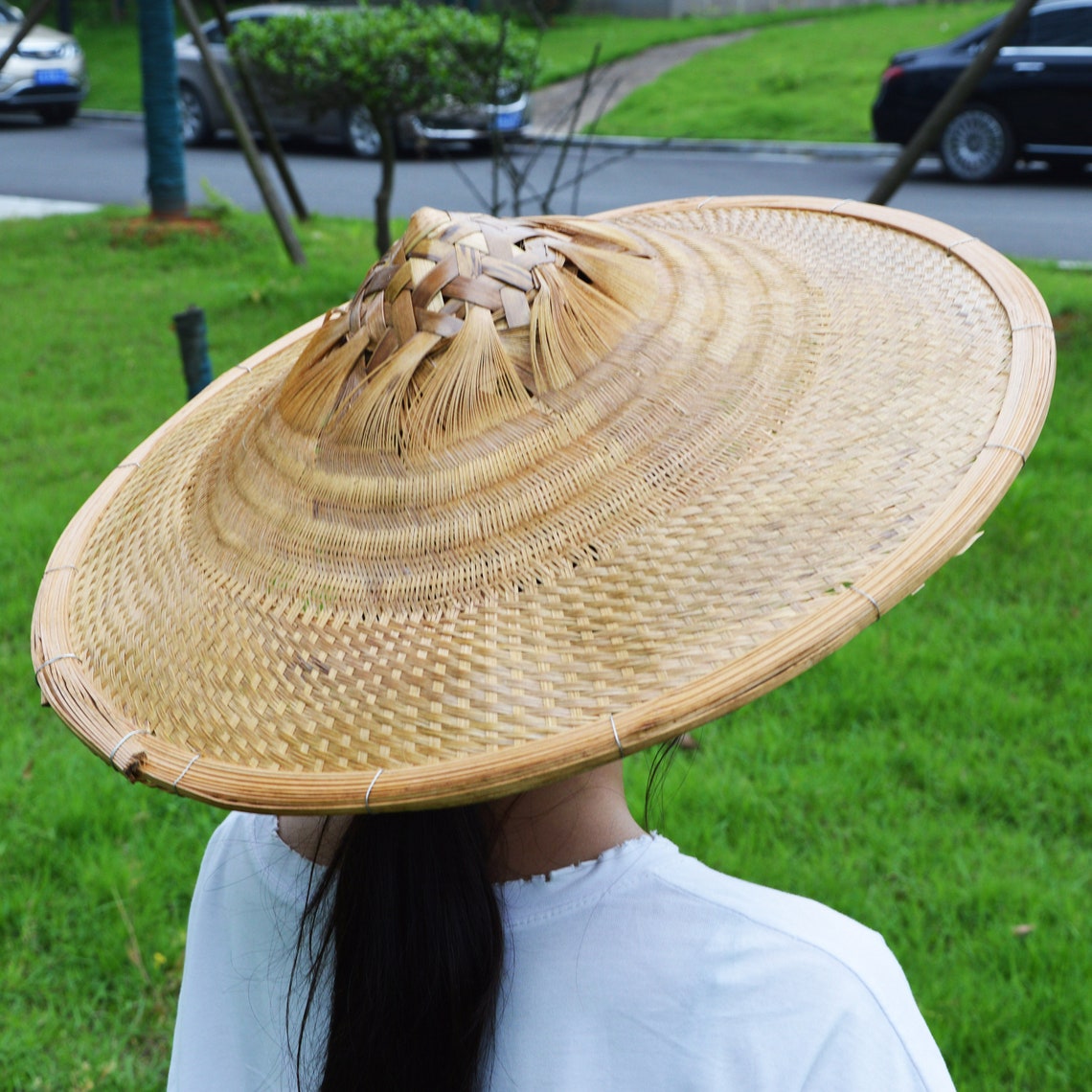
When I first saw it, especially as small as you can see it in the menu or
pinned to the task bar or even added on the desktop I though it's a person with
a pretty horizontal hat, like this:
https://i.etsystatic.com/23975812/r/il/b52757/3124251751/il_1140xN.3124251751_lvgt.jpg
Falling on his back on the left side, like this:
https://png.pngtree.com/thumb_back/fw800/background/20240725/pngtree-worker-with-hard-hat-falling-from-ladder-isolated-image_15917698.jpg
Or like this (which is even more accurate to how I imagined as I saw 2 arms and
2 legs:
https://thumbs.dreamstime.com/b/young-man-falling-down-male-person-frightened-expression-her-face-falling-back-cartoon-style-vector-young-man-falling-down-194480982.jpg
Only after a few years I heard someone saying that is supposed to be a "K"
letter, which I would've never figured out by myself as it's too far away from
it and I never expect letters on icons.

EXPECTED RESULT
I expect an icon that is much more intuitive and easy to understand.
Like the one I manually switched to, which you can see in the attachment.
That is named 'accessories-text-editor'.
Which seems the only one that somewhat matches what I'm thinking it's pretty
close, after searching in the list of available icons for terms like 'text' and
'editor'.

As for having letters on icons, I'm not much fun of, even more a "K" that is
not native for for my language and we use it only for foreign words.
Even more, too many KDE programs still start with a K so I still have to read
what program it is to figure out which program really is.
To me, icons like these seem good:
https://www.svgrepo.com/show/442380/text-editor-symbolic.svg
https://img.freepik.com/premium-vector/text-editor-icon_1134104-19058.jpg
I wouldn't mind if you would make them blue to  be more clear that they are
made by KDE and the program is one of the core programs, like Dolphin.
Or you can make them black-and-white and make just the pencil blue.
I of course would like it even more if it was colored and 3D-looking.

SOFTWARE/OS VERSIONS
Linux/KDE Plasma:
KDE Plasma Version: 6.5.3
KDE Frameworks Version: 6.20.0
Qt Version: 6.9.2

ADDITIONAL INFORMATION
Whatever you decide I think it will be better than the current one.
And before anyone ask why I created this issued when I was able to change it to
what I want...
It annoys me to have to do this change after every single install / reinstall
of the OS on my computer, my family's computers and my friends' computers.
Plus, I bet it's not as intuitive as it could be for a lot of new users that
are coming to Linux and Plasma.
The transition should be as easy as possible for them.
If they try the "Desktop Mode" on Steam Deck for example and they find it
intuitive and easy enough to use, they might install SteamOS or other Linux
distro with Plasma on their desktop and laptop computers too.

--
You are receiving this mail because:
You are watching all bug changes.