https://bugs.kde.org/show_bug.cgi?id=463359
            Bug ID: 463359
           Summary: Allow HTML preview in a single pane
    Classification: Applications
           Product: ghostwriter
           Version: unspecified
          Platform: Other
                OS: Other
            Status: REPORTED
          Severity: wishlist
          Priority: NOR
         Component: general
          Assignee: [email protected]
          Reporter: [email protected]
  Target Milestone: ---

Please consider allowing only HTML view in a single pane
I just learned about Ghostwriter and it looks great! Thanks for a great
application!

I am for a long time looking for software, that I could call from the command
line, and get a HTML preview with equations from markdown - and it looks like
Ghostwrite is more than suitable.

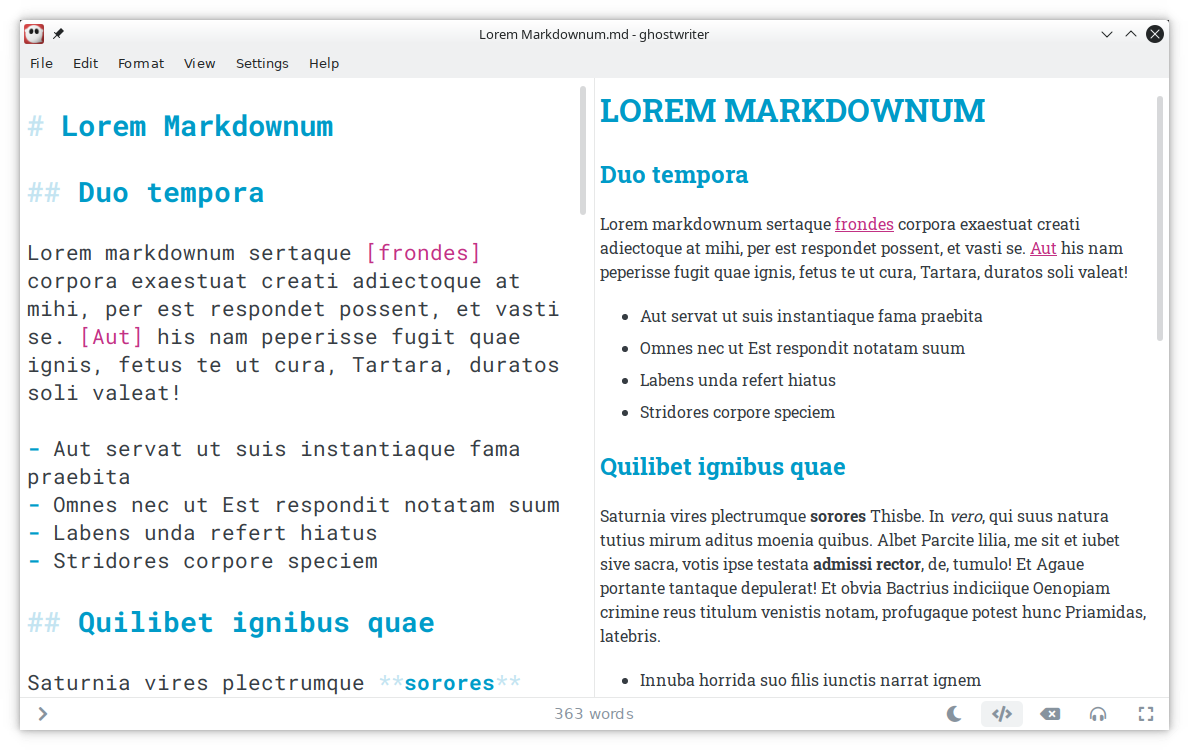
Except, I have one minor UI problem for my use case: the default view in
Ghostwriter is dual pane, with markdown source in the left, and live HTML
preview in the right pane https://ghostwriter.kde.org/images/html-preview.png -
which for me is the absolute best GUI setup for writing.

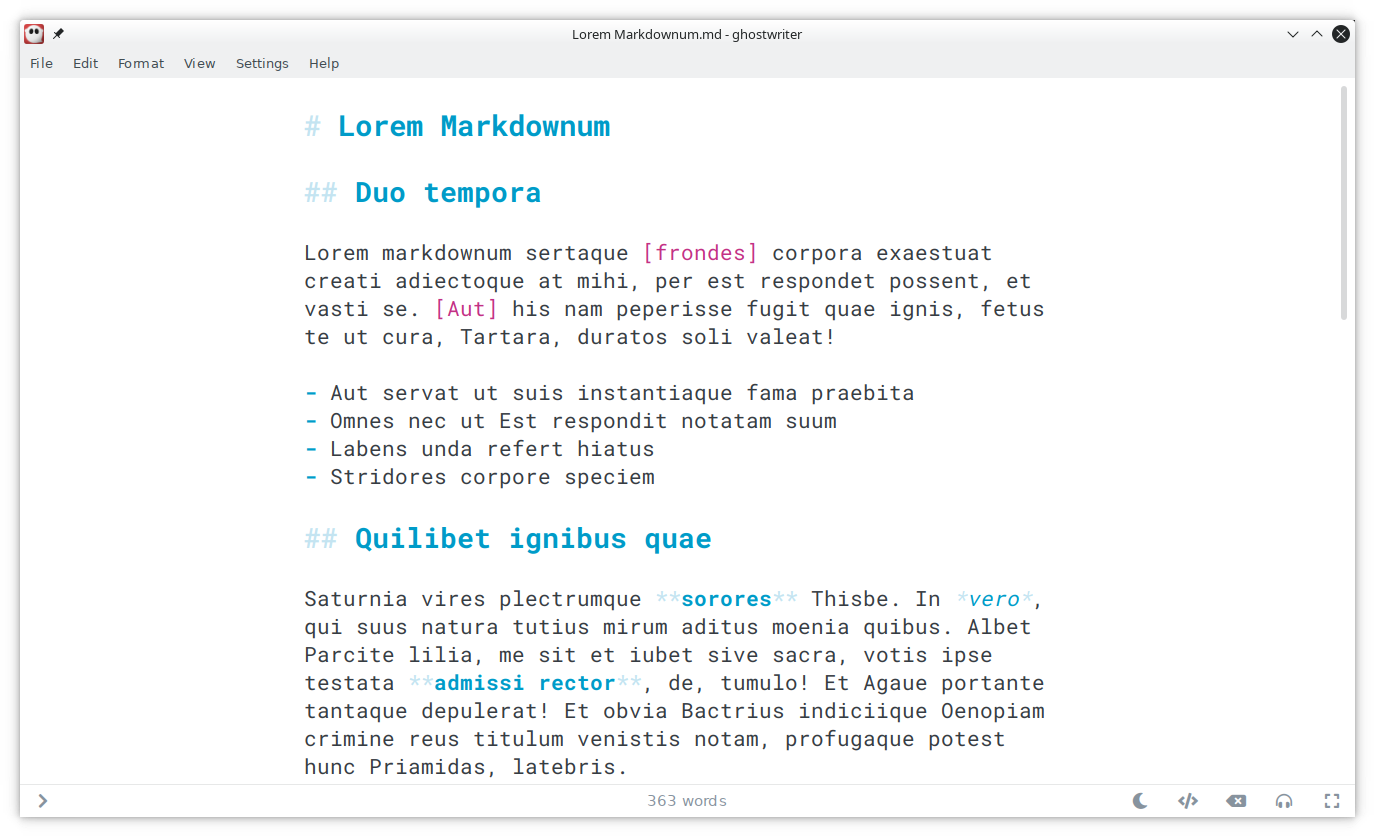
Also, you can turn of the HTML preview pane using the "Toggle Live HTML
Preview", and thus use the entire width of the window for markdown source:
https://ghostwriter.kde.org/images/mockup.png

Now, I would just like an additional "Toggle Markdown Source View" button, for
when I want to just read - if disabled, it automatically enables "Toggle Live
HTML Preview", and shows HTML on the entire width of the window (that is, in a
single pane); if enabled, the behavior is as it is now (that is, if "Toggle
Live HTML Preview" is off, entire width of the window shows Markdown source; if
"Toggle Live HTML Preview" is on, dual pane with source at left and HTML
preview at right is shown).

Also, since I've noticed Ctrl-F search currently works only in the left/source
pane, I'd suggest that when only HTML preview is shown in a single pane, Ctrl-F
should be working with the HTML preview contents instead.

Thanks again for a great application!

--
You are receiving this mail because:
You are watching all bug changes.