https://bugs.kde.org/show_bug.cgi?id=469978
            Bug ID: 469978
           Summary: Kirigami.Icon rendering black on Android
    Classification: Frameworks and Libraries
           Product: frameworks-kirigami
           Version: 5.106.0
          Platform: Android
                OS: Android 13.x
            Status: REPORTED
          Severity: normal
          Priority: NOR
         Component: general
          Assignee: [email protected]
          Reporter: [email protected]
                CC: [email protected]
  Target Milestone: Not decided

Created attachment 159094
  --> https://bugs.kde.org/attachment.cgi?id=159094&action=edit
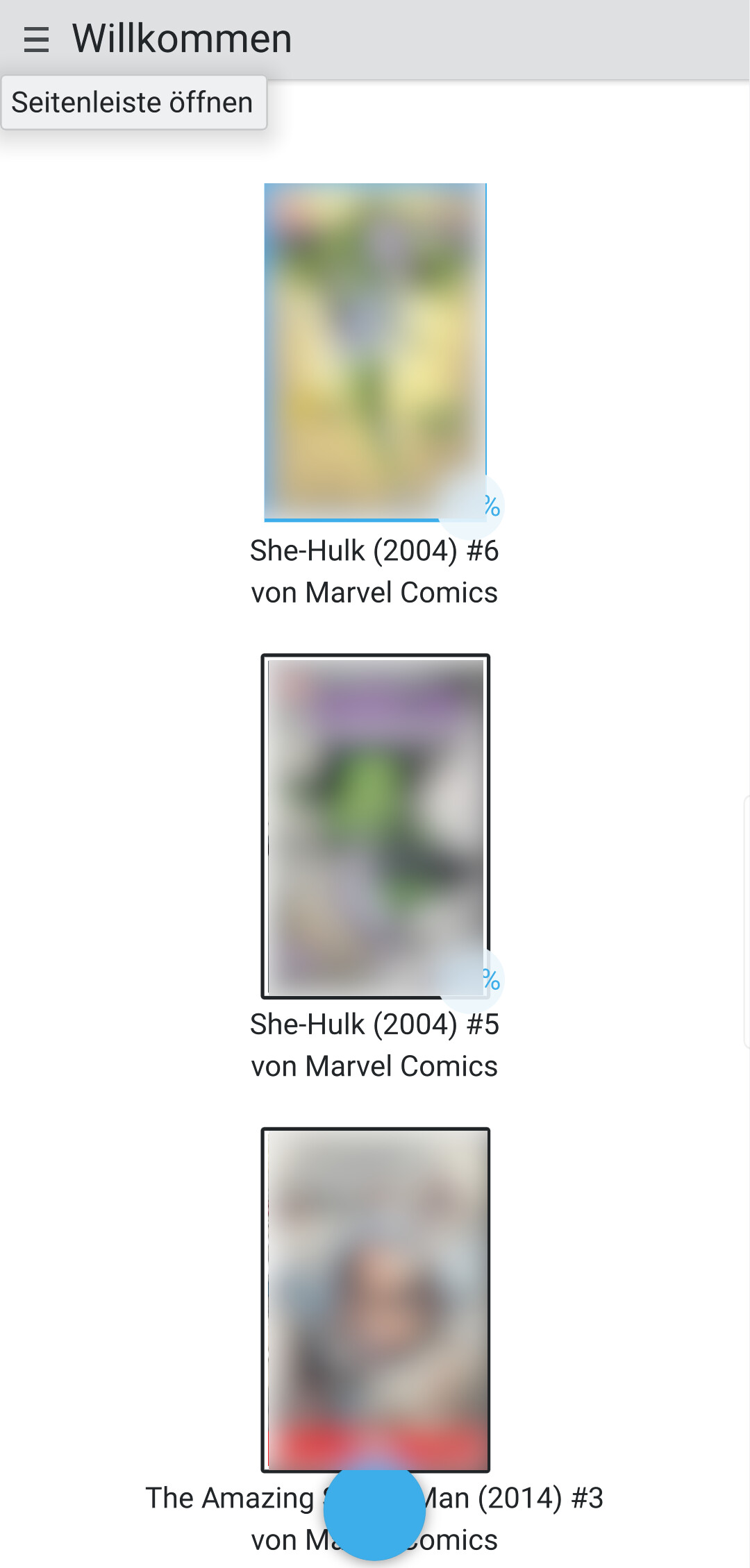
Peruse running on Android 13 with black Thumbnails

SUMMARY
When using Kirigami.Icon on Android are rendered black. When using Qt's Image
Component they are rendered correctly. Related discuss.kde.org Thread:
https://discuss.kde.org/t/question-regarding-kirigami-on-android/1498?u=malrak
The Kirigami.Icon's are loaded via an AsyncImageProvider.

STEPS TO REPRODUCE
1. Build
https://invent.kde.org/graphics/peruse/-/merge_requests/34/diffs?commit_id=1684e5d0494e888711c22b09749cc75cbd7f4236
and install it on Android
2. Enable Peruse to have access to all files if on Android >= 10.0 (Settings ->
Apps -> Special Access -> Access all files -> Enable Peruse). This is needed as
the version is still an early state of Peruse on Android.
3. Add Comics to `/storage/emulated/0/Comics`and open Peruse in Portrait Mode.

OBSERVED RESULT
The thumbnails will be rendered black.

EXPECTED RESULT
The thumbnails will be rendered correctly.

SOFTWARE/OS VERSIONS
KDE Frameworks Version: 5.106.0
Qt Version: 5.15

ADDITIONAL INFORMATION
When using an Image instead of Kirigami.Icon the Thumbnails get rendered
correctly, see
https://invent.kde.org/graphics/peruse/-/merge_requests/34/diffs?commit_id=99cf409fb98e9c7361c5177a243740c3225de1ab
Also, when changing the Columns from 2 Columns to only 1 the images load
correctly with Kirigami.Icon, see:
https://discuss-cdn.kde.org/uploads/default/original/2X/e/ef33405d90bb53417b7784ffdbaee8aa854aee0e.jpeg

--
You are receiving this mail because:
You are watching all bug changes.