https://bugs.freedesktop.org/show_bug.cgi?id=46447
Simos Xenitellis <[email protected]> changed:

           What    |Removed                     |Added
----------------------------------------------------------------------------
                 CC|                            |[email protected]

--- Comment #187 from Simos Xenitellis <[email protected]> ---
I am trying to figure out a list of steps to reproduce the issue,
when starting on an empty Impress presentation.

>From what I read above, it might be an issue with memory management of images
(see Tools->Options->LibreOffice->Memory). Or the cleanup of deleted images
(might remove images that are in use?).

I tried to reduce the values there (only 1MB image cache, only 1MB cache per
image, remove from memory after only 5 minutes) so that the bug is more likely
to happen.
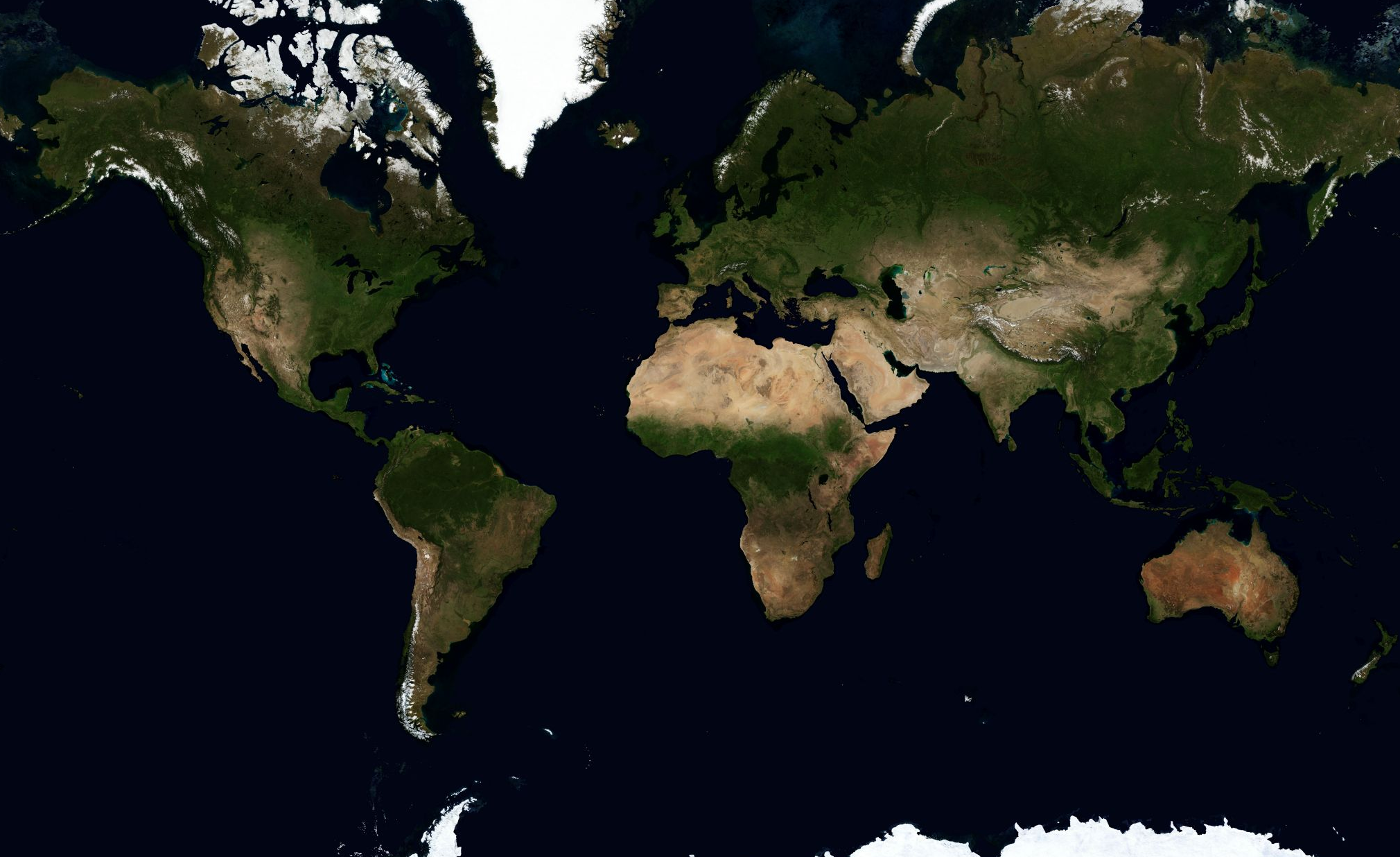
I also used this image,
http://groups.csail.mit.edu/graphics/classes/CompPhoto07/PPT/12_Phototourism.key/WorldMapBig.png
(PNG, 1.7MB).

I created several slides and copied/pasted the image around those slides.
I did not manage to reproduce the error.

Could you all please try, by starting on an empty presentation, to create such
a small presentation with the aim to get this golden list of steps that
reproduce the bug?

There must be something that triggers this bug, and we need to find it.

--
You are receiving this mail because:
You are the assignee for the bug.
_______________________________________________
Libreoffice-bugs mailing list
[email protected]
http://lists.freedesktop.org/mailman/listinfo/libreoffice-bugs