https://bugs.documentfoundation.org/show_bug.cgi?id=99395
            Bug ID: 99395
           Summary: SVG Desktop Icon Rendering Issues in Qt
           Product: LibreOffice
           Version: 5.0.5.1 rc
          Hardware: All
                OS: Linux (All)
            Status: UNCONFIRMED
          Severity: normal
          Priority: medium
         Component: UI
          Assignee: [email protected]
          Reporter: [email protected]

Created attachment 124502
  --> https://bugs.documentfoundation.org/attachment.cgi?id=124502&action=edit
On the left is the icon for oasis mimes. On the right is the icon from the
"hicolor" theme.

I am programatically selecting icons for LibreOffice to display in a Qt
application while favoring SVG for higher quality images. Qt requires SVG files
to follow the SVG Tiny 1.2 spec. When loading any of the libreOffice desktop
icons from "hicolor", "locolor", or "gnome" theme directories into my actual
application or a Qt test application, I see these black rectangles appear in
the corners of the SVG (which I assume are rendering errors). This icons load
properly in Chromium and Firefox. I believe this is because Qt requires
following the SVG Tiny 1.2 specification.

I've attached an example of what I'm seeing. On the left is the icon for mimes,
and on the right is the desktop icon loaded into a Qt sample SVG rendering
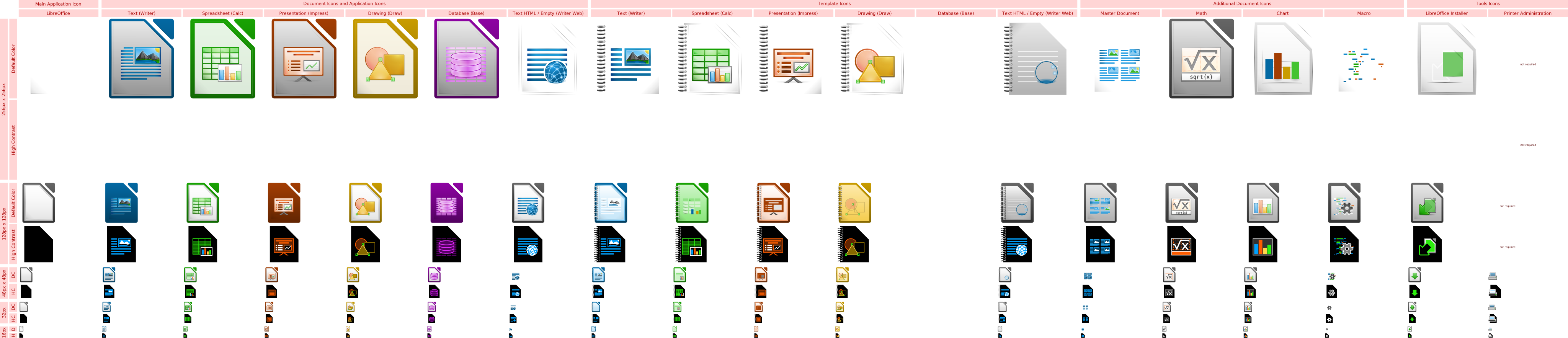
application. This affects all LibreOffice icons. I also found a large SVG with
all LibreOffice icons that does work in my Qt applications:
https://wiki.documentfoundation.org/images/d/d4/LibreOffice_Initial_Icons-pre_final.svg.

Qt 5.4
Ubuntu 15.10
LibreOffice 5.0.5.1 and LibreOffice 5.1.2

--
You are receiving this mail because:
You are the assignee for the bug.
_______________________________________________
Libreoffice-bugs mailing list
[email protected]
https://lists.freedesktop.org/mailman/listinfo/libreoffice-bugs