https://bugs.documentfoundation.org/show_bug.cgi?id=101249
            Bug ID: 101249
           Summary: Easily activate single toolbar, sidebar mode, and
                    notebookbar
           Product: LibreOffice
           Version: 5.3.0.0.alpha0+ Master
          Hardware: All
                OS: All
            Status: UNCONFIRMED
          Severity: normal
          Priority: medium
         Component: Writer
          Assignee: [email protected]
          Reporter: [email protected]
                CC: [email protected],
                    [email protected]

In order to make people comfortable with switching their UI to a different
arrangement, we need to make the process as simple as changing the document
view.

So we need a radio button set in View > Mode which would have 4 entries in it
for - Default, Single Toolbar, Sidebar, Notebookbar.

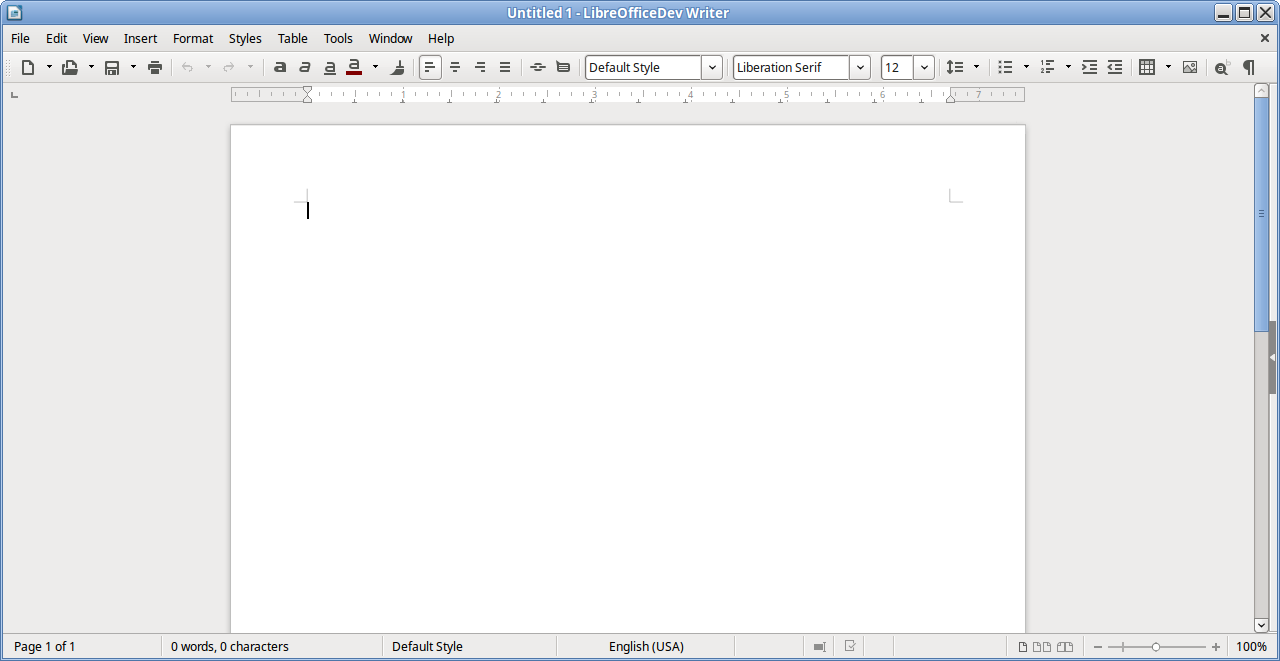
Default mode is the standard mode we have now of 2 top toolbars and a partially
open sidebar.

Single toolbar mode hides the 2 top toolbars and various contextual toolbars,
collapses the sidebar so the arrow button can reopen it if the user wants, and
unhides the standard (single mode) toolbar. The list of toolbars to hide are
found in bug 92218 comment 13. Also the icon theme would be changed to sifr
small.

screenshot -
https://wiki.documentfoundation.org/images/9/99/Single_Toolbar_Mode.png

Sidebar mode would hide the formatting toolbar and various contextual toolbars
and leave only the standard toolbar visible, and then fully open the sidebar
(bug 92220).

screenshot -
https://redmine.documentfoundation.org/attachments/download/235/IBM%20Symphony%20Toolbars.png

Notebookbar mode would hide all toolbars and fully close the sidebar.

When jumping from one mode to the next, settings should be maintained so users
can easily jump back to the previous setup without having to adjust the
configurations. The logic behind saving these settings are mentioned in bug
92218 comment 3.

--
You are receiving this mail because:
You are the assignee for the bug.
_______________________________________________
Libreoffice-bugs mailing list
[email protected]
https://lists.freedesktop.org/mailman/listinfo/libreoffice-bugs