https://bugs.documentfoundation.org/show_bug.cgi?id=117479
            Bug ID: 117479
           Summary: File size of the presentation file doesn't shrink when
                    saving a file with the image Converted to 3D Rotation
                    object removed
           Product: LibreOffice
           Version: 6.1.0.0.alpha1+ Master
          Hardware: All
                OS: All
            Status: UNCONFIRMED
          Severity: normal
          Priority: medium
         Component: Impress
          Assignee: [email protected]
          Reporter: [email protected]

Description:
The image file isn't deleted immateriality. It's still in the odp

Steps to Reproduce:
1. Launch Impress
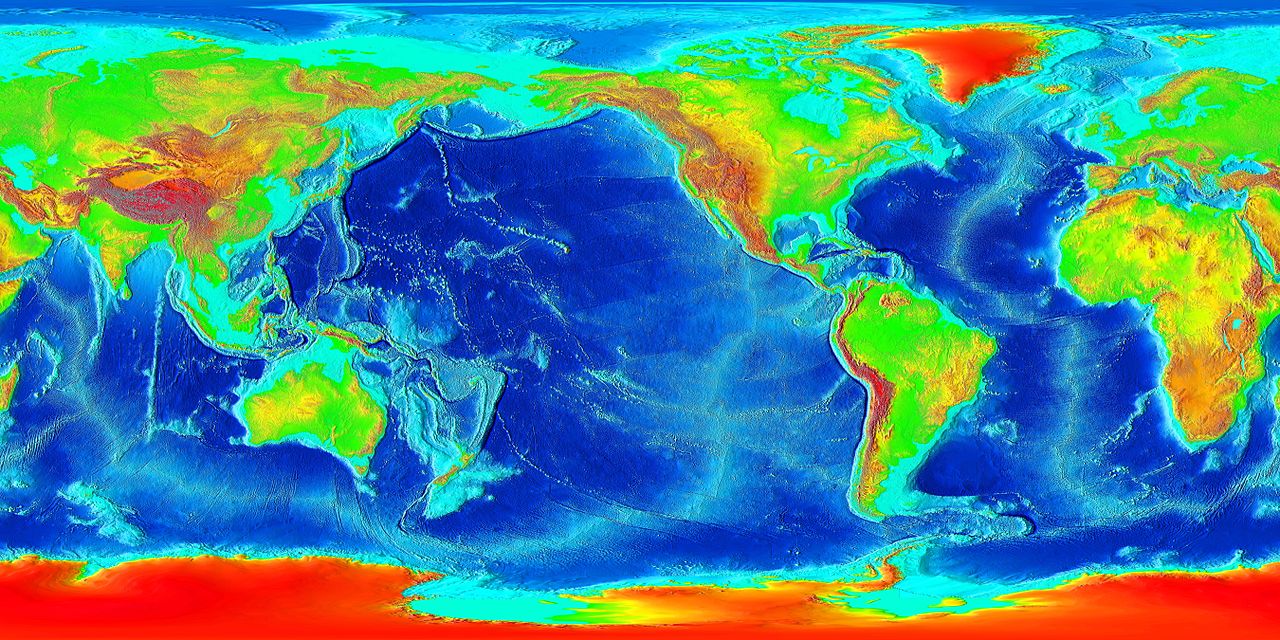
2. Insert an image: say
https://upload.wikimedia.org/wikipedia/commons/thumb/3/3d/LARGE_elevation.jpg/1280px-LARGE_elevation.jpg
3. Convert the image to a 3d rotation object
4. Save the file -> Check the file size
5. Delete the image - Save again -> Check the file size
6. Close the Presentation
7. Reopen it. Make a edit & Save -> everything back to normal

Actual Results:
The file size remains the same, with the image deleted

Expected Results:
The file size should shrink after deleting an image


Reproducible: Always


User Profile Reset: No


Additional Info:
Version: 6.1.0.0.alpha1+
Build ID: 08441d466dd70c203a519a133aaf1a5997adbbd3
CPU threads: 4; OS: Windows 6.3; UI render: default;
TinderBox: Win-x86@42, Branch:master, Time: 2018-05-06_23:59:40
Locale: nl-NL (nl_NL); Calc: CL


User-Agent: Mozilla/5.0 (Windows NT 6.3; WOW64; rv:52.0) Gecko/20100101
Firefox/52.0

--
You are receiving this mail because:
You are the assignee for the bug.
_______________________________________________
Libreoffice-bugs mailing list
[email protected]
https://lists.freedesktop.org/mailman/listinfo/libreoffice-bugs