https://bugs.documentfoundation.org/show_bug.cgi?id=130246
            Bug ID: 130246
           Summary: Random lines appear on large text when hardware
                    acceleration is enabled
           Product: LibreOffice
           Version: 6.2.8.1 rc
          Hardware: x86-64 (AMD64)
                OS: Linux (All)
            Status: UNCONFIRMED
          Severity: normal
          Priority: medium
         Component: Impress
          Assignee: [email protected]
          Reporter: [email protected]

Description:
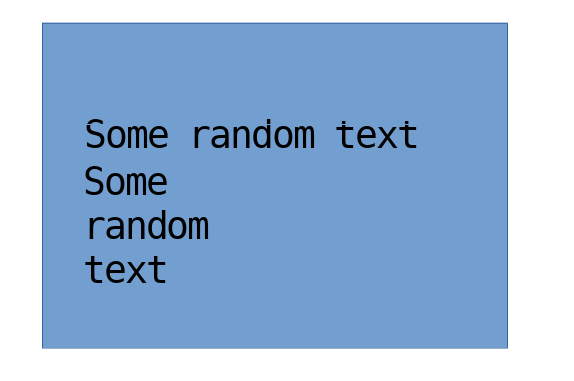
When inserting some large text into a slide, some of the text has line-shaped
holes in it. They seem to have a fixed position on the screen. Here are some
screenshots:

https://hub.sealcode.org/file/data/ptdfj4oni2d5cliqhzxo/PHID-FILE-wnvvgjrl74d4u4rra7xc/2020-01-28_21-46.png

https://hub.sealcode.org/file/data/53pvn6upyfpup7hv6tem/PHID-FILE-va3gitecduo6zygppck3/2020-01-28_21-47.png

Disabling Hardware acceleration solves the problem.

Steps to Reproduce:
0. Enable Hardware Acceleration in settings
1. Insert some large text (32pt is enough to see the result)
2. It looks ok while editing the slide
3. Start the presentation

Actual Results:
The text has line-shaped holes in it

Expected Results:
Text should not have line-shaped holes in it


Reproducible: Always


User Profile Reset: No


OpenGL enabled: Yes

Additional Info:
Version: 6.2.8.2
Build ID: 6.2.8-4
CPU threads: 4; OS: Linux 4.19; UI render: default; VCL: gtk3;
Locale: en-GB (en_GB.utf8); UI-Language: en-US
Calc: threaded

--
You are receiving this mail because:
You are the assignee for the bug.
_______________________________________________
Libreoffice-bugs mailing list
[email protected]
https://lists.freedesktop.org/mailman/listinfo/libreoffice-bugs