https://bugs.documentfoundation.org/show_bug.cgi?id=136324
            Bug ID: 136324
           Summary: EDITING Images do not appear in the document, only
                    placeholders
           Product: LibreOffice
           Version: 7.1.0.0.alpha0+ Master
          Hardware: x86-64 (AMD64)
                OS: Windows (All)
            Status: UNCONFIRMED
          Severity: normal
          Priority: medium
         Component: Writer
          Assignee: [email protected]
          Reporter: [email protected]

Description:
ODT is not showing image in older and new documents.
Images were pasted and and saved with LO6.4.4, LO7.1.0.0 in various documents.
MS Word and LO6.4.6 opens ODTs and shows images in there.

Steps to Reproduce:
1. create new ODT
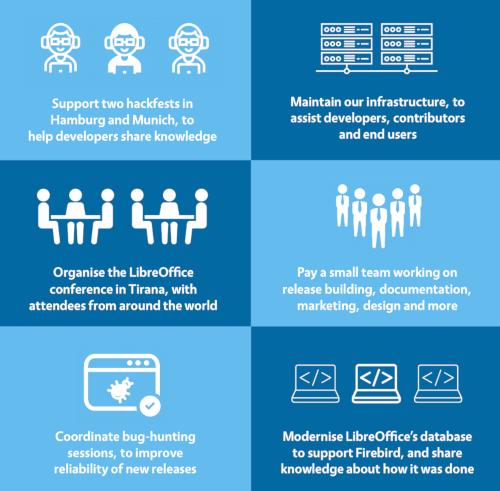
2. pasete any image (for general example
https://www.libreoffice.org/assets/Uploads/donate-infographic-small-2019.png >
copy image > paste (in ODT))
3.

Actual Results:
no image is displayed, only placeholders (frames) are displayed

Expected Results:
Images are shown as they are


Reproducible: Always


User Profile Reset: No


Additional Info:
Version: 7.1.0.0.alpha0+ (x64)
Build ID: 1e0cfd5662d95cea84e80e4fe10d52c3b1101ae6
CPU threads: 8; OS: Windows 10.0 Build 19041; UI render: Skia/Raster; VCL: win
Locale: cs-CZ (cs_CZ); UI: en-US
Calc: CL

--
You are receiving this mail because:
You are the assignee for the bug.
_______________________________________________
Libreoffice-bugs mailing list
[email protected]
https://lists.freedesktop.org/mailman/listinfo/libreoffice-bugs