For the alsa "default" device, as used by web-apps and other things
where you haven't explicitly set the device, consider using a "dmix"
device such as done in http://nielsmayer.com/npm/dot-asoundrc.txt
What would be more interesting, and I haven't explored yet, would be
to combine the "dmix" and "dshare" examples from the file above, which
would allow reserving a single stereo pair for "default" that would
resample to 44.1K no matter what the sample rate -- thus no diddling
around between playing web video @ 48K versus audio @ 44.1K.
See 66ch12 66ch34 66ch56 66ch78 66spdif for the dshare devices made
out of a single ice1712 device (Delta 66). So if "default" is assigned
to channels 1+2, I could still use
devices 66ch34 66ch56 66ch78 or 66spdif to access other outputs,
independently of whether a web browser has tied up channels 1/2.  (too
bad jackd won't work (?) with such a configuration of "sharing" part
of a card via ALSA dshare -- last time I tried it treated the card as
"busy" until I released resources associated with the remaining
dshare'd part of the card)

Another example of a dmix'd default device -- an ICE1724 --
http://nielsmayer.com/npm-dynex-asoundrc.txt which also duplicates the
stream to both analog (i.e. headphone out) and SPDIF outputs
simultaneously. Although now that I understand this card better, for
the particular example of a dynex dx-sc51 I'd run it at 48K because of
the particular AC97 codec used on this $0.99 best-buy special.

Niels
http://nielsmayer.com

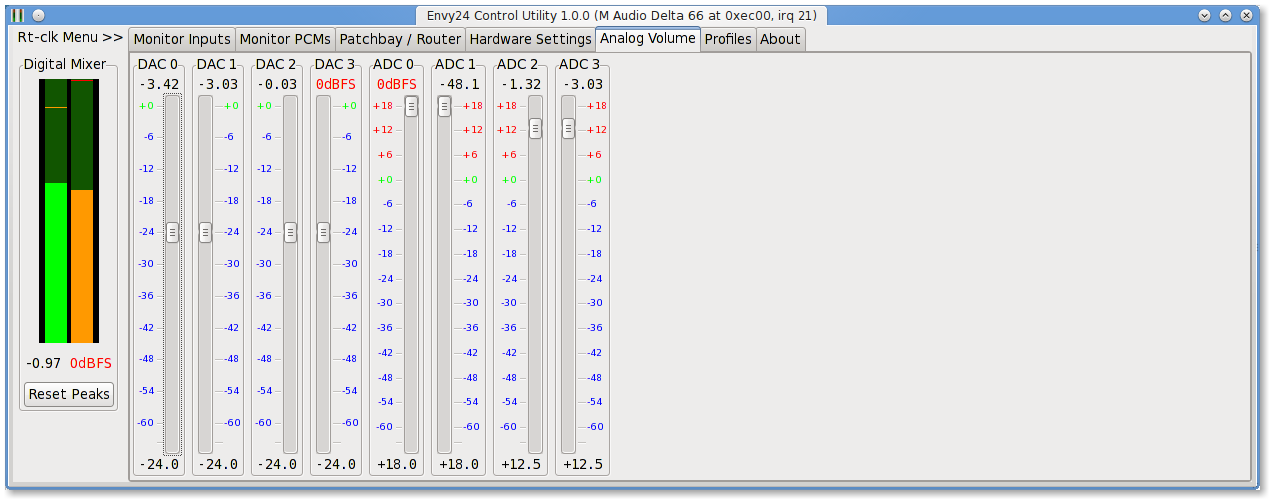
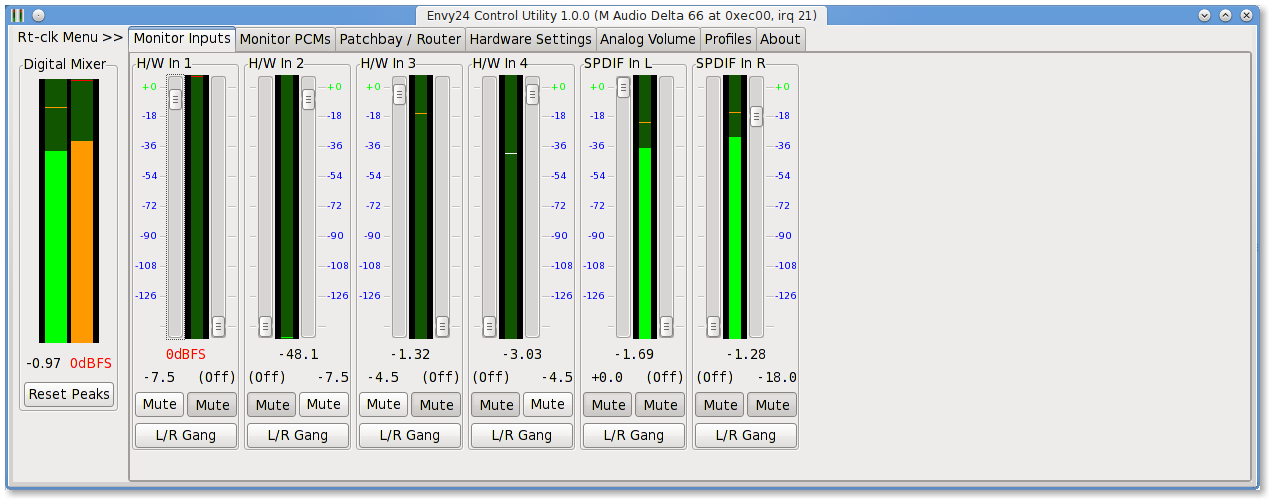
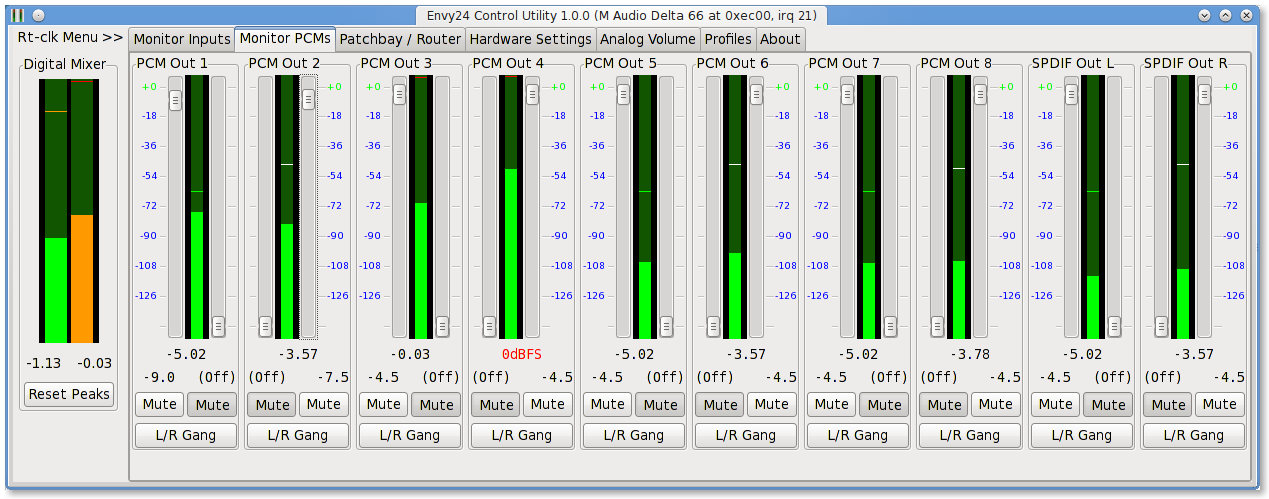
PS: ob-envy24: I'm close to releasing my improvements of
envy24control. Just one more bug to fix. Some screenshots:
http://nielsmayer.com/envy24control/Screenshot-Envy24Control-AnalogVolume.png
http://nielsmayer.com/envy24control/Screenshot-Envy24Control-MonitorInputs.png
http://nielsmayer.com/envy24control/Screenshot-Envy24Control-MonitorPCM.png
_______________________________________________
Linux-audio-dev mailing list
[email protected]
http://lists.linuxaudio.org/listinfo/linux-audio-dev