Since builds are done over ssh and a command line, I could try to bring
down XFCE while building the DVD...
On 02/10/2012 10:20 PM, Hamish wrote:
Cameron wrote:
Hamish,
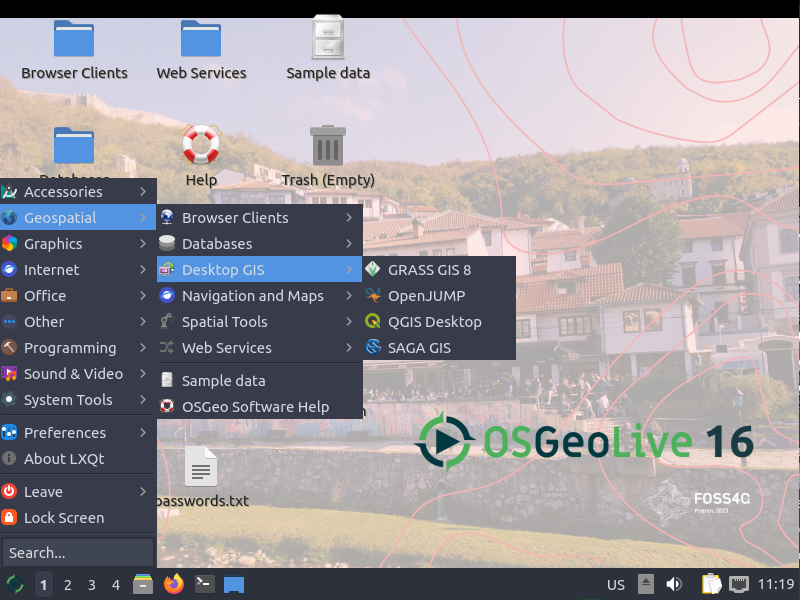
Are you aware that in osgeolive5.5b3, we don't have a
"Geospatial" tab in the top tool bar, which opens up the
pull down list of applications, as per:
http://live.osgeo.org/_images/osgeolive_menu.png
yes, see ticket #855
   https://trac.osgeo.org/osgeo/ticket/855
Do you know how to fix this?
Alex might. Before digging into any changes, a possible work-around is to
not auto-login as 'user' upon first raw xubuntu boot, then ctrl-alt-f1
to a tty login, start gnu `screen`, and run the dvd build from there.
then only log in as 'user' once all the updated xfce scripts are in place.

hopefully we can make the already-installed menu change, but it might
be that changes are overwritten when 'user' logs out from xfce if it
is logged in to a session during build.

an alternative to ctrl-alt-f1 is to change the session login type to
fwm or fluxbox or something minimal to do the build, instead of trying to
have xfce do brain surgery on itself while it's still awake.


Hamish
_______________________________________________
Live-demo mailing list
[email protected]
http://lists.osgeo.org/mailman/listinfo/live-demo
http://live.osgeo.org
http://wiki.osgeo.org/wiki/Live_GIS_Disc
--
Angelos Tzotsos
Remote Sensing Laboratory
National Technical University of Athens
http://users.ntua.gr/tzotsos

_______________________________________________
Live-demo mailing list
[email protected]
http://lists.osgeo.org/mailman/listinfo/live-demo
http://live.osgeo.org
http://wiki.osgeo.org/wiki/Live_GIS_Disc