=?ISO-8859-1?Q?G=FCnter_Bachelier?= on  wrote...
| Hello,
|
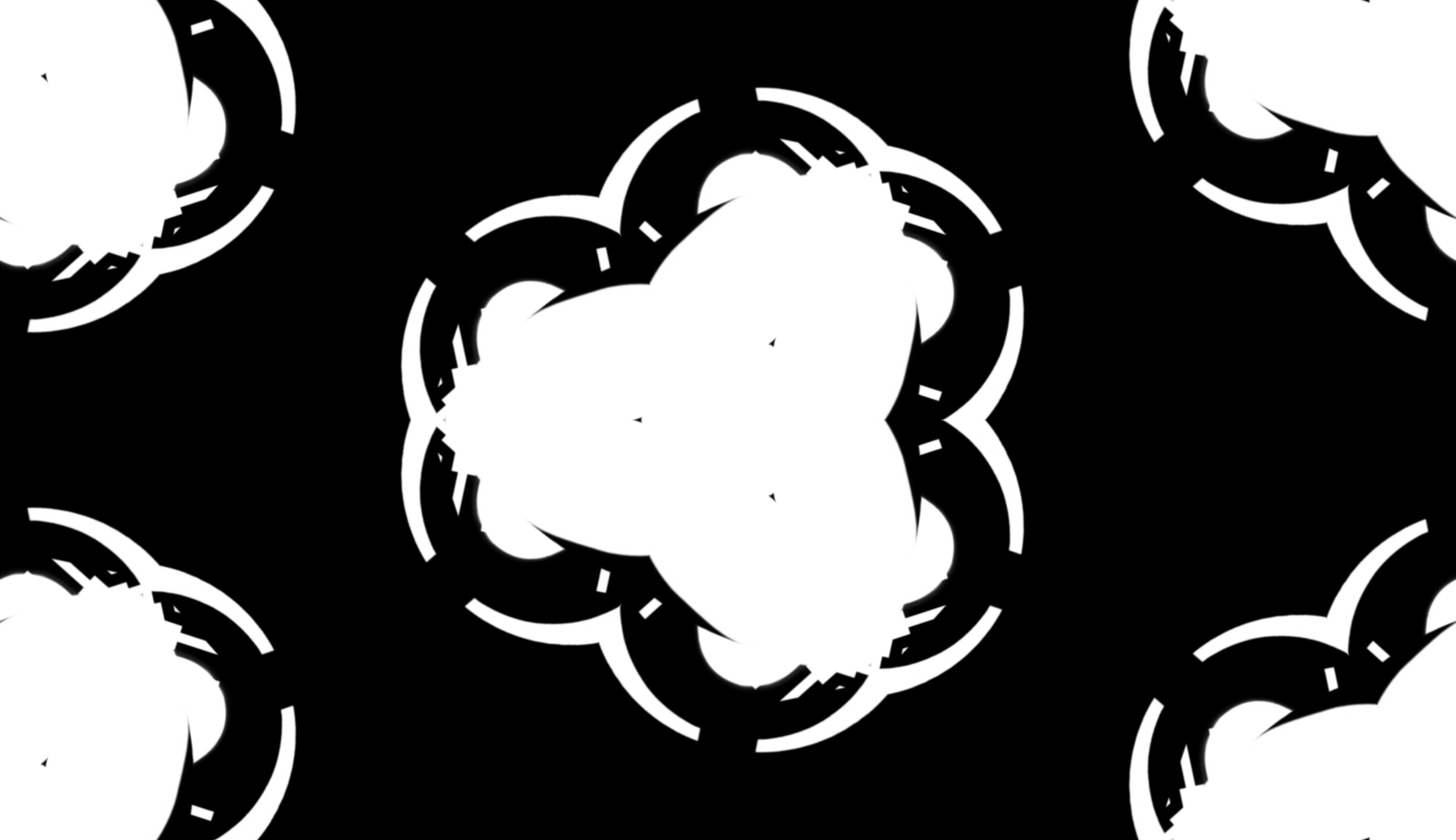
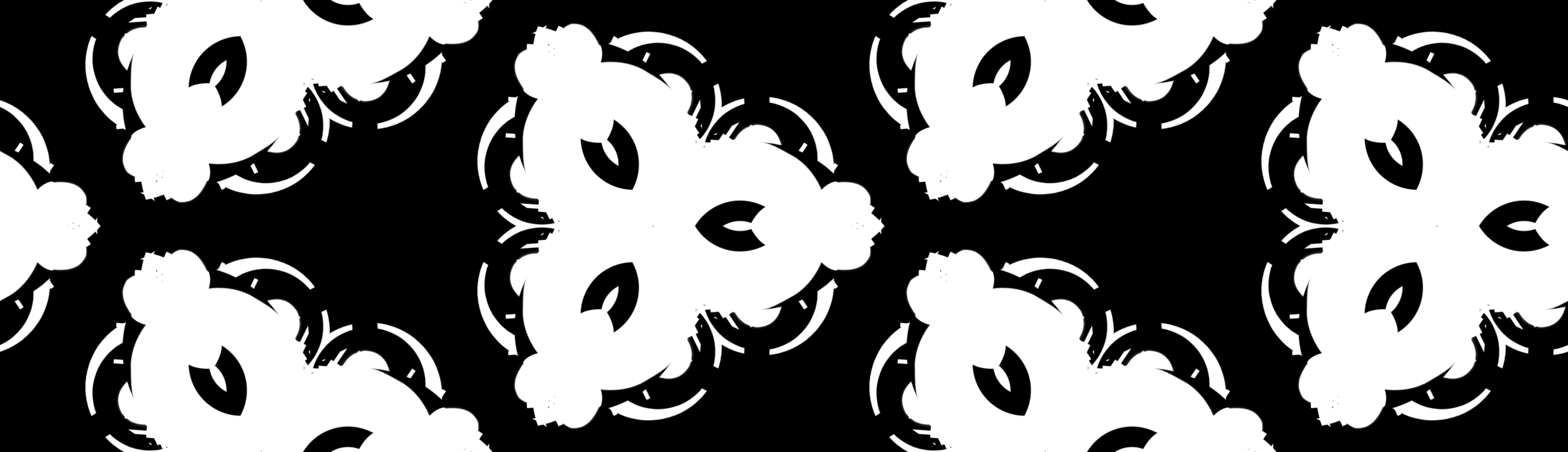
| I want to extract specific hexagonal regions with freestanding
| structures from images (p3m1 tiles and patterns) like
|
|
http://www.vi-anec.de/Trance-Art/IM-examples/p3m1_extraction/extraction_type_1.jpg
|
http://www.vi-anec.de/Trance-Art/IM-examples/p3m1_extraction/extraction_type_2.jpg
|
| I have tried to make this by drawing an extraction mask
| (with matte=>'false') and use compose=>'CopyOpacity'
| but the image remains unchanged after the operation.
| See PerlMagick code in
|
|
http://www.vi-anec.de/Trance-Art/IM-examples/p3m1_extraction/Test_p3m1_extraction.PLX
|
| I would appreciate any help because I need such an extraction
| method also for some other symmetry group tiles and patterns.
| Thank you very much!
|
|
Sorry fro the late reply but I didn't think of an aswer until late last
night.
Are you trying to JUST extract the masked region, or will you overlay
that extraction over another image!

Either way the   3 imae Alpha Composite Masking should NOT have the
alpha channel limitation of CopyOpacity, and can be used to either extract
or blend two images.

   convert image1.png  image2.png \
           mask.png -compose Src -composite \
           result.png

This should do a bleaned overlay of image2.png (Src) with image1 (dest)
according to the mask image.

See Using a Mask to Limit Composed Area
  http://www.imagemagick.org/Usage/compose/#mask
Also see Masked Alpha Composition
    http://www.imagemagick.org/Usage/channels/#masked_compose

No alpha channel is needed for this thpe of operation.

If one of the images (say images2.png) is an empty (null:) image
and the -compose method is  'Clear'  then you can use the mask to
'clear' or make transparent areas of the first image (assuming it has
an alpha channel).

For example
    convert image.png  null:  -compose Clear -composite  result.png

The second image in this case does not matter at all, it is nor
referenced by the 'Clear'  Duff-Porter composition method.
However the first image MUST have an alpha/matte channel our you will
get black instead of transparent.

Ways of converting a greyscale mask image into a shaped mask image
with transparency (for duff-porter style operations) is given in
   http://www.imagemagick.org/Usage/channels/#shapes

The simplest way is actually to -combine the gray-scale image using
a   -channel A    the other color connels will then default to the
background color, though that does not matter if you only plan to use a
shape mask as a 'cookie cutter'.

NOTE:  I would also read the   Dst_In and Dst_Out composition operators
and how these to operators are designed so that you 'blend' or 'plus'
(addition) the resulting images together to get a seamless result.

See http://www.imagemagick.org/Usage/compose/#dstin
which uses one cookie cutter image, to get the 'in' and 'out' parts
of another image, then 'Plus' re-joins the images back into the original
image.  An internal test of IM checks that this result is seamless.

That is the alpha channel comes out to perfect opacity, no
semi-transparency, or extra overlay (super-opacity), just as you would
get for a perfect blend of two cookie-cut images.


  Anthony Thyssen ( System Programmer )    <[EMAIL PROTECTED]>
 -----------------------------------------------------------------------------
You're traveling through another dimension -- a dimension not only of sight and
sound but of mind. A journey into a wonderous land whose boundaries are that of
imagination.  That's a signpost up ahead: your next stop: the Twilight Zone!
 -----------------------------------------------------------------------------
     Anthony's Home is his Castle     http://www.cit.gu.edu.au/~anthony/
_______________________________________________
Magick-users mailing list
[email protected]
http://studio.imagemagick.org/mailman/listinfo/magick-users