Revolyssup commented on code in PR #11627:
URL: https://github.com/apache/apisix/pull/11627#discussion_r1792939249
########## docs/en/latest/plugins/hmac-auth.md: ########## @@ -63,312 +69,474 @@ admin_key=$(yq '.deployment.admin.admin_key[0].key' conf/config.yaml | sed 's/"/ ::: +Before proceeding, create a sample consumer and configure its credential, which will be used for all examples below. + +Create a consumer `john`: + ```shell -curl http://127.0.0.1:9180/apisix/admin/consumers -H "X-API-KEY: $admin_key" -X PUT -d ' -{ - "username": "jack", - "plugins": { - "hmac-auth": { - "access_key": "user-key", - "secret_key": "my-secret-key", - "clock_skew": 0, - "signed_headers": ["User-Agent", "Accept-Language", "x-custom-a"] - } +curl "http://127.0.0.1:9180/apisix/admin/consumers"; -X PUT \ + -H "X-API-KEY: ${admin_key}" \ + -d '{ + "username": "john" } -}' + }' ``` -You can also use the [APISIX Dashboard](/docs/dashboard/USER_GUIDE) to complete the operation through a web UI. +Create `hmac-auth` credential for `john`: -<!-- -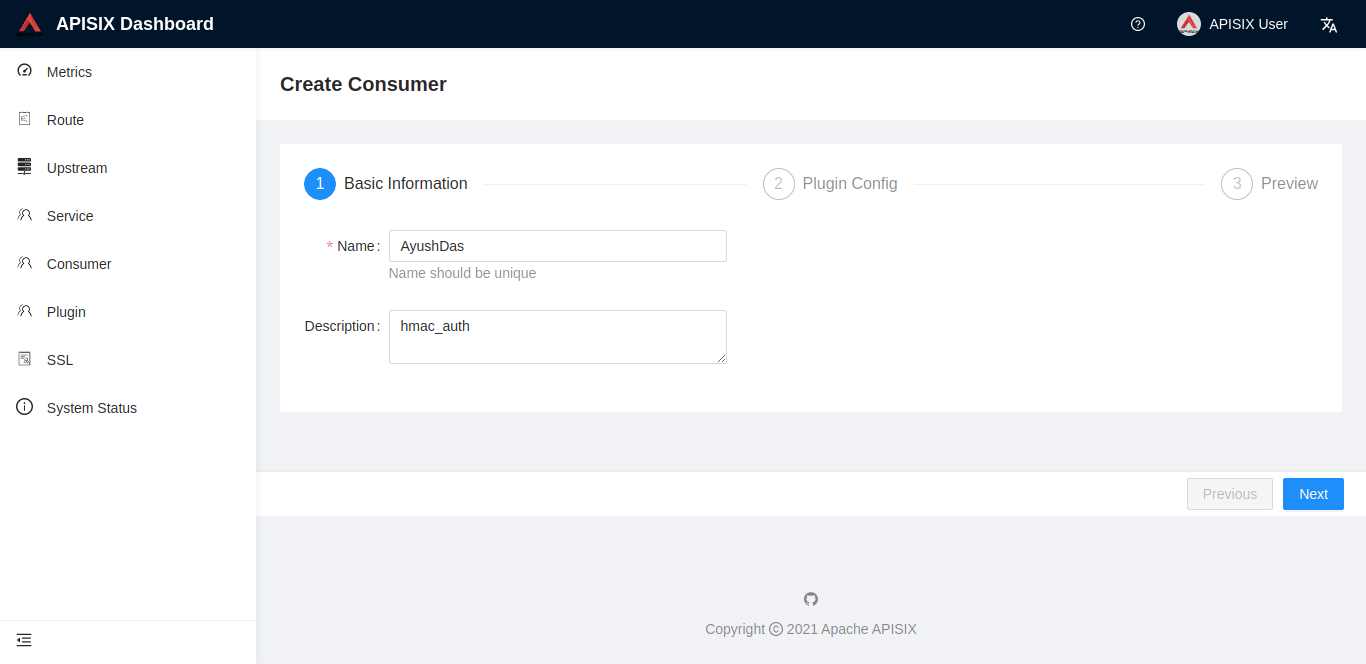 +```shell +curl "http://127.0.0.1:9180/apisix/admin/consumers/john/credentials"; -X PUT \ + -H "X-API-KEY: ${admin_key}" \ + -d '{ + "id": "cred-john-hmac-auth", + "plugins": { + "hmac-auth": { + "key_id": "john-key", + "secret_key": "john-secret-key" + } + } + }' +``` -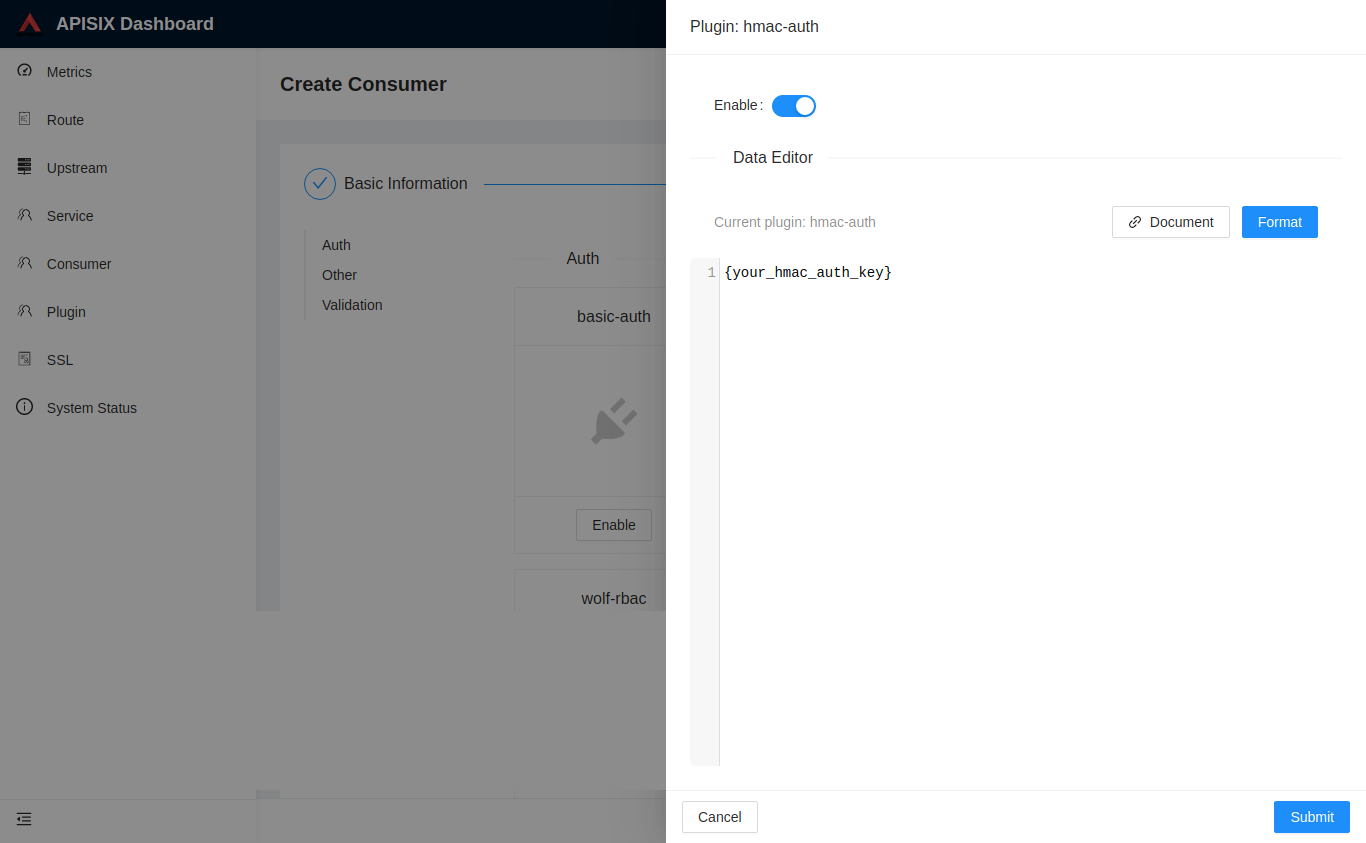 ---> +### Implement HMAC Authentication on a Route + +The following example shows how to implement HMAC authentications on a route using the most minimal configurations. -Next, you can configure the Plugin to a Route or a Service: +Create a route with the `hmac-auth` plugin using its default configurations: ```shell -curl http://127.0.0.1:9180/apisix/admin/routes/1 -H "X-API-KEY: $admin_key" -X PUT -d ' -{ - "uri": "/index.html", +curl "http://127.0.0.1:9180/apisix/admin/routes"; -X PUT \ + -H "X-API-KEY: ${admin_key}" \ + -d '{ + "id": "hmac-auth-route", + "uri": "/get", + "methods": ["GET"], "plugins": { - "hmac-auth": {} + "hmac-auth": {} }, "upstream": { - "type": "roundrobin", - "nodes": { - "127.0.0.1:1980": 1 - } + "type": "roundrobin", + "nodes": { + "httpbin.org:80": 1 + } } -}' + }' ``` -## Example usage - -### Generating the signature +Generate a signature. You can use the below Python snippet or other stack of your choice: -The formula for calculating the signature is `signature = HMAC-SHAx-HEX(secret_key, signing_string)`. - -In order to generate the signature, two parameters, `secret_key` and `signing_string` are required. The `secret_key` is configured by a Consumer and the `signing_string` is calculated as `signing_string = HTTP Method + \n + HTTP URI + \n + canonical_query_string + \n + access_key + \n + Date + \n + signed_headers_string`. The different terms in this calculation are explained below: - -- **HTTP Method** : HTTP request method in uppercase. For example, GET, PUT, POST etc. -- **HTTP URI** : HTTP URI. Should start with "/" and "/" denotes an empty path. -- **Date** : Date in the HTTP header in GMT format. -- **canonical_query_string** : The result of encoding the query string in the URL (the string "key1 = value1 & key2 = value2" after the "?" in the URL). -- **signed_headers_string** : Concatenation of the specified request headers. +```python title="hmac-sig-header-gen.py" +import hmac +import hashlib +import base64 +from datetime import datetime, timezone + +key_id = "john-key" # key id +secret_key = b"john-secret-key" # secret key +request_method = "GET" # HTTP method +request_path = "/get" # route URI +algorithm= "hmac-sha256" # can use other algorithms in allowed_algorithms + +# get current datetime in GMT +# note: the signature will become invalid after the clock skew (default 300s) +# you can regenerate the signature after it becomes invalid, or increase the clock +# skew to prolong the validity within the advised security boundary +gmt_time = datetime.now(timezone.utc).strftime('%a, %d %b %Y %H:%M:%S GMT') + +# construct the signing string (ordered) +# the date and any subsequent custom headers should be lowercased and separated by a +# single space character, i.e. `<key>:<space><value>` +# https://datatracker.ietf.org/doc/html/draft-cavage-http-signatures-12#section-2.1.6 +signing_string = ( + f"{key_id}\n" + f"{request_method} {request_path}\n" + f"date: {gmt_time}\n" +) + +# create signature +signature = hmac.new(secret_key, signing_string.encode('utf-8'), hashlib.sha256).digest() +signature_base64 = base64.b64encode(signature).decode('utf-8') + +# construct the request headers +headers = { + "Date": gmt_time, + "Authorization": ( + f'Signature keyId="{key_id}",algorithm="{algorithm}",' + f'headers="@request-target date",' + f'signature="{signature_base64}"' + ) +} + +# print headers +print(headers) +``` -:::tip +Run the script: -If any of the terms are missing, they are replaced by an empty string. +```shell +python3 hmac-sig-header-gen.py +``` -::: +You should see the request headers printed: -**The algorithm for generating `canonical_query_string` is described below:** - -1. Extract the query terms from the URL. -2. Split the query terms into key-value pairs by using `&` as the separator. -3. If `encode_uri_params` is `true`: - 1. If there are only keys, the conversion formula is `uri_encode(key) + "="`. - 2. If there are both keys and values, the conversion formula is `uri_encode(key) + "=" + uri_encode(value)`. Here, the value can even be an empty string. Review Comment: yes you can remove this. -- This is an automated message from the Apache Git Service. To respond to the message, please log on to GitHub and use the URL above to go to the specific comment. To unsubscribe, e-mail: [email protected] For queries about this service, please contact Infrastructure at: [email protected]


