eschutho commented on PR #39285:
URL: https://github.com/apache/superset/pull/39285#issuecomment-4626701339
## QA Verification — High-DPI Chart Image Download **Commit tested:** \`50a33ae199dd456189ae8e221ffb8bd69f3ff50c\` **Environment:** Headless Chromium, viewport 1440×900, \`devicePixelRatio=1\` **Result: ✅ PASS** ### What was tested Loaded the "Misc Charts" dashboard, triggered the chart image download via the More Options → Download menu, and measured the pixel dimensions of the downloaded JPEG. ### Measured dimensions | | Width | Height | |---|---|---| | Chart visible area (CSS px) | 416 px | 520 px | | Clone rendered size (what dom-to-image captures) | 448 px | 567 px | | **Downloaded image (this PR)** | **896 px** | **1134 px** | | Expected master output (no scale param) | ~448 px | ~567 px | `IMAGE_DOWNLOAD_SCALE = Math.max(devicePixelRatio=1 || 1, 2) = 2` Scale applied: 896 / 448 = **2.000×**, 1134 / 567 = **2.000×** — exactly 2×. ### Screenshots Dashboard with chart visible: 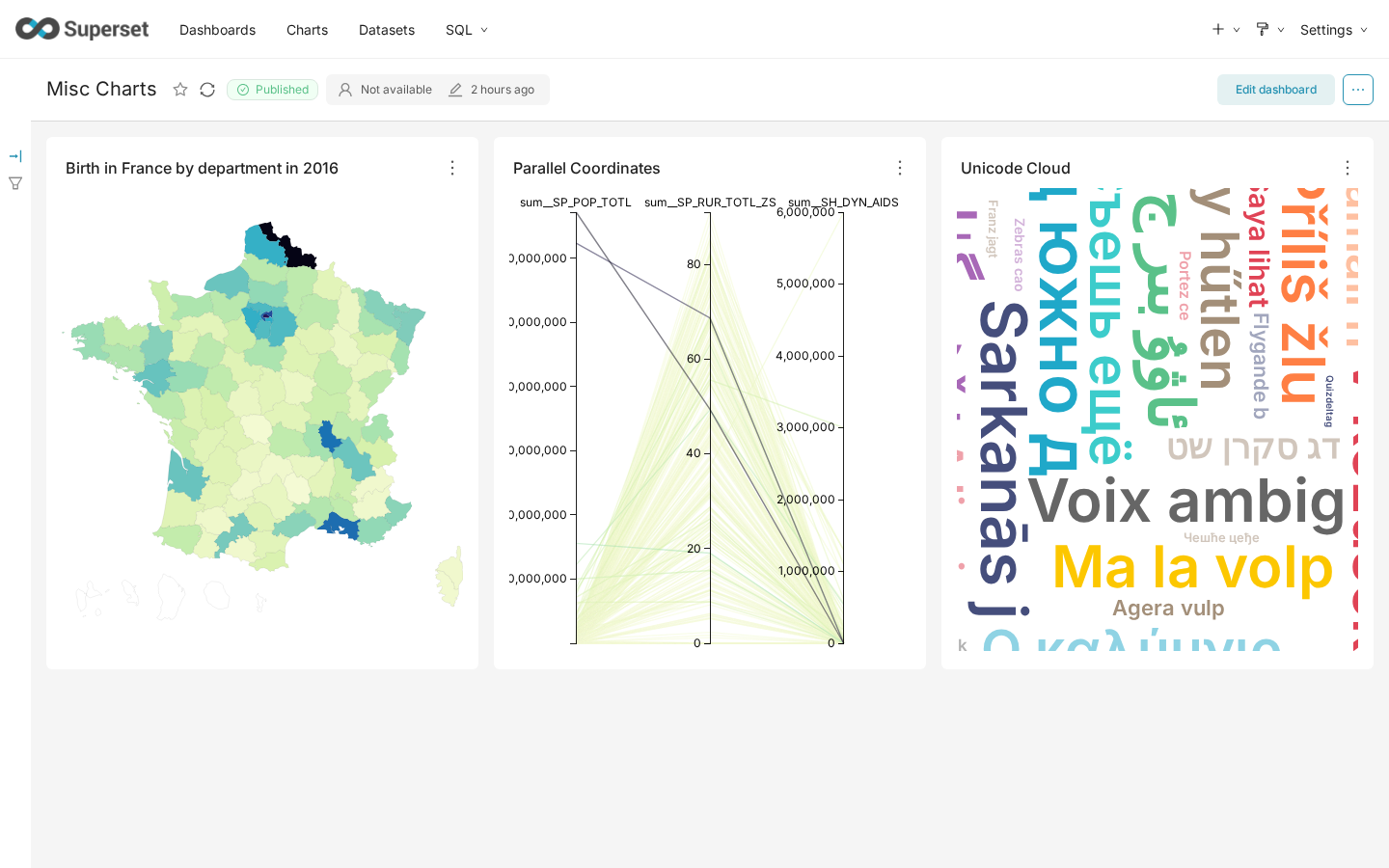 Download submenu open: 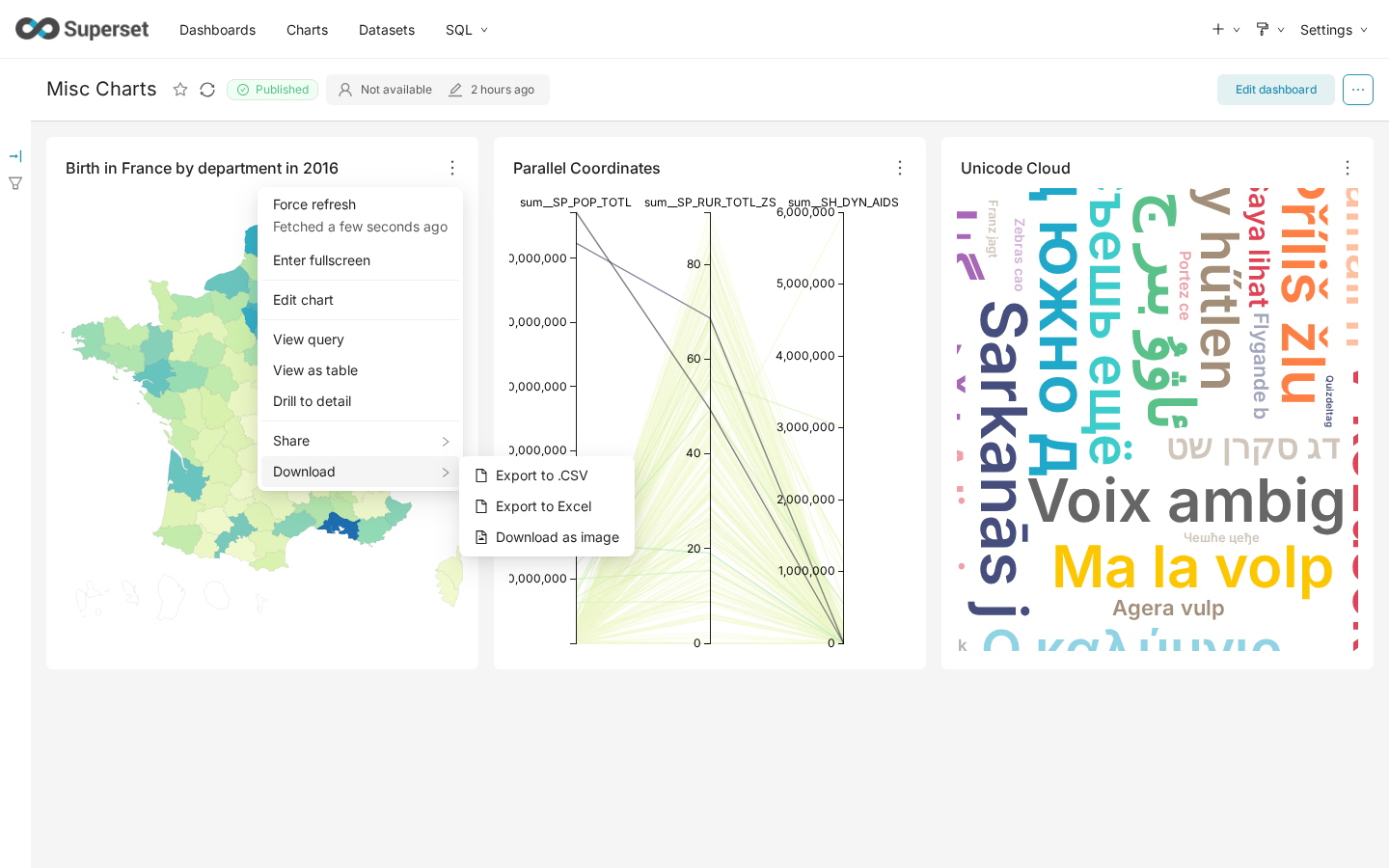 The actual downloaded JPEG (896×1134 px — 2× the clone's 448×567 px rendered size): 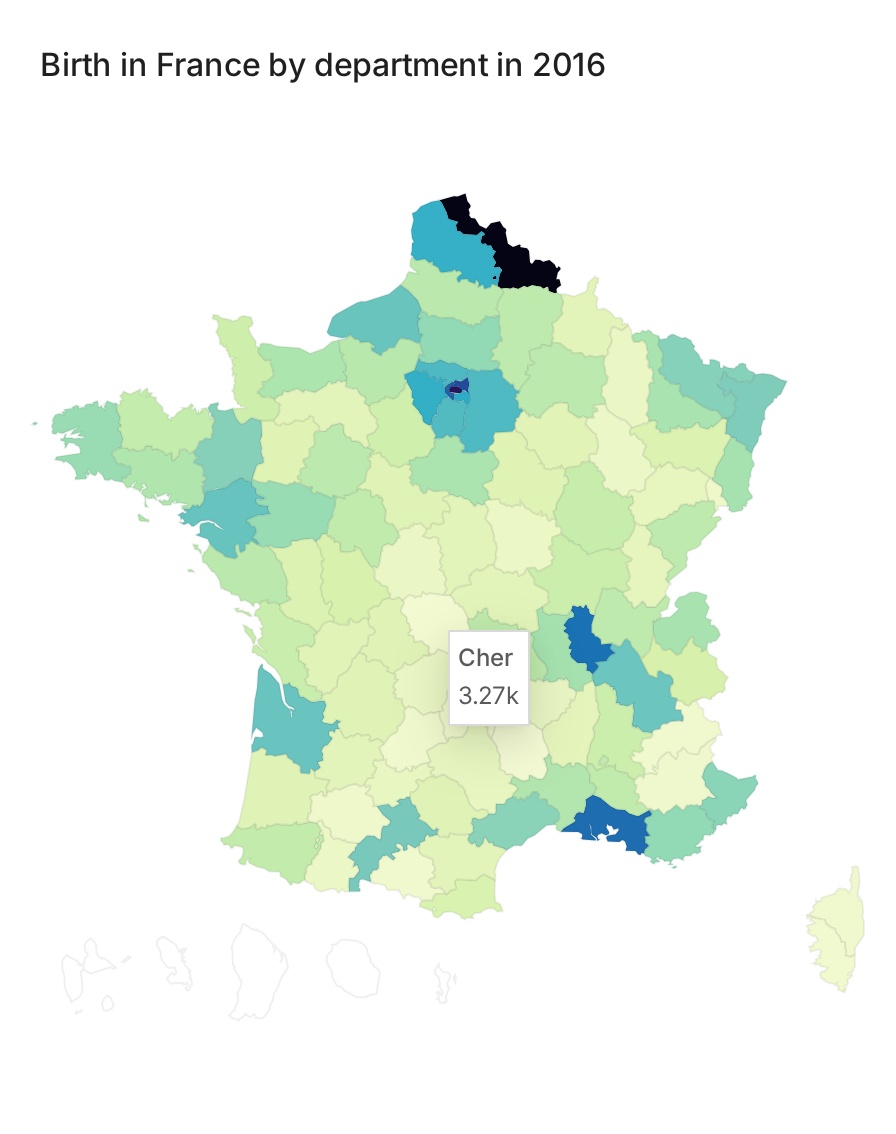 ### Notes - The clone's rendered size (448×567) is slightly larger than the visible CSS area (416×520) because `createEnhancedClone()` calls `processCloneForVisibility()` which removes `maxHeight` constraints, expanding overflow content. The 2× scale is applied correctly against the clone's actual dimensions. - On a Retina display (dpr=2), `Math.max(2, 2) = 2` — same scale, which means the output is always 2× regardless of display density. Intended behavior. -- This is an automated message from the Apache Git Service. To respond to the message, please log on to GitHub and use the URL above to go to the specific comment. To unsubscribe, e-mail: [email protected] For queries about this service, please contact Infrastructure at: [email protected] --------------------------------------------------------------------- To unsubscribe, e-mail: [email protected] For additional commands, e-mail: [email protected]



