Hi Georgi,
Georgi Kobilarov wrote:
Good point about the perception of browsing as only going forward.
When I started my work on UIs for graph data at HP Labs, the paradigm I
wanted to apply was zooming and panning. I've never really solved that,
but I still think there is an analogy there to pivoting.
As you said correctly, I'm trying to build more of a query builder than
a browser. Zooming is an increase in the level of detail, and I think
pivoting (in my bi-directional query building style of interface) can be
seen as exactly that: Increasing the level of detail in a particular
dimension for a set of resources. However, one could also interpret
pivoting as panning because each set of resources (after several pivot
operations) has the same level of detail. I'm unable to make a clear
distinction here.

In order to not confuse the user when applying the query builder
paradigm, it is key to represent the query path accordingly. Where am I
coming from and how do my previous choices influence the current set of
results?

Please have a look at [1] to see what I was thinking of to achieve that
(in particular slide 18 ff.). Please note that this presentation shows a
more advanced design of Humboldt, while my paper described an earlier
prototype.
I love slide #4 :)

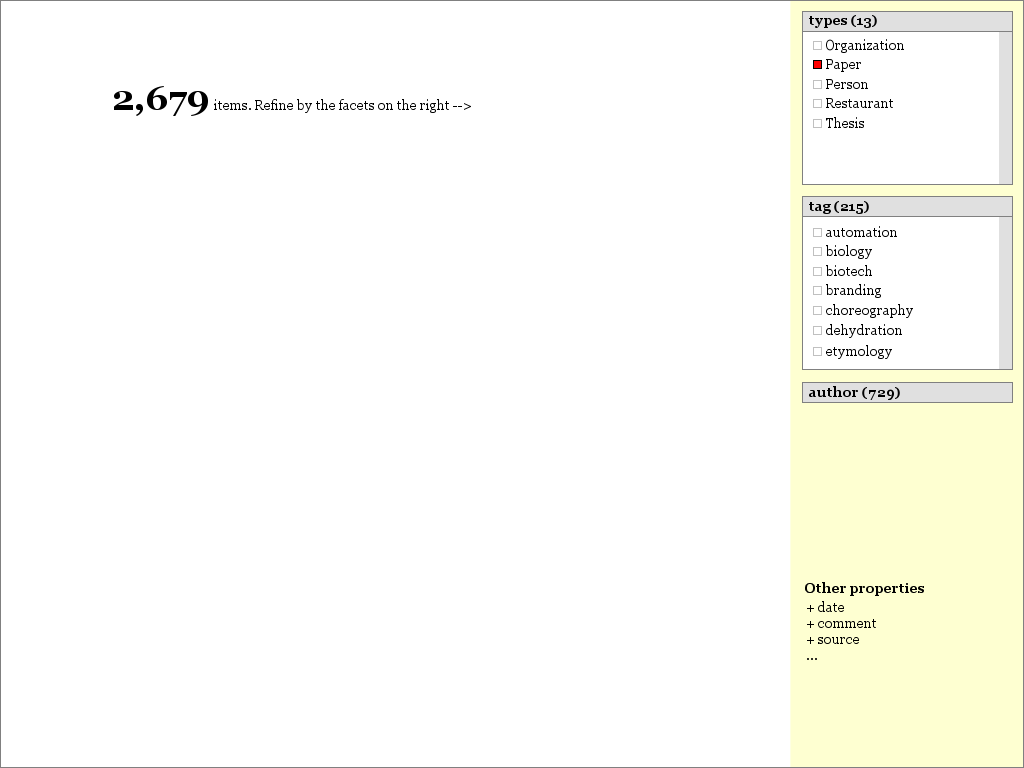
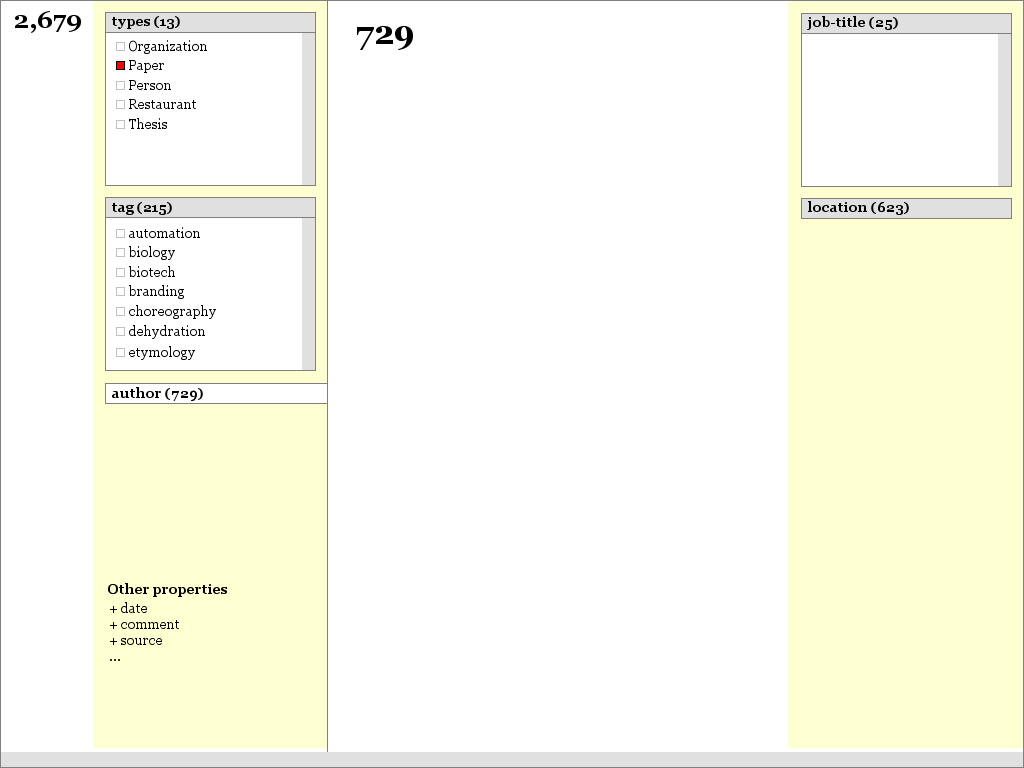
Here's an alternative to presenting the query path:
http://people.csail.mit.edu/dfhuynh/research/ideas/zoomable-faceted-browsing/page-02c.png
http://people.csail.mit.edu/dfhuynh/research/ideas/zoomable-faceted-browsing/page-03c.png
http://people.csail.mit.edu/dfhuynh/research/ideas/zoomable-faceted-browsing/page-04c.png
Properties that have deep constraints appear like "finger tabs". The
whole UI is meant to slide/pan from right to left as you "zoom" into a
property.
This won't be so helpful, but let me say it anyhow: Is there another way
that you can re-frame the problem? The problem here is building a query
where a constraint might be not on an immediate property but a property
several hops away. You're using pivoting to get "there"--to get over
several hops. I've tried to use "group by" to achieve the same effect to
some extent. Maybe there are other ways.
This is actually a very subtle point
It is, but it's a good one. However, in my opinion, it is the result of
a certain UI design where there are no transitions between two sets of
resources. Animations could help?!
Not sure if I understand...
I like "tributary links". Actually, what those links represent are
inverse facet values. I very much liked your way of highlighting all
connected resources per facet value in NFB. Maybe that's the kind of
interaction I was thinking of for the tributary links.
Oh, you mean the yellow synchronized highlighting...
Maybe there's a chance to collaborate here, what do you think?
I'm also not aware of any upcoming semweb UI workshops. WWW2009 might be
a good place...
We can carry on this conversation off the list.

David