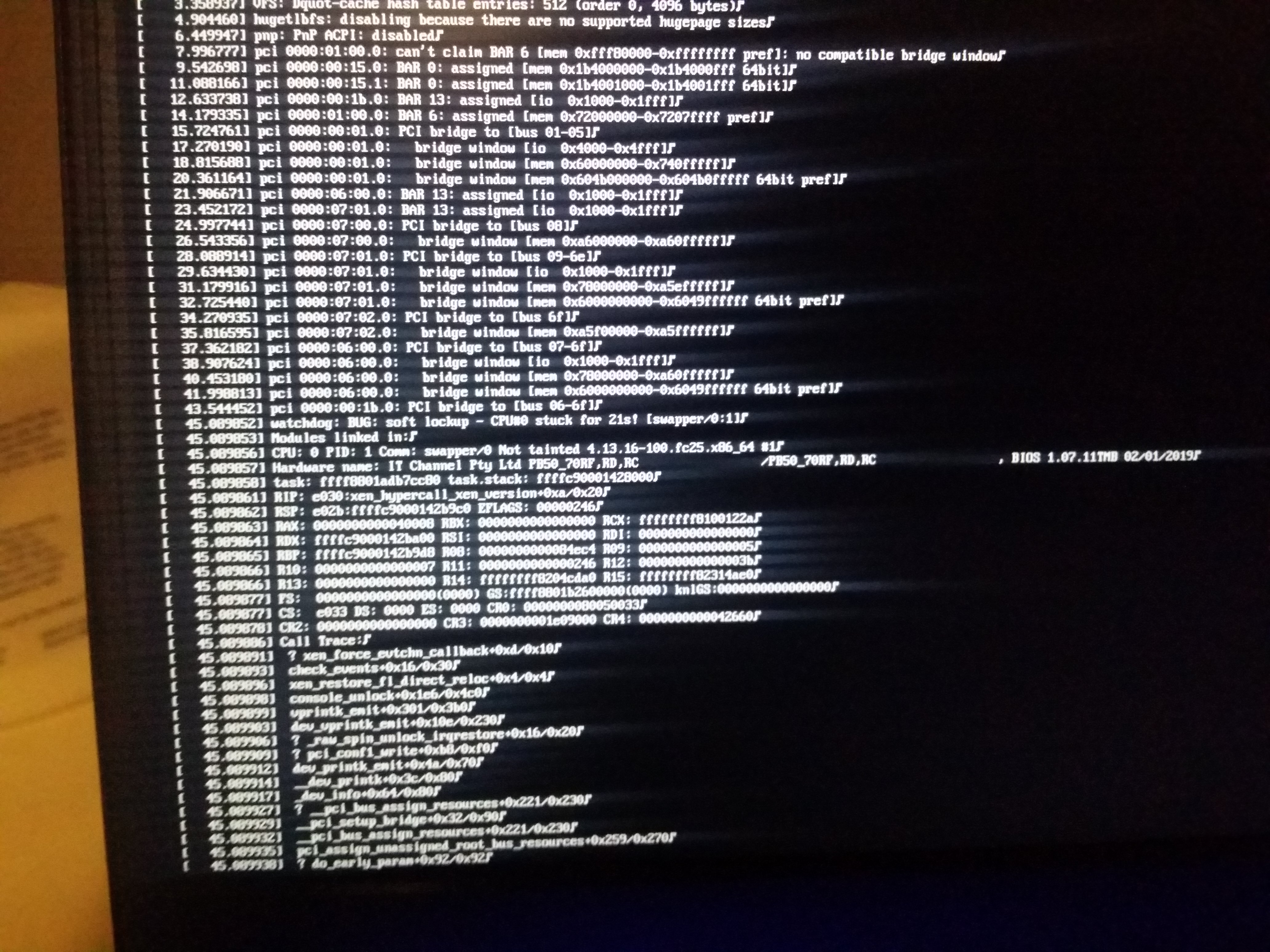
I have been attempting to get Qubes installed on my Metabox Prime-V
laptop, which has resulted in the following kernel panic on each boot.
https://user-images.githubusercontent.com/43260698/67632046-025ddf00-f896-11e9-9012-e6813789a3f5.jpg


This kernel panic seems to be caused by the interaction of Xen and the
iGPU. I can boot Qubes using the Nvidia card or using the iGPU without
Xen perfectly fine. Neither of these solutions are usable however, qubes
without Xen defeats the purpose and the Nvidia card is not supported by
Nouveau.


Solutions I have tried so far:

- Install from Normal 4.0, 4.0.1 and 4.0.2-rc1 ISO.

- Manually create the above isos using Qubes Builder

- Install on another machine, fully update the system and install
kernel-latest.

- Disabling power management (cstates, etc) in both bios and xen/linux
boot line.

- Hiding the nvidia pci device using `xen-pciback.hide`

The following boot configuration has been used:

```

[qubes-verbose]
options=console=vga efi=no-rs iommu=no-igfx loglvl=all
dom0_mem=min:1024M dom0_mem=max:4096M ucode=scan vga=current,keep
guest_loglvl=all
#noexitboot=1
#mapbs=1
kernel=vmlinuz inst.stage2=hd:LABEL=Qubes-20190628-x86_64
i915.alpha_support=1 nouveau.modeset=0 iommu=no-igfx console=hvc0 acpi=off
ramdisk=initrd.img
```


This has allowed be to gather error messages from the console (see above
link). But I have run out of ideas.

I've been posting this on the following github issue as well:

https://github.com/QubesOS/qubes-issues/issues/5422

Thanks.


--
You received this message because you are subscribed to the Google Groups
"qubes-users" group.
To unsubscribe from this group and stop receiving emails from it, send an email
to [email protected].
To view this discussion on the web visit
https://groups.google.com/d/msgid/qubes-users/63a8b55f-014d-a32a-d7d3-a58f10ce90e6%40TLRcommunications.com.au.